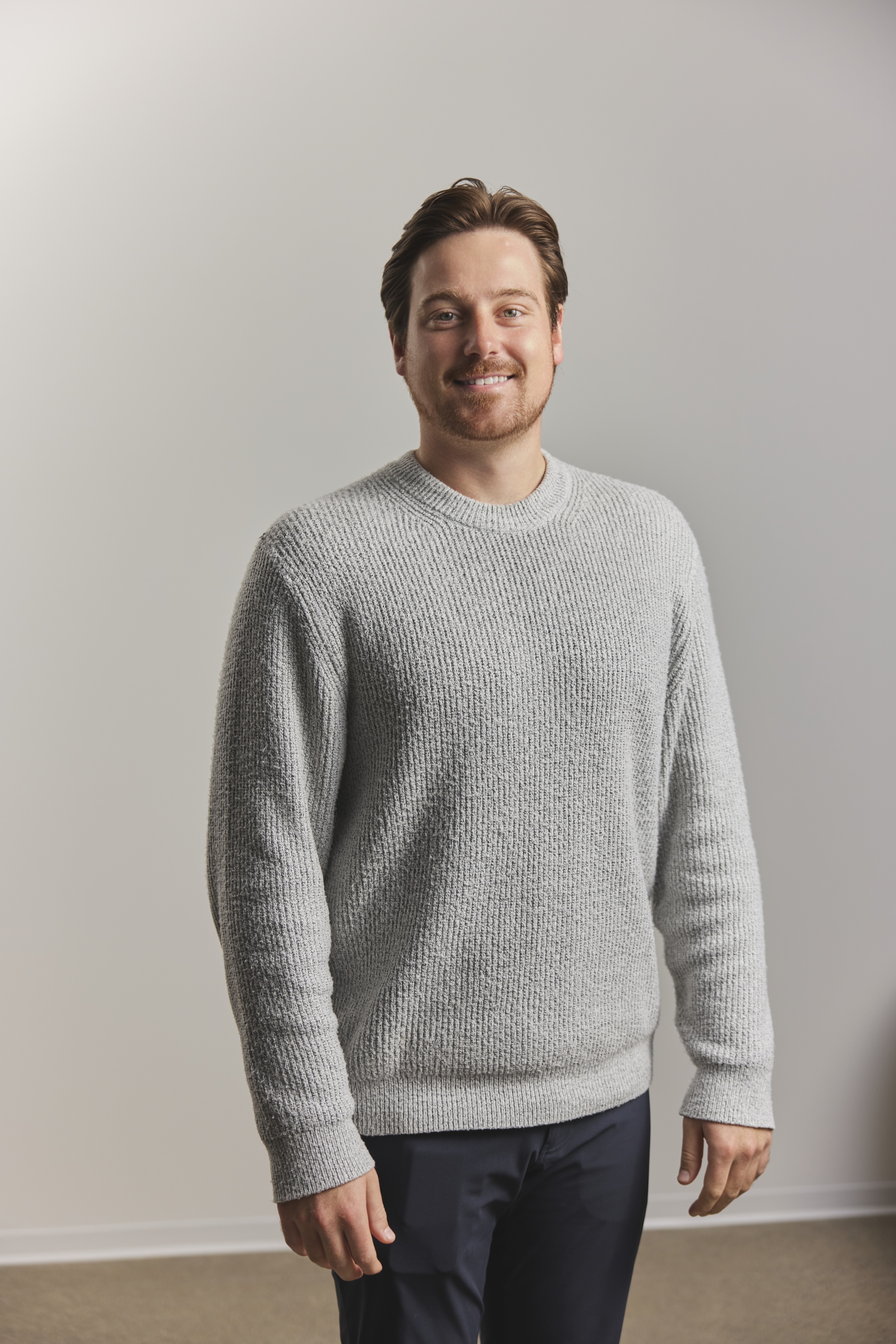
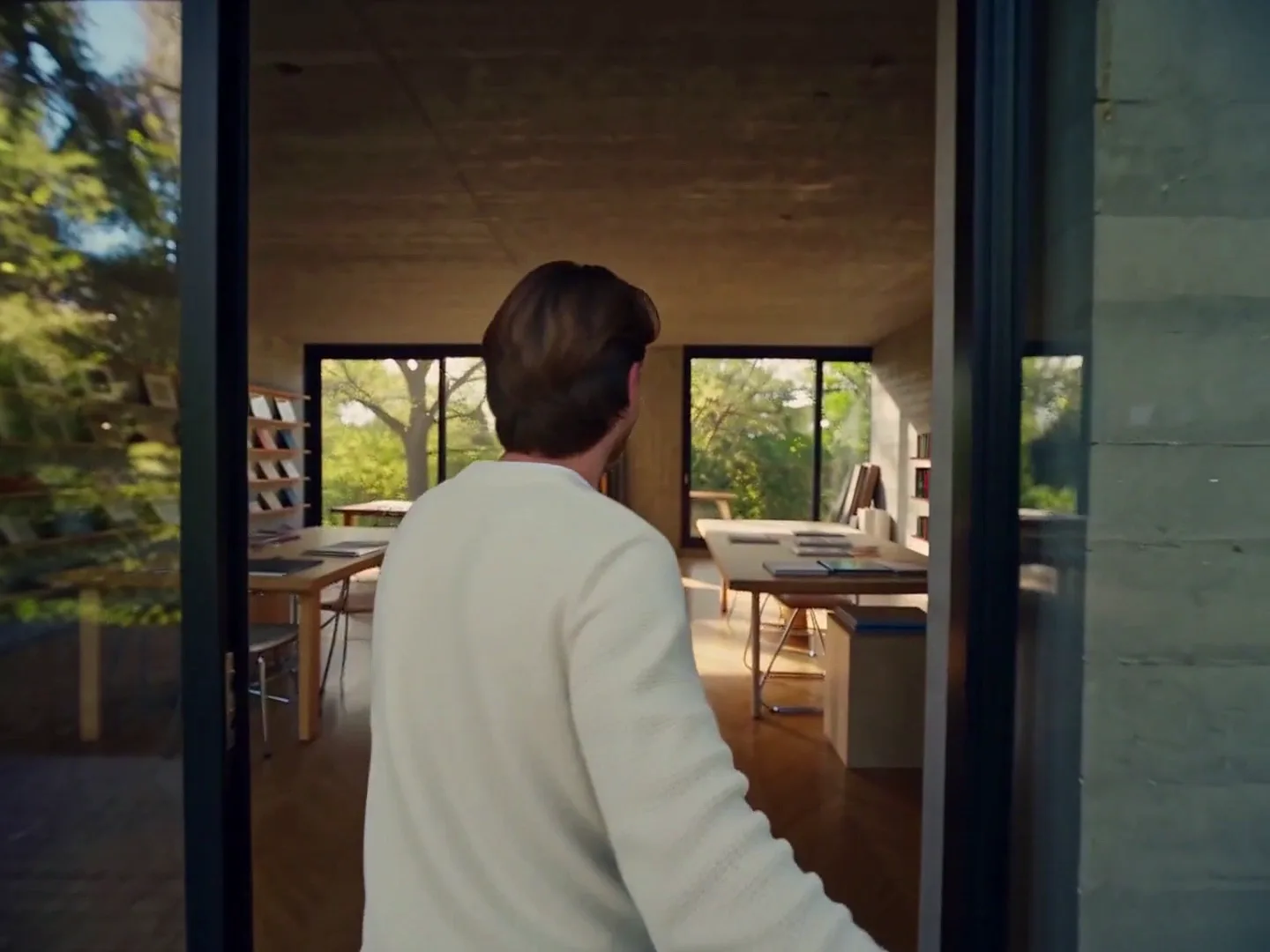
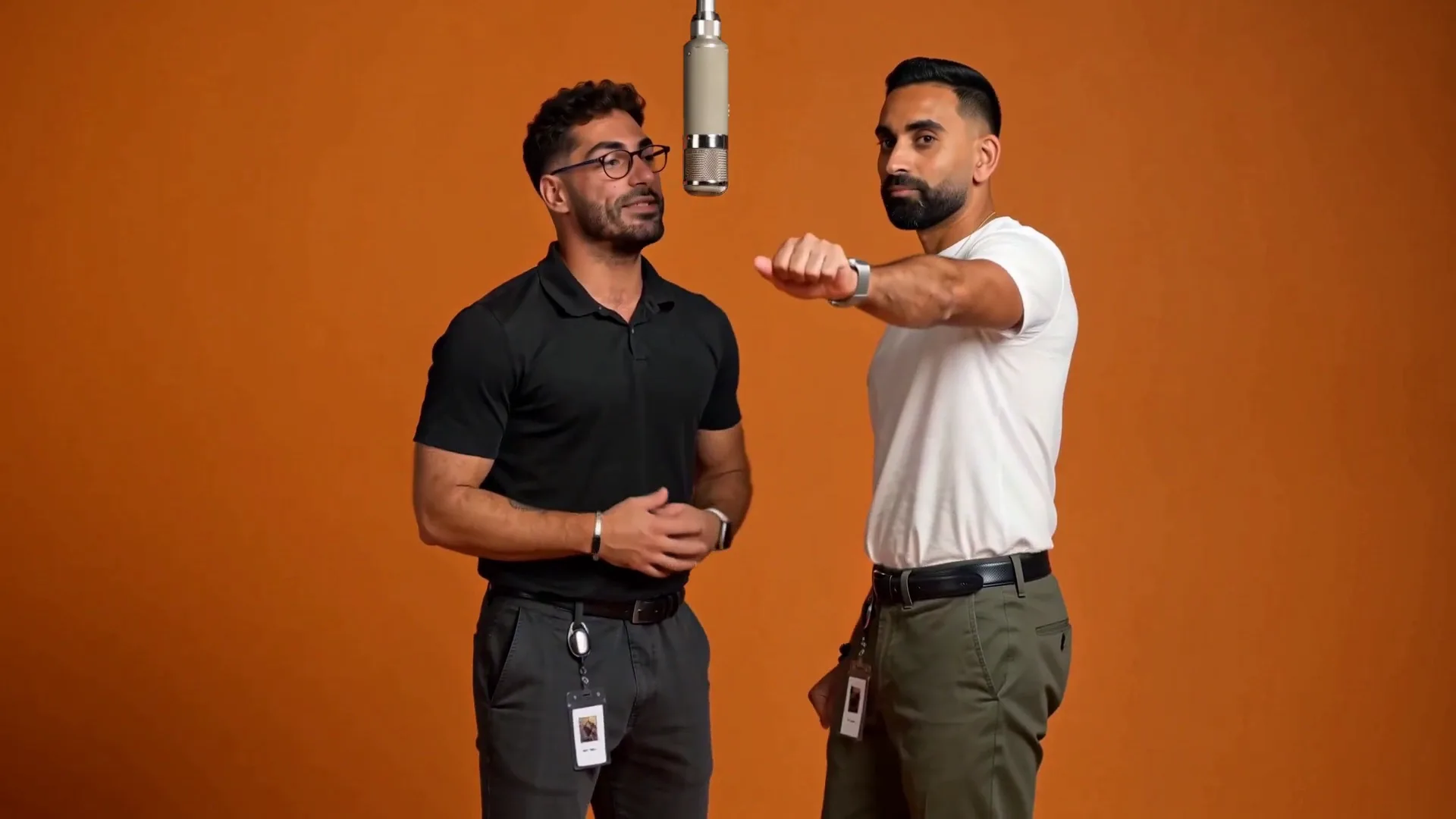
MiniMax H3 Recast Video Generator

Replace one or multiple people in a video with MiniMax H3 Recast using one reference photo per character, while keeping the original performance, camera movement and sound.

1–4 character photos5–30 second source videos768P or 1080P output

Upload a 5–30 second source video and 1–4 character photos. Keep each continuous shot within 15 seconds. Audio follows the source.

Use one photo per new person. Photos replace the main people from left to right by default; describe a different mapping here.

Add 1–4 photos, one per replacement person, in the order they should appear.

Same as source video

Preview video - Generate your own video above

MiniMax H3 Recast: Inputs and Output

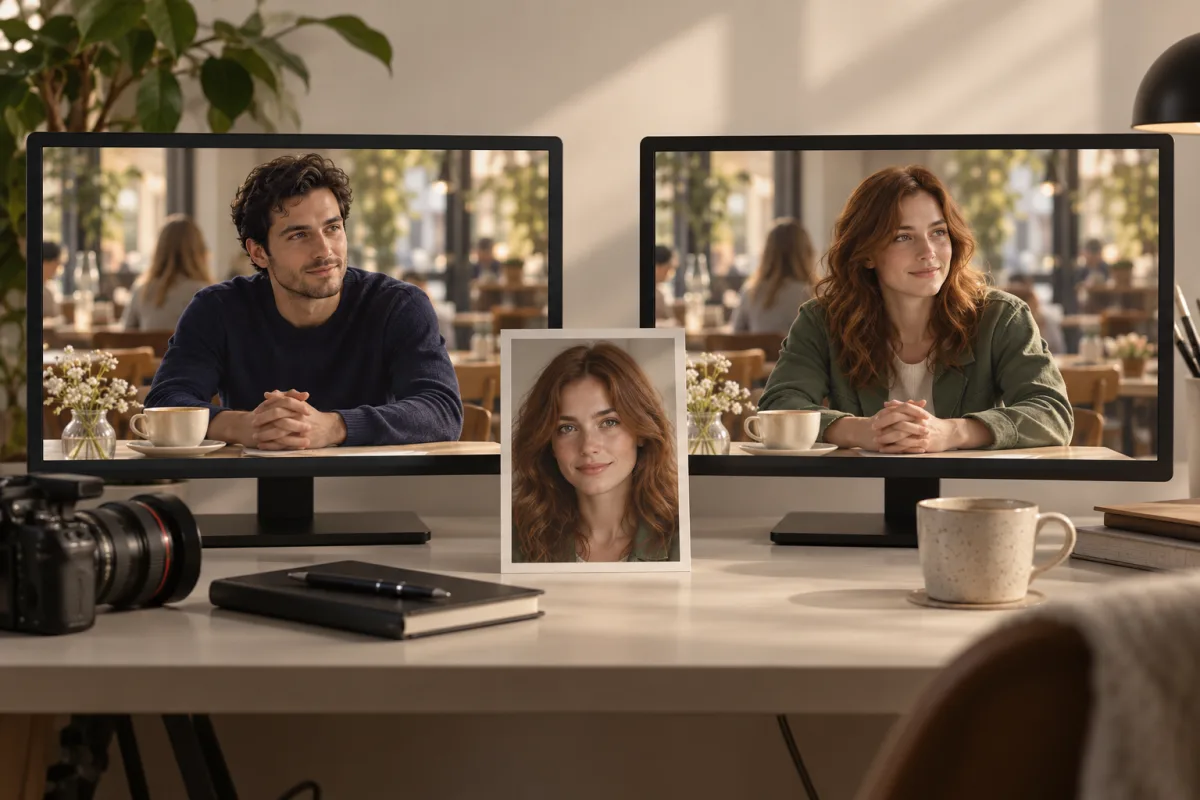
Compare the source video, character reference and recast result together. This example uses one photo; Recast supports replacing multiple people with up to four character photos.

Input video

Input image

Portrait defining the replacement character in this example

Output video

Concept illustration of a source scene and character portrait leading to a recast scene

What Is MiniMax H3 Recast?

MiniMax H3 Recast is the H3 Max video-editing variant for replacing people in footage using reference photos. It follows people across shots and aims to retain their performance, gestures, camera movement, cuts and original soundtrack. Unlike open-ended reference generation, your existing video defines the scene and timing.

  • A photo defines each new person
    Supply one clear photo per replacement person. Use up to four photos for the main cast.
  • Footage defines the performance
    Start from a 5–30 second video. Keep every individual shot no longer than 15 seconds.
  • Source sound stays with the scene
    Recast keeps the source audio rather than asking you to generate a separate voice or soundtrack.

MiniMax H3 Recast Changes the Cast Around Your Footage

Keep an existing creative direction while giving the people in the shot a different identity.

Direct the replacement from a portrait

Upload a character photo rather than describing a face from scratch. Recast uses it to establish who should appear in your source performance.

  • One photo per new person
  • Optional instructions for who becomes whom
  • Up to four reference photos
Direct the replacement from a portrait

Carry the performance through a moving scene

The source provides gesture, staging and camera travel. Recast is designed to follow the replacement character across shots without rebuilding the sequence from a text prompt.

  • Source-led motion and camera movement
  • Existing cuts and timing guide the edit
  • No individual shot longer than 15 seconds
Carry the performance through a moving scene

Map more than one person

Use a different photo for each person you want to replace. Photos map to the main people from left to right by default; use the optional prompt when you need a different assignment.

  • 1–4 character photos
  • Explicit replacement instructions when needed
  • 768P and 1080P output options
Map more than one person

Create Your MiniMax H3 Recast from a Video and Photos

Choose footage with clear faces and a readable performance, then define the new cast.

01

Upload the source video

Use a 5–30 second clip under 100 MB, with no individual shot longer than 15 seconds.

02

Add the new cast

Upload one clear photo per replacement person, up to four. Order them from left to right or explain the mapping.

03

Choose output and instructions

Select 768P or 1080P. Optionally describe who should change and which details matter; the form shows the credits for your clip.

04

Generate and review

Review identities across cuts, hands, gestures and background details. Play the audio, then download the result.

MiniMax H3 Recast for Campaigns, Scenes and Cast Variations

Reuse a performance when the cast is the part you want to change.

Campaign cast variations

Try different lead characters in one advertising performance while retaining the scene direction.

Short-film casting concepts

Explore how another character fits a completed scene before arranging another shoot.

Ensemble variations

Replace several main people using a separate reference photo for each new cast member.

Recurring character scenes

Bring a chosen character identity into several suitable source clips with its own reference photo.

Performance-led creator clips

Keep the original gesture and camera choreography as the basis for a new on-screen person.

Creative concept iterations

Make casting variations of a short approved video without rebuilding every shot from a prompt.

MiniMax H3 Recast Inputs, Output and Practical Questions

Know what your source footage controls before you generate.

1

How is MiniMax H3 Recast different from Character Swap?

Recast is a dedicated H3 Max endpoint for replacing people in source footage. The general Character Swap workflow regenerates a scene from multimodal references; Recast specifically targets source performance, cuts and audio.

2

How many character photos can I upload?

Upload one to four photos, one per new person. By default the photos replace the main people from left to right. The optional prompt can specify a different mapping.

3

What source video length is supported?

The total source must be 5–30 seconds and every individual shot must be no longer than 15 seconds. This page accepts video files up to 100 MB.

4

Does Recast keep the original audio?

The Recast output includes the source sound. You do not upload replacement audio or choose a separate generated soundtrack in this workflow.

5

Can I choose the duration or aspect ratio?

The source video supplies duration, scene composition and timing. Choose 768P or 1080P output; the form reads the source duration rather than offering an independent length selector.

6

How many credits does MiniMax H3 Recast use?

Credits depend on the uploaded clip length and output resolution, and are shown before generation. A five-second clip uses 375 credits at 768P or 565 credits at 1080P. Fractional source seconds are rounded up for the credit calculation; character photos are included.

7

Do I have to write a prompt?

No. The source video and character photos are required; a prompt is optional. Add instructions when the default person order is ambiguous or you need to specify what should stay the same.

8

Will every detail be preserved exactly?

Recast aims to retain motion, camera, cuts and audio, but visual details can change. Review every shot, particularly occlusions, hands and faces, before using a result in a finished edit.

Explore the general Character Swap workflowCreate new videos with MiniMax H3 Max

Give Your Video a New Cast with MiniMax H3 Recast

Bring a source performance and your character photos, then create the next casting variation.