
Is MiniMax H3 Max the same as the base MiniMax H3 model?
No. H3 Max is a separate option in the MiniMax H3 lineup. The generator's model selector shows which option is selected for each task.
Create cinematic clips from a prompt, opening or ending frames, or visual references. This generator uses the MiniMax H3 Max tier for fast video creation at up to 1080P.
Preview video - Generate your own video above
H3 Max video results
See how the selected H3 Max task handles a coastal shot, intimate performance, physical action, product detail, stylized adventure, and an open landscape.

MiniMax H3 Max is a distinct option in the MiniMax H3 video lineup, designed for prompt adherence, visual quality, and fast generation. On this page, it turns a text brief, an opening frame, a first-and-last-frame pair, or reference media into a video with sound.
H3 Max combines flexible shot control with fast generation and a 1080P output tier. Choose the input mode that matches the creative material you already have.
Write a time-ordered prompt for subject, action, camera, and sound; H3 Max turns it into a complete clip. Its optimized inference path is useful when you need to iterate on several cuts of a campaign or story idea.
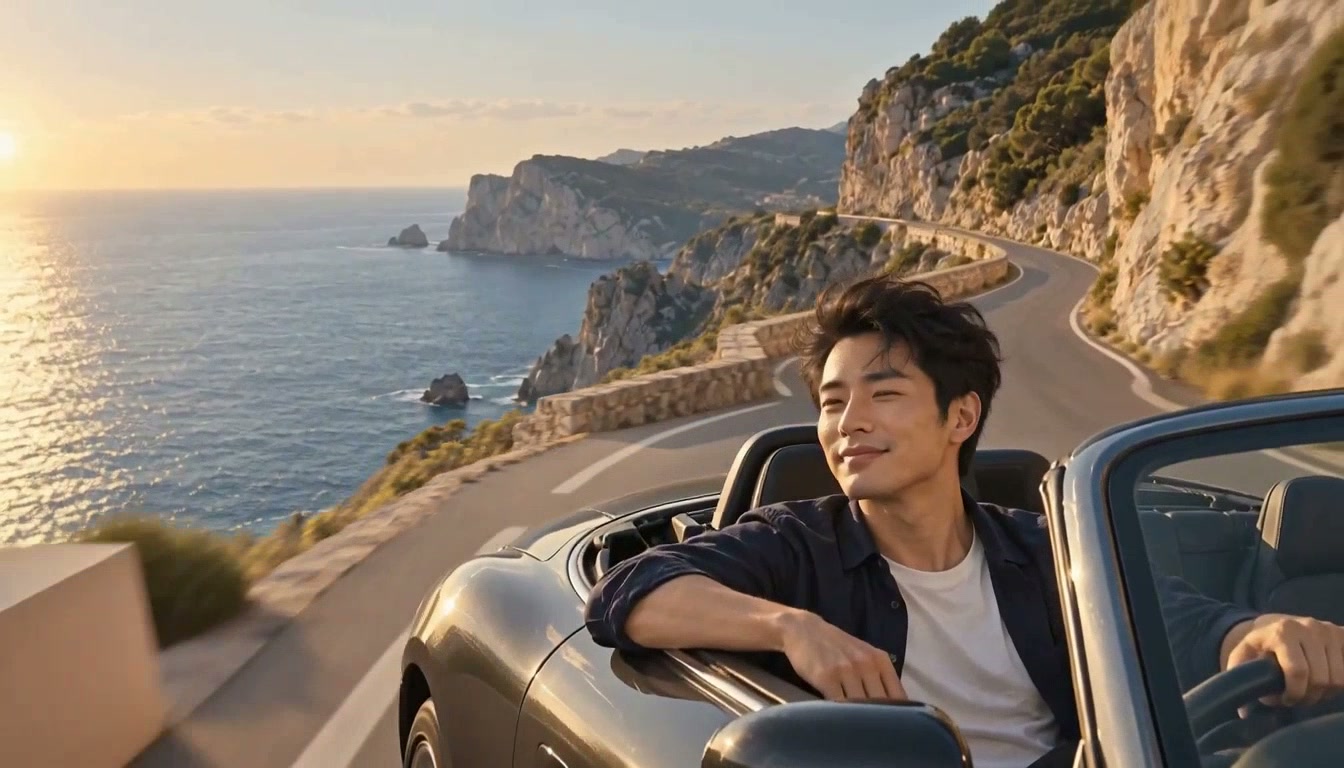
Select the 1080P tier when a product surface, location, or wide composition needs more detail in the final clip. Lower resolution tiers remain available when a quick draft or smaller placement is enough.
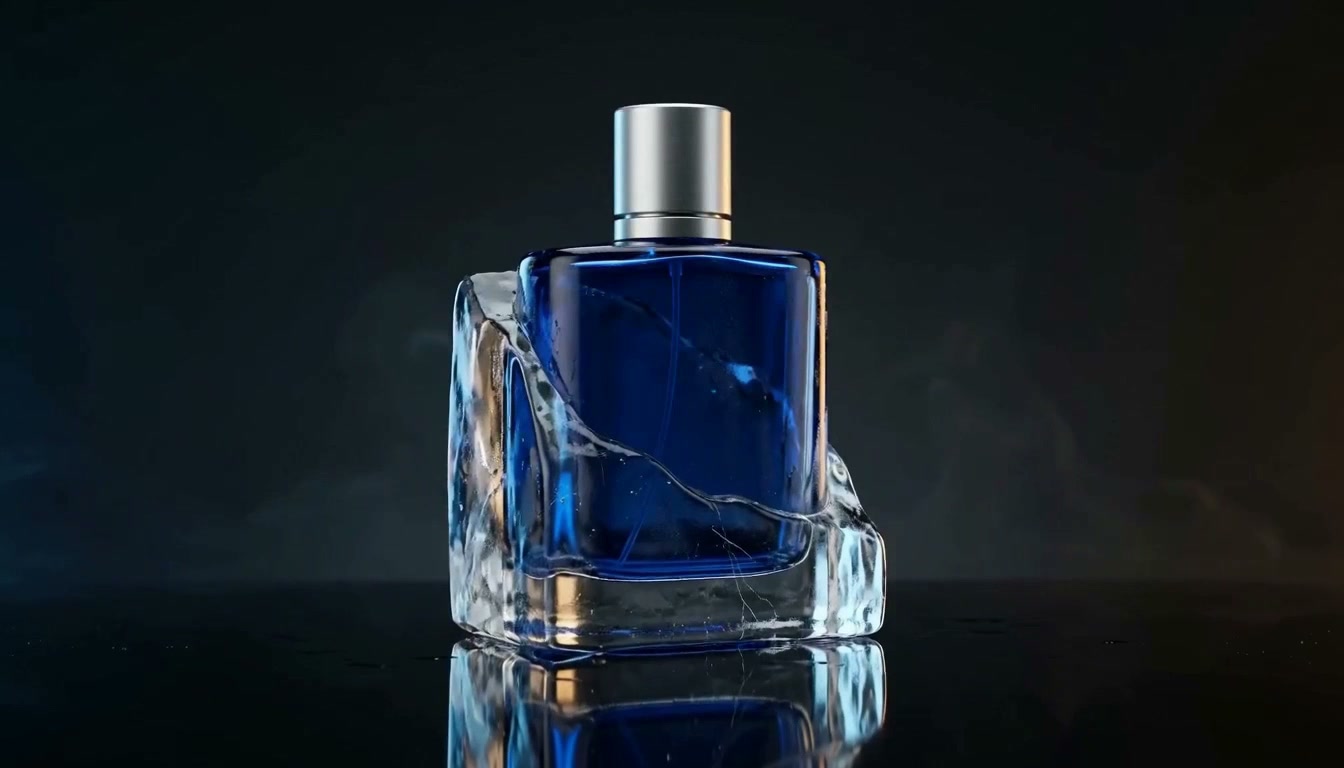
Upload one opening image, define both endpoints of a transition, or supply reference media and explain each file's role. H3 Max generates the connecting motion for character beats, scene changes, and art-directed visuals.
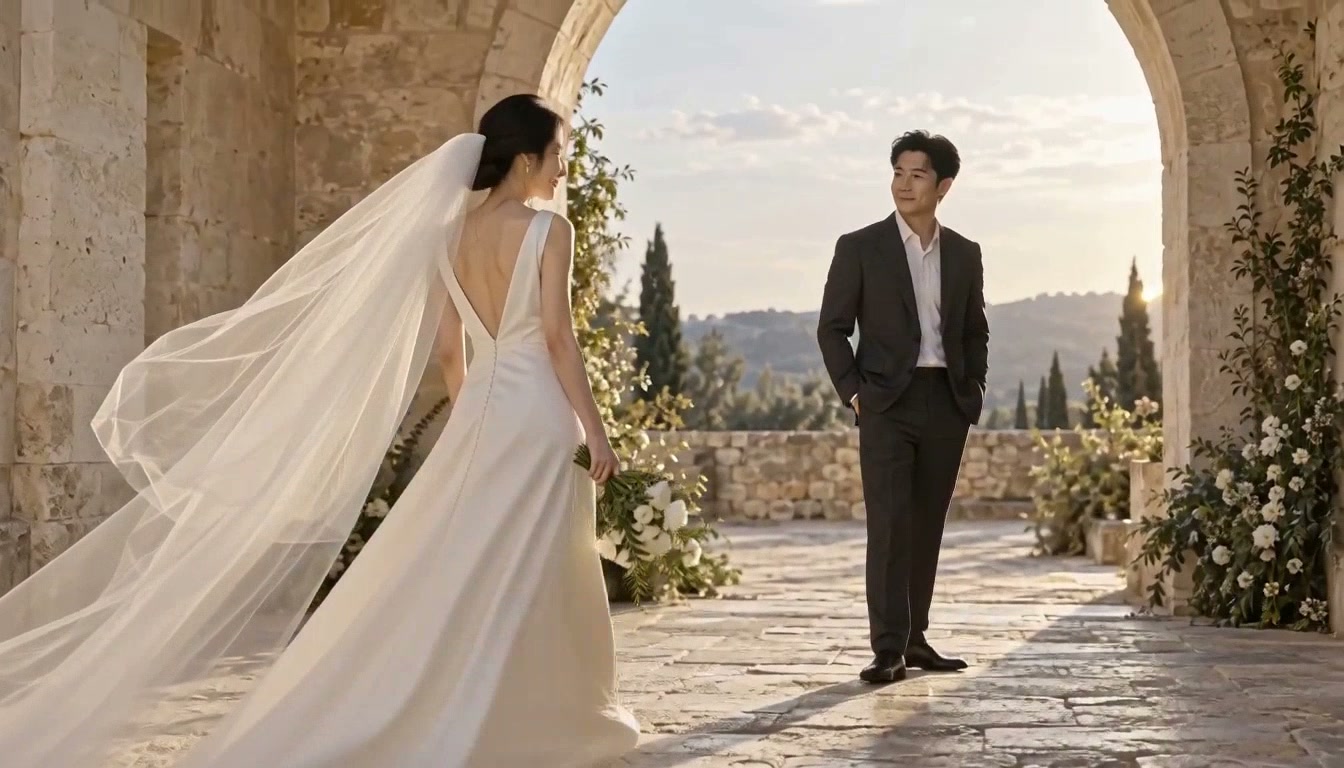
Pick the input that gives the shot enough direction, then let the selected H3 Max task build the motion and sound.
Keep H3 Max selected, then choose text, frame-to-video, or a reference mode.
Write the scene in time order and upload the opening frame, ending frame, or reference files when the mode calls for them.
Choose a supported duration, aspect ratio where available, and 480P, 768P, or 1080P resolution.
Check movement, subject continuity, and sound; revise the prompt or inputs for the next version.
Use a fast first pass for exploration, then add frames or references where the result needs a clearer visual anchor.
Start from a product image and direct a short reveal with material detail, motion, and atmosphere.
Turn a scene brief into a moving shot to explore blocking, camera travel, and pacing.
Use an opening frame to carry a poster, illustration, or concept image into a video moment.
Set first and last frames, then describe the action that should connect them.
Guide a recognizable subject with references while directing expression, movement, and sound.
Sketch a place through lighting, weather, camera movement, and a clear story beat.
Answers about the variant shown here, supported inputs, output choices, and cost.
No. H3 Max is a separate option in the MiniMax H3 lineup. The generator's model selector shows which option is selected for each task.
You can use text, an opening frame, a first-and-last-frame pair, or references. The H3 Max task also supports image, video, and audio reference inputs within its displayed limits.
Yes. This generator offers 480P, 768P, and 1080P output choices for H3 Max. Available aspect ratios and controls can vary by input mode.
The H3 Max task offers durations from 5 to 15 seconds in the generator. Choose the length before submitting.
H3 Max is designed for fast generation. Actual completion time varies with queue load, duration, resolution, and reference inputs.
The generator shows the current credit cost for your selected mode and settings before submission.
Start with a brief, anchor it with frames or references, and create a video at the resolution your project needs.