
Is this HeyGen's avatar generator?
No. HeyGen Video invents a scene and its sound. It does not require selecting a presenter avatar or an existing look.
Turn a scene brief, an opening picture or reference images into a HeyGen Video clip with dialogue, ambience and effects generated together.
Preview video - Generate your own video above
Scenes with their own sound
A lighthouse performance, a watercolor fox animated from its opening image, and a café shot guided by a cup reference show different starting points.
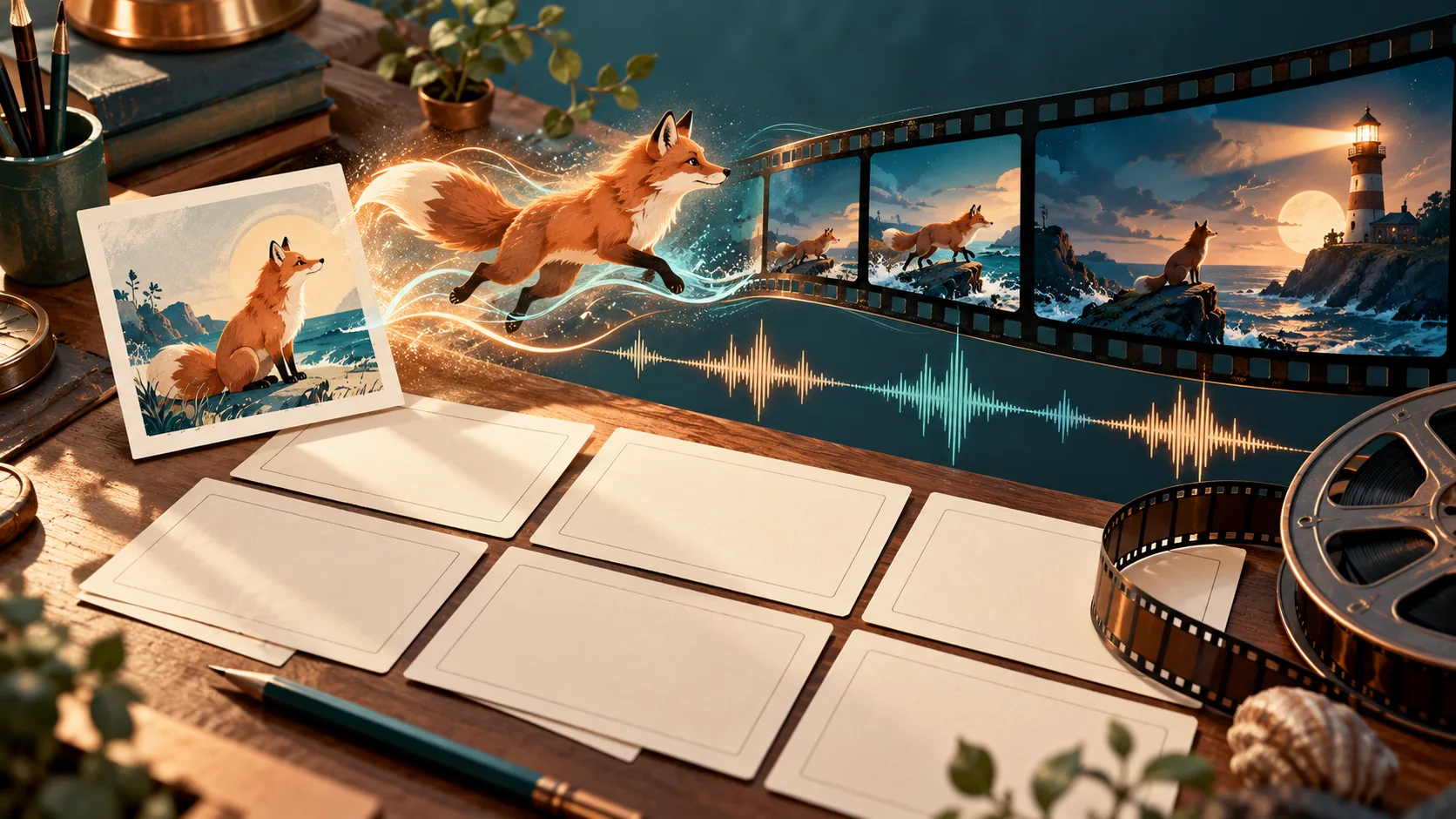
HeyGen Video is a scene-generation model built on MiniMax H3 and post-trained by HeyGen. It creates a short scene and its sound in one generation, rather than animating a chosen avatar from a script. This generator offers text, an opening image and image-reference modes.
Choose the input that carries the most useful direction, then describe a contained action and the sound that belongs with it.
Describe a speaker, the room and a short line of dialogue in one prompt. The scene generates with its own sound, making it useful for a character introduction or a compact narrative beat.
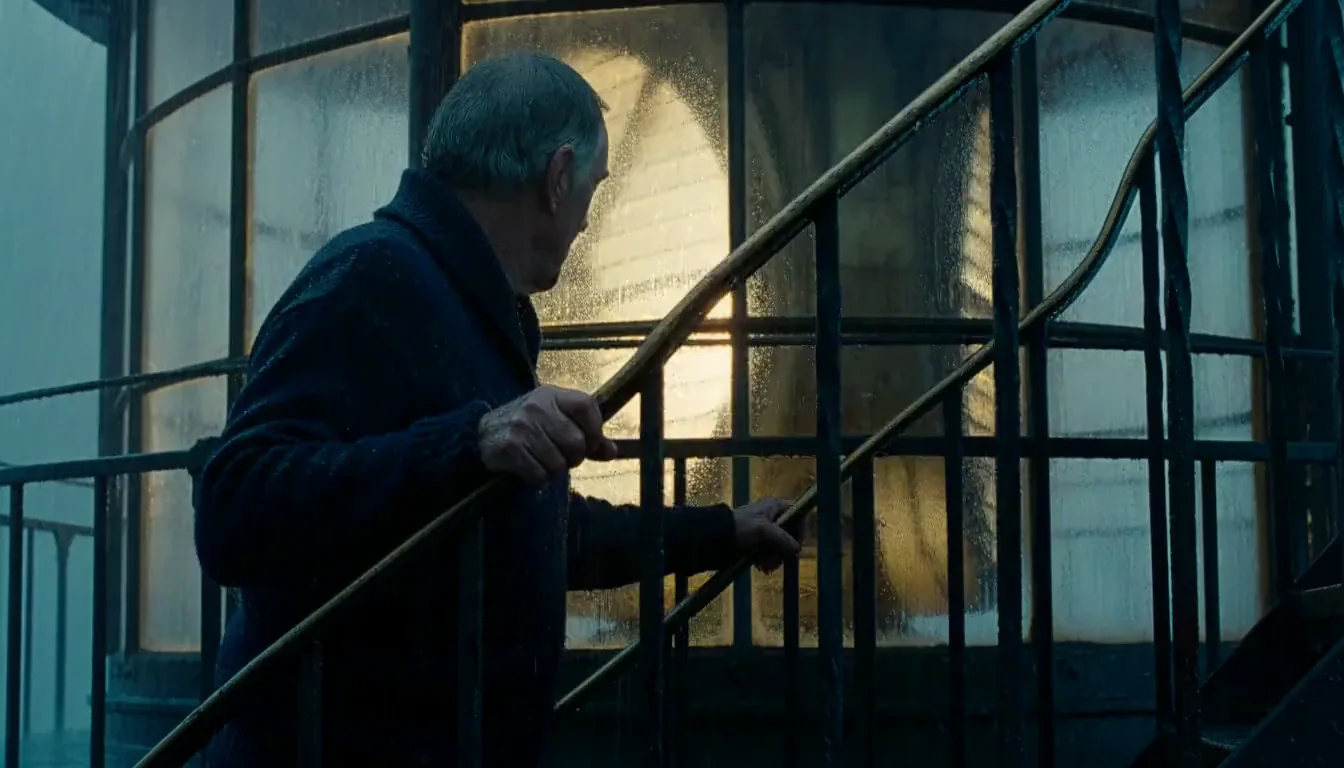
Upload an image in frame-to-video mode and describe what happens next. The watercolor fox input shown here anchors the corresponding example's opening; its proportions determine the composition.
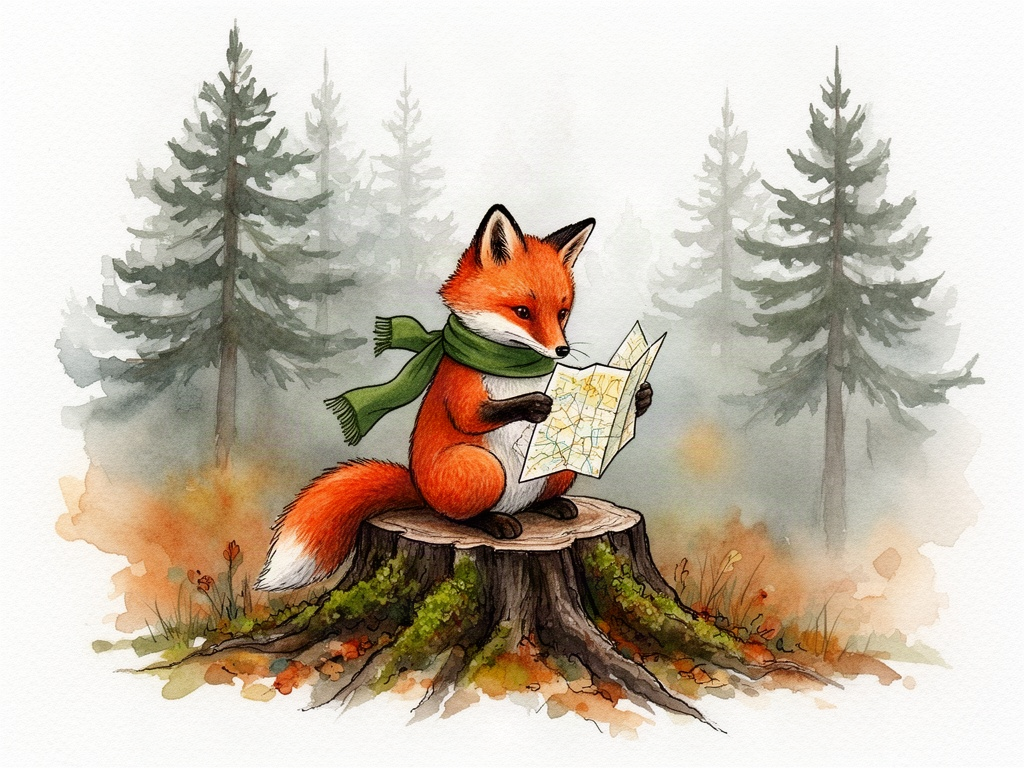
Add reference images and name their roles in the prompt. The cup reference shown here guides the café example; the scene can change around the supplied subject rather than having to start on that photograph.

Give a short scene enough direction to connect its visible action and sound.
Keep HeyGen Video selected and choose text, an opening frame or reference images.
Name the subject, action, camera and sound. Add the opening picture or ordered references when needed.
Choose 5–15 seconds and 480p, 768p, 1080p or 2K. Frame mode follows your image's proportions.
Check the final action and listen to the sound, then revise your brief for the next take.
Short, focused compositions give each scene a clear job in a larger edit.
Create a brief spoken moment with a defined setting and a restrained camera.
Place a supplied object into a shop, café or tabletop composition.
Begin on a drawing and direct a small movement in its original medium.
Build a self-contained reaction or environmental beat for a longer sequence.
Describe a place through weather, lighting, ambient sound and a clear focal point.
Try a physical medium such as watercolor or clay while keeping the scene brief consistent.
Choose the mode and output settings that match the scene you want to create.
No. HeyGen Video invents a scene and its sound. It does not require selecting a presenter avatar or an existing look.
Text, one opening image, or 1–9 reference images. Video and audio reference uploads are not offered by this task. There is no last-frame input.
There is no audio toggle for this task. Direct dialogue, ambience, effects and music in the prompt, and listen to the output before using it.
Choose any whole-second duration from 5 to 15 seconds and 480p, 768p, 1080p or 2K. Image mode follows the opening image; other modes expose aspect-ratio choices.
A five-second clip costs 25 credits at 480p or 768p and 75 credits at 1080p or 2K. The generator updates the quote for your chosen duration before submission.
Start with one subject and one action. Long text, delicate organic motion and close hand manipulation need careful review; add exact typography in your editor when it must be reliable.
Start from a brief or a picture and turn a focused idea into a short scene with sound.