
Input video
Coastal Driving Performance
The original driver, convertible, road, camera movement, and golden-hour setting provide the motion and scene reference.
Replace one selected person with a new character while using the source clip to guide motion, framing, and scene timing. Upload a short video and one clear character image, then describe exactly who should change and what should stay unchanged.
Add up to 12 references: 9 images, 3 videos, and 3 audio clips. Each video or audio clip must be 2–15 seconds; videos and audio each have a separate 15-second total limit. Refer to them as Image 1, Video 1, and Audio 1 in your prompt.
Preview video - Generate your own video above
Real input and output
See the complete transformation: a five-second source video supplies the performance, a portrait defines the new character, and MiniMax H3 generates the recast coastal drive.
Input video
The original driver, convertible, road, camera movement, and golden-hour setting provide the motion and scene reference.
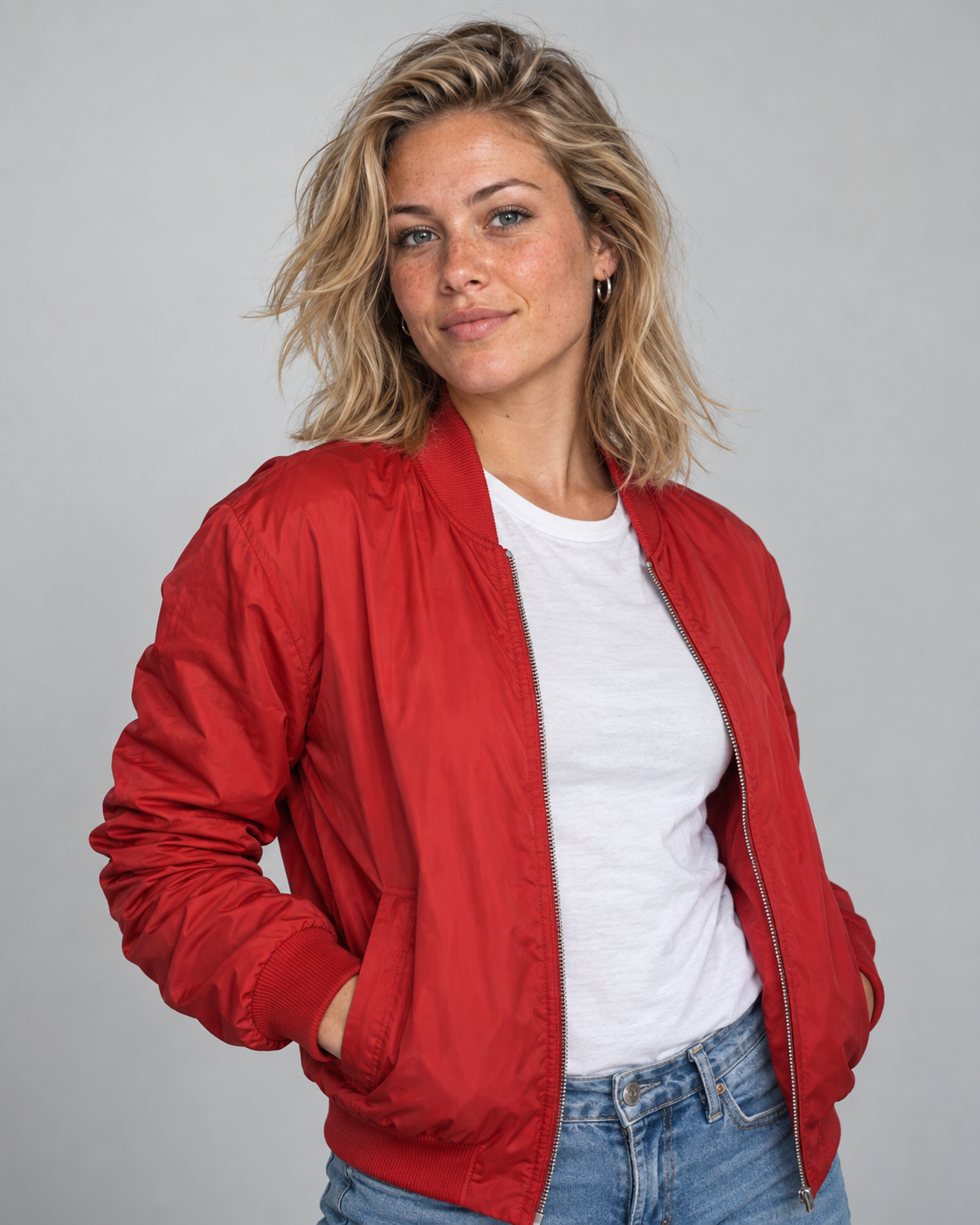
Input image
The portrait defines the replacement character's face, blonde hair, freckles, red bomber jacket, and white T-shirt.
Generated video
The new woman takes the driver's place while the convertible and recognizable coastal environment remain in the generated shot.
This is an unretouched MiniMax H3 multimodal reference output. Because the model regenerates the shot, motion and framing can be interpreted rather than copied frame for frame.
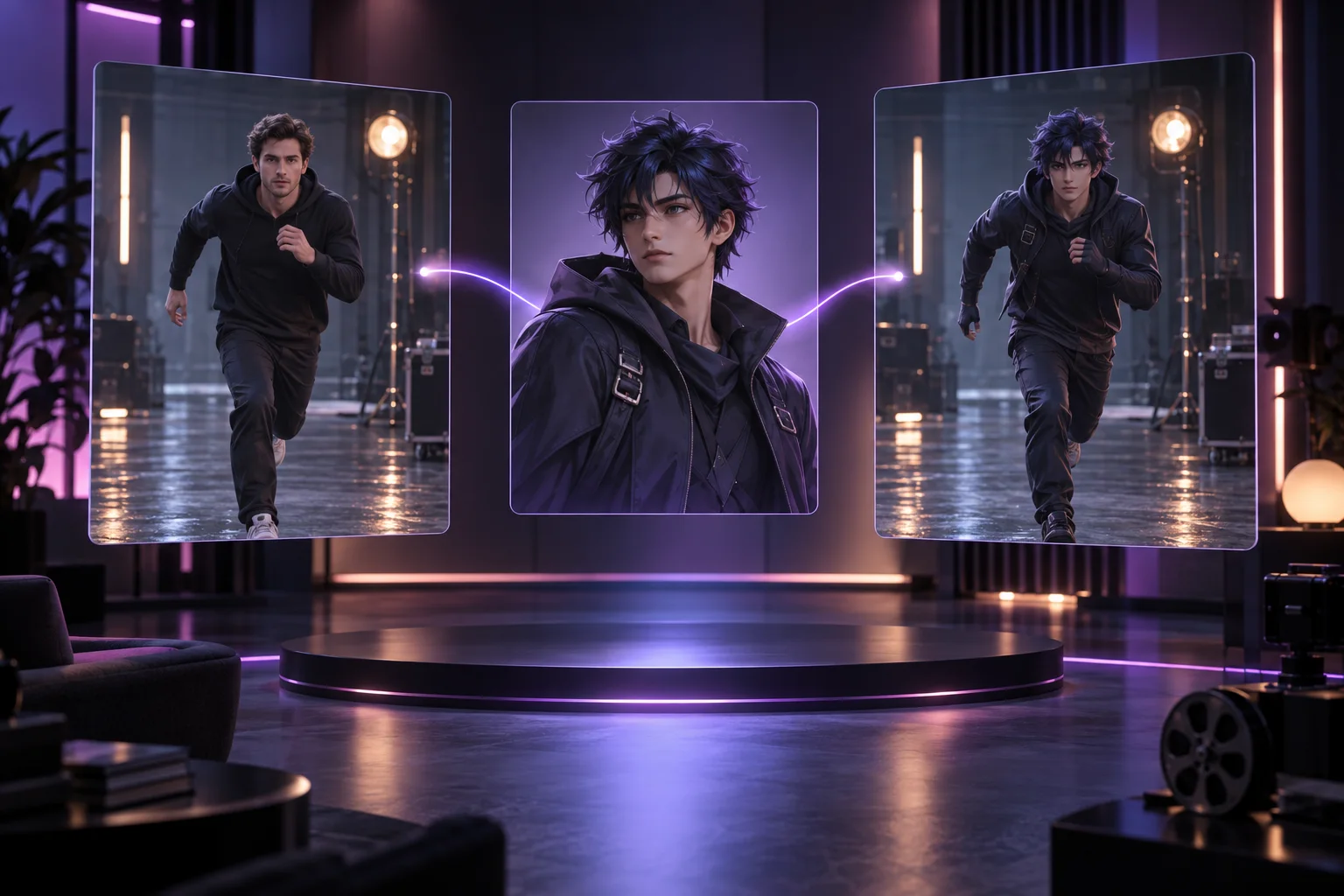
MiniMax H3 Character Swap uses the model's native multimodal reference workflow. You provide a short source video for movement and scene structure, plus an image for the replacement character. The model regenerates the clip around that new character; it is not a frame-by-frame compositing or face-swap tool.
The strongest workflow gives each input one clear job: the video controls performance, the image defines the new character, and the prompt protects important scene details.
Upload a short, continuous shot with readable body movement. The source video guides pose, scale, position, action rhythm, and camera movement in the regenerated clip.
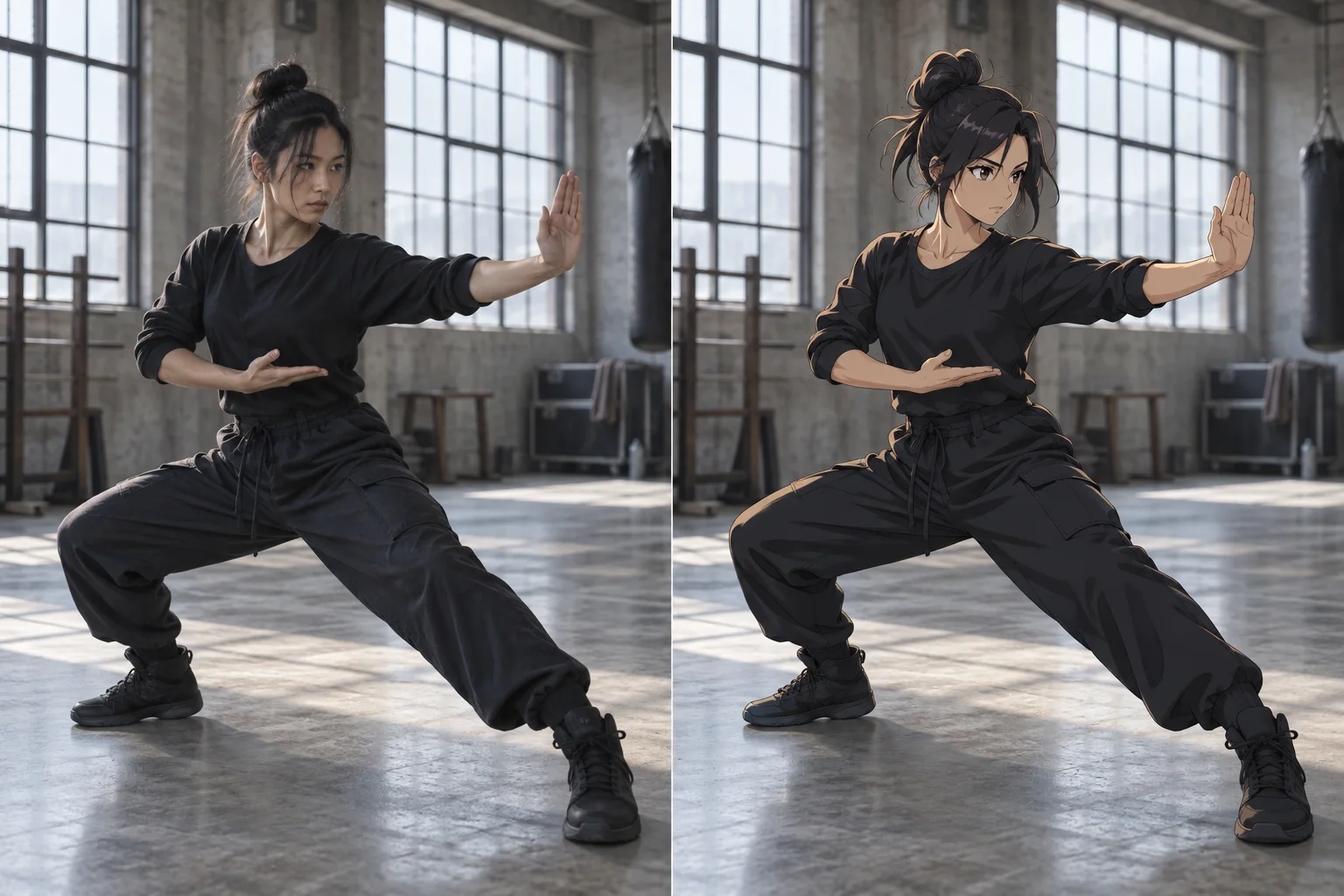
Upload one clean character image with strong identity cues. A portrait or compact character sheet can guide the face, hair, outfit, colors, silhouette, and rendering style.
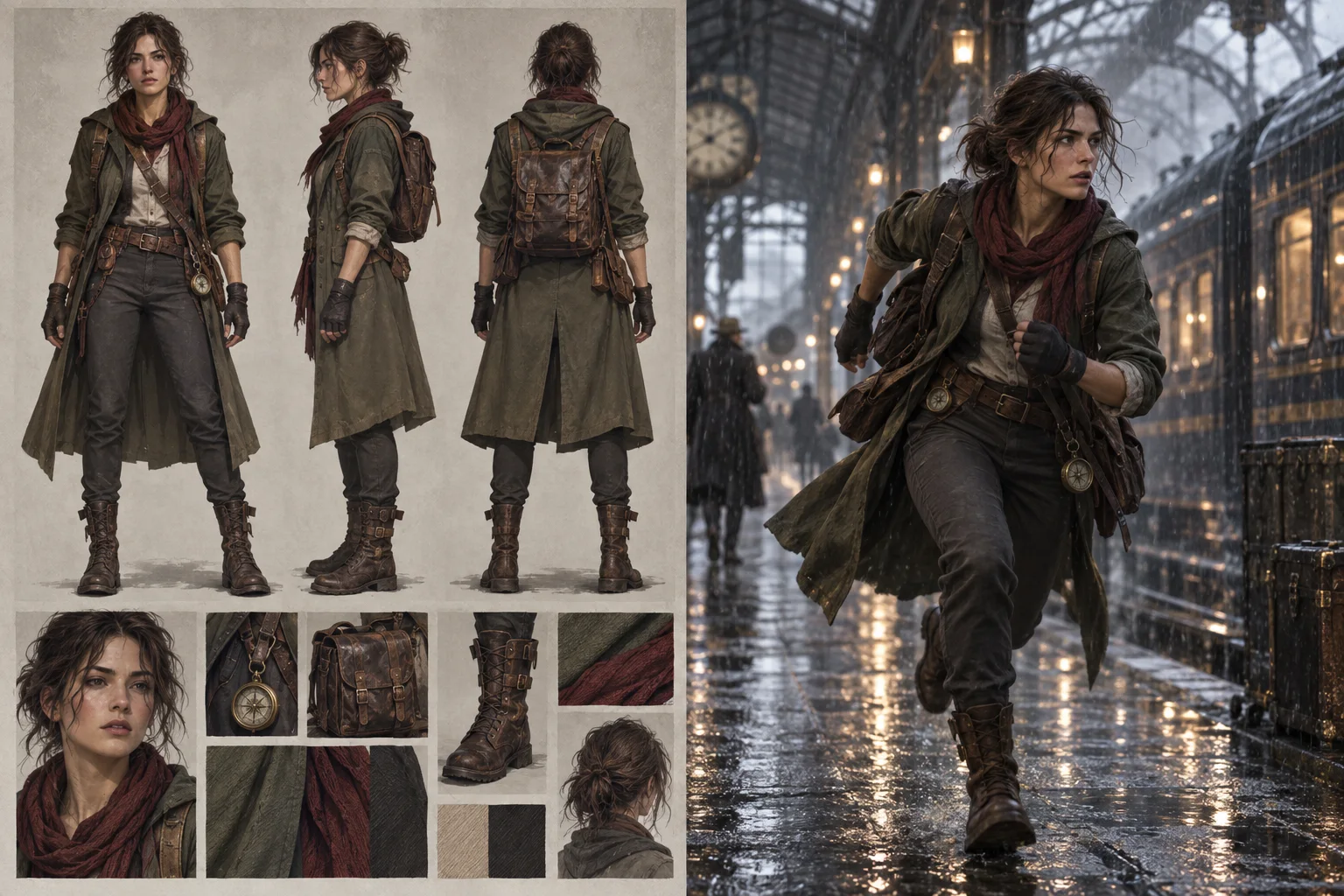
Name the person to replace, then state which background, lighting, props, bystanders, camera behavior, and action timing should remain from the source video.
A focused source clip and a clear reference image give MiniMax H3 the best chance to separate motion from character appearance.
Choose a short, continuous clip with one obvious target performer and limited occlusion. The video becomes Video 1.
Upload a sharp portrait or character sheet that clearly shows the replacement character's face, hair, clothing, colors, and body shape.
Identify the target person by clothing or position, map the replacement to Image 1, and list the scene details that should remain unchanged.
Check identity, pose, background, camera motion, cuts, and facial expression. Revise one instruction or reference at a time when refining the result.
Use character replacement when an existing performance provides the motion you need but the final story calls for a different on-screen identity or visual style.
Turn a simple live-action performance into a shot led by an original illustrated or stylized character.
Reuse a planned gesture, walk, dance, or reaction as motion guidance for a recurring virtual character.
Explore different mascots or campaign characters while keeping the approved scene structure and performance idea.
Place an original game character into a short filmed action reference to preview movement and cinematic staging.
Test a strongly defined costume, silhouette, or cross-style character direction against an existing performance.
Create several visual casting options from the same short source action without reshooting the underlying movement.
Understand the required inputs, prompt structure, strongest source clips, and practical limits of this generative replacement workflow.
No. It can regenerate the selected character's full appearance, including face, hair, clothing, proportions, and visual style. A face-swap tool usually changes only the face while preserving the original body and footage.
Upload one short source video as Video 1 and one target character image as Image 1. The prompt must identify the person being replaced and explain which source details should remain.
Short, continuous clips around five seconds are the best starting point. Favor one clear target, limited occlusion, stable framing, and no hard cuts.
This workflow is designed for one selected character. Multi-character replacement is less predictable because identity, placement, and interactions can drift.
Not exactly. The source video guides the scene, but the result is newly generated. Background details, framing, timing, expressions, and hard cuts can change.
No. A clean, simple background helps, but transparency is not required. The character should be unobstructed and large enough for identity, outfit, and silhouette to be readable.
Start with 'Replace only' and identify the target by clothing or position. Map the new character to Image 1, then list the camera, background, other people, props, lighting, pose, and motion that should stay from Video 1.
Upload a short performance and a clear character image, describe the replacement, and generate a new character-driven take.