MiniMax H3 Prompt Generator

Describe the video you want in your own words. If you have a reference image, briefly describe what is in it. The generator turns your idea into a structured prompt for MiniMax H3.

One simple inputBuilt for MiniMax H3Free after sign-in
0/2000
Video duration
Sign in to generate your prompt
Your MiniMax H3 prompt
Your generated prompt will appear here with a visual timeline, camera direction, soundscape, and music guidance.
What the MiniMax H3 Prompt Generator Creates

What the MiniMax H3 Prompt Generator Creates

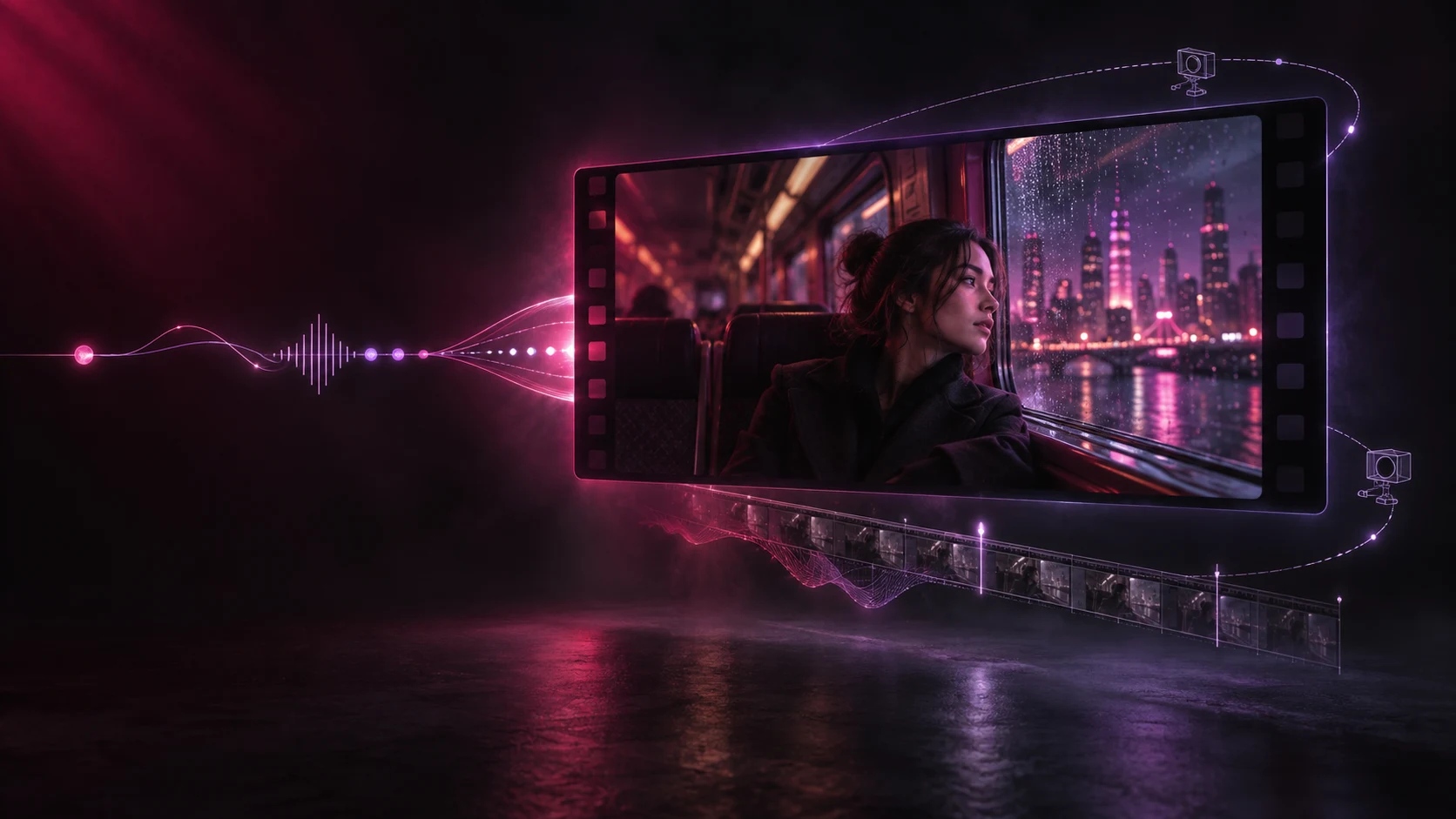
The tool keeps your original idea at the center, then adds the practical details a video model needs to stage a short clip clearly.

  • A coherent visual timeline
    Actions, scene changes, and timing are arranged as one short sequence instead of a loose list of visual keywords.
  • Concrete camera direction
    Framing and movement are expressed naturally, with only the camera instructions that help the scene.
  • Sound and music guidance
    Ambient sound, physical effects, dialogue, and background music are separated so the audiovisual intent stays clear.

Core MiniMax H3 Prompt Generator Features

A focused prompt writer for the details that matter most, without making you complete a production questionnaire.

Idea to Detailed Prompt

Start with a sentence, a rough concept, or an existing prompt. The generator expands it into a usable MiniMax H3 structure.

Reference Image Descriptions

No image upload is needed here. Briefly describe your image in the same box and the result will treat it as the opening visual reference.

Dialogue Preserved

When you include dialogue, lyrics, or visible words, the generator keeps the original language and wording instead of rewriting it.

Shot-Aware Structure

The result starts with a clear first shot and adds another cut only when it contributes meaningful new visual information.

Native Audio Direction

Environmental sounds and physical effects are planned alongside the visuals rather than added as disconnected tags.

Copy or Continue

Copy the finished prompt anywhere, or jump to the MiniMax H3 generator and use it as the starting point for a video.

How to Use the MiniMax H3 Prompt Generator

You only need one box. Give the tool enough context to understand the scene, then refine the generated prompt if you want to change a detail.

01

Describe the Idea

Write what should happen in the video. Mention important dialogue or on-screen words exactly as they should appear.

02

Mention a Reference Image

If you plan to use an image later, briefly describe its subject, setting, composition, or style in the same input.

03

Generate and Copy

Sign in, generate the structured prompt for free, then copy it or continue to the MiniMax H3 video generator.

MiniMax H3 Prompt Generator Questions

Quick answers about input, reference images, output structure, access, and cost.

1

What is the MiniMax H3 prompt generator?

It is a focused writing tool that expands a short video idea into an English prompt structured for MiniMax H3. The result covers the visual timeline, camera direction, soundscape, and optional background music.

2

What should I type into the generator?

Describe the video you want in plain language. A subject, action, and setting are enough to begin. You can add style, camera ideas, dialogue, sound, or duration when those details matter to you.

3

Can I use it when I have a reference image?

Yes. The prompt generator does not upload or inspect images, so briefly describe what is visible in your image and explain what you want to happen next. The output will refer to it as the opening picture.

4

Does the tool upload my image?

No. This page has no image upload. It only uses the description you type, which keeps the workflow quick and avoids an unnecessary image-analysis step.

5

Is the MiniMax H3 prompt generator free?

Yes, it is currently free to use and does not deduct site credits. You must sign in before generating a prompt.

6

Why does the result include sound and music?

MiniMax H3 can work with audiovisual direction. Separating environmental sound from background music makes the intended result clearer and avoids mixing every audio cue into the visual description.

7

Can I edit the generated prompt?

Yes. The output is ordinary text. Copy it and change any shot, action, camera move, sound, or music detail before using it for video generation.

8

Does a longer prompt always make a better video?

No. Useful prompts are concrete and coherent, not merely long. The generator adds details that support the scene while avoiding unnecessary characters, dialogue, brands, and visual clutter.

Try the MiniMax H3 Prompt Generator Free

Turn one simple idea into a structured audiovisual prompt, then copy it into your MiniMax H3 workflow.