
Build an Anime PV as a Multi-Step Story
KATE shows a complete anime PV workflow that develops an initial idea beyond a single isolated clip.
Loading the original post from X…
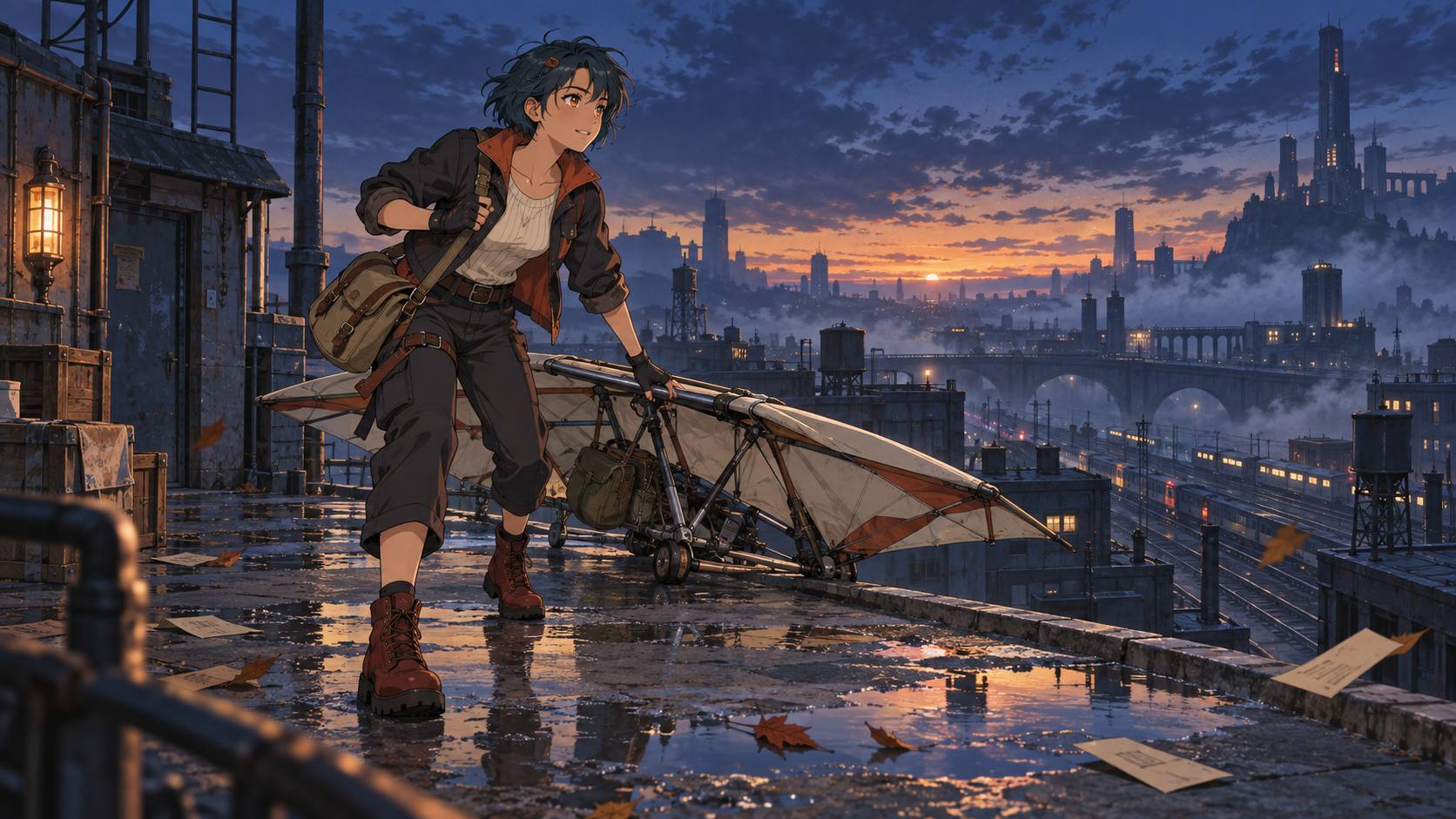
Turn an original idea, anime-style first frame, or character reference into a directed clip with MiniMax H3 Max. Start from the included sky-courier frame, edit the prompt, or replace it with your own artwork.
Preview video - Generate your own video above
We created the opening frame as original artwork, then used MiniMax H3 Max to animate one continuous rooftop run, glider launch, camera arc, layered city motion, and synchronized sound. The video is an unmodified model output.
Community references
These original posts show how creators use MiniMax H3 for anime openings, action direction, and story-led character work. Play each post in its original context.
KATE shows a complete anime PV workflow that develops an initial idea beyond a single isolated clip.
Loading the original post from X…
AiAniAlchemist explores character-specific combat direction and recommends a director-style view for shaping the sequence.
Loading the original post from X…
These community examples belong to their original creators and are embedded from X for attribution. They are not H3Vid productions or downloadable site assets.
MiniMax H3 Anime describes a style workflow, not a separate anime-only model. MiniMax H3 Max can begin from text, an opening frame, first and last frames, or visual references. You direct the character, performance, camera, pacing, environment, and sound while the selected inputs anchor the look.
Choose a starting method that matches the creative decision you already have. Each workflow uses the same generator while giving MiniMax H3 a different kind of visual evidence.
Describe a new character, setting, action, camera move, and cel-animation treatment when you want to discover the entire shot from a written idea.
Upload finished character art or a storyboard frame, then focus the prompt on performance, environmental motion, camera timing, and the final pose.
Define an opening and ending composition when a transformation, reveal, camera transition, or exact destination matters to the shot.
Provide compatible face, profile, full-body, costume, and prop references, then state what each image should preserve during the action.
Start from original sequential art and direct restrained parallax, expression changes, effects, and camera emphasis without treating every panel as a separate scene.
Describe cel-shaded forms, controlled materials, graphic lighting, and deliberate camera movement for an anime-inspired 3D rendering language.
Begin with one clear shot and give every input a specific job before increasing duration or adding more references.
Use text for discovery, frames for composition and transitions, or references when a known character design and world must guide the result.
Use readable silhouettes, unobstructed faces, consistent costume details, and compatible views. Avoid mixing conflicting designs or unrelated styles.
Describe the opening state, character action, camera movement, secondary motion, sound, and final frame in the order they should happen.
Review identity, anatomy, timing, camera continuity, and audio. Change one major instruction or input at a time for the next version.
A useful anime prompt behaves like a compact shot brief. Separate the decisions that define the look from those that define movement and timing.
State age, silhouette, hair, costume, accessories, expression, and the features that must remain unchanged. Use an original name only when it helps track the subject.
Specify clean linework, cel shading, painted backgrounds, paper texture, color design, or 3D cel rendering without naming a franchise or artist to imitate.
Write what happens first, next, and last. Pair body movement with a physically compatible pan, track, arc, crane, or pull-back.
Use hair, fabric, smoke, rain, leaves, crowds, or background parallax to make the shot feel animated without distracting from the main action.
Name the ambience, physical effects, dialogue limits, and musical energy that belong in the shot. Exclude voices when the scene should remain instrumental.
Call out identity, costume, anatomy, prop count, scene continuity, cuts, text, logos, and other failure modes that would make the result unusable.
Use short generated shots to test original ideas, build shareable sequences, or add motion to artwork before committing to a larger production pipeline.
Combine hero shots, action beats, location reveals, and musical pacing into a sequence of individually directed clips.
Explore how an original panel, expression, speed line, or environment might move while keeping the source composition recognizable.
Test staging, gestures, reaction timing, and camera coverage around a short spoken or silent performance.
Prototype readable movement, screen direction, camera arcs, impacts, and environmental response before detailed animation work.
Design an original character moment around rhythm, atmosphere, and a clear visual progression for a short promotional or social clip.
Turn character sheets, props, vehicles, and environment art into moving glimpses of a larger fictional world.
Practical answers about the model, input choices, prompting, originality, consistency, sound, and the live workflow on this page.
Yes. MiniMax H3 Max can generate anime-style video from text, frames, or reference media. Results depend on the clarity of the visual brief, source artwork, motion instructions, and scene complexity.
No. It is a style and production workflow built on the MiniMax H3 Max task selected in this generator, not a separate anime-only checkpoint.
Use text when you want the model to discover the entire scene. Use an opening frame when character design and composition already matter, and references when several visual details must guide a new shot.
Use clean, compatible views of the same original character; describe the invariant face, hair, costume, and props; keep the shot focused; and avoid contradictory references. Consistency can improve, but it is not guaranteed across every frame or separate generation.
The generator accepts user-provided inputs, but you should only upload material you have the right to use. This page and its first-party example focus on original characters rather than protected franchises.
MiniMax H3 Max can generate synchronized audio with the clip. Describe ambience, effects, dialogue boundaries, and musical direction in the prompt, then review the output before publishing.
The current MiniMax H3 Max task supports 5–15 second clips, common landscape, portrait, square, and ultrawide ratios, plus 480P, 768P, and 1080P output choices.
Start with the sky-courier frame, replace it with your own artwork, or switch to text and direct a completely new anime scene.