
Which MiniMax H3 LoRA does this generator use?
It uses the Realism People LoRA at its intended strength. The adapter is designed to improve realistic people, facial detail, gestures, film-style lighting, and documentary camera movement.
Use a human-focused realism LoRA with MiniMax H3 to create detailed faces, natural expressions, grounded movement, and cinematic light. Generate from text, animate keyframes, or guide the result with image, video, and audio references.
Preview video - Generate your own video above
Use this continuous coastal portrait as a reference for the subject clarity, natural movement, camera continuity, and environmental sound that suit a realism-focused LoRA workflow.
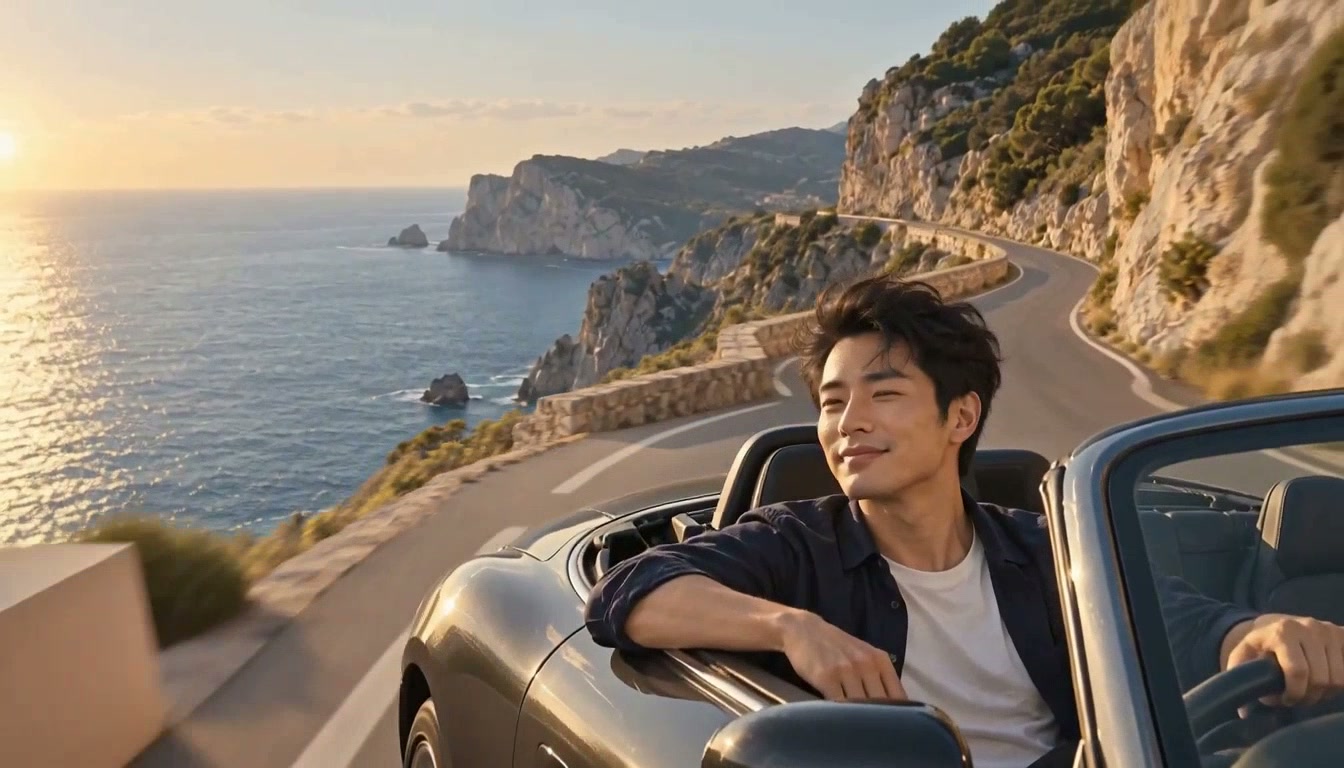
A LoRA is a compact adapter that changes how the base video model behaves without replacing the full model. This generator applies a realism adapter designed for people-focused scenes across MiniMax H3 text, keyframe, and reference workflows.
The realism adapter stays active throughout generation, guiding human detail and cinematic texture while your prompt and references define the scene.
Create portraits and wider human scenes with an emphasis on readable faces, textured skin, believable expressions, and hands engaged in natural activity.
Upload a first frame or a first-and-last-frame pair when the opening composition, subject styling, or final visual state needs a stronger anchor.
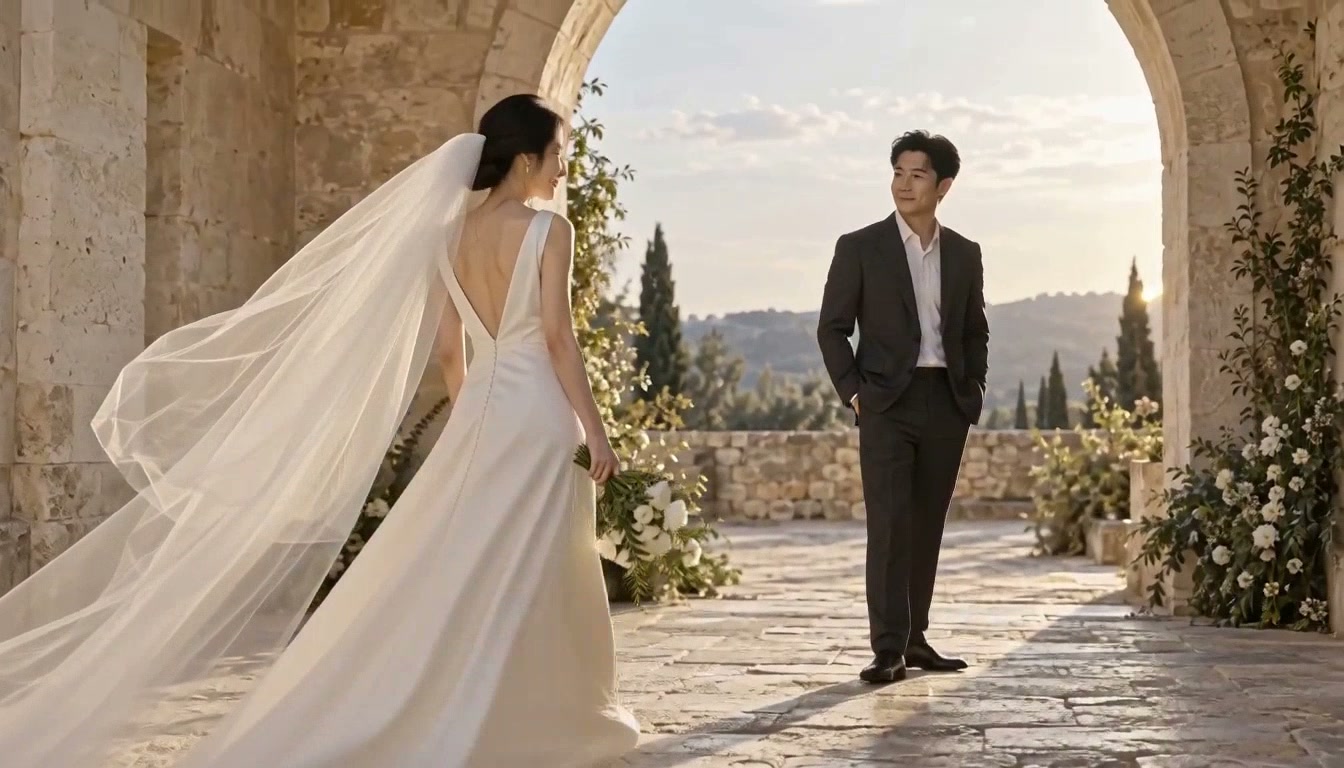
Guide identity, styling, movement, and sound with ordered image, video, and audio references while the LoRA shapes the human-centered visual finish.
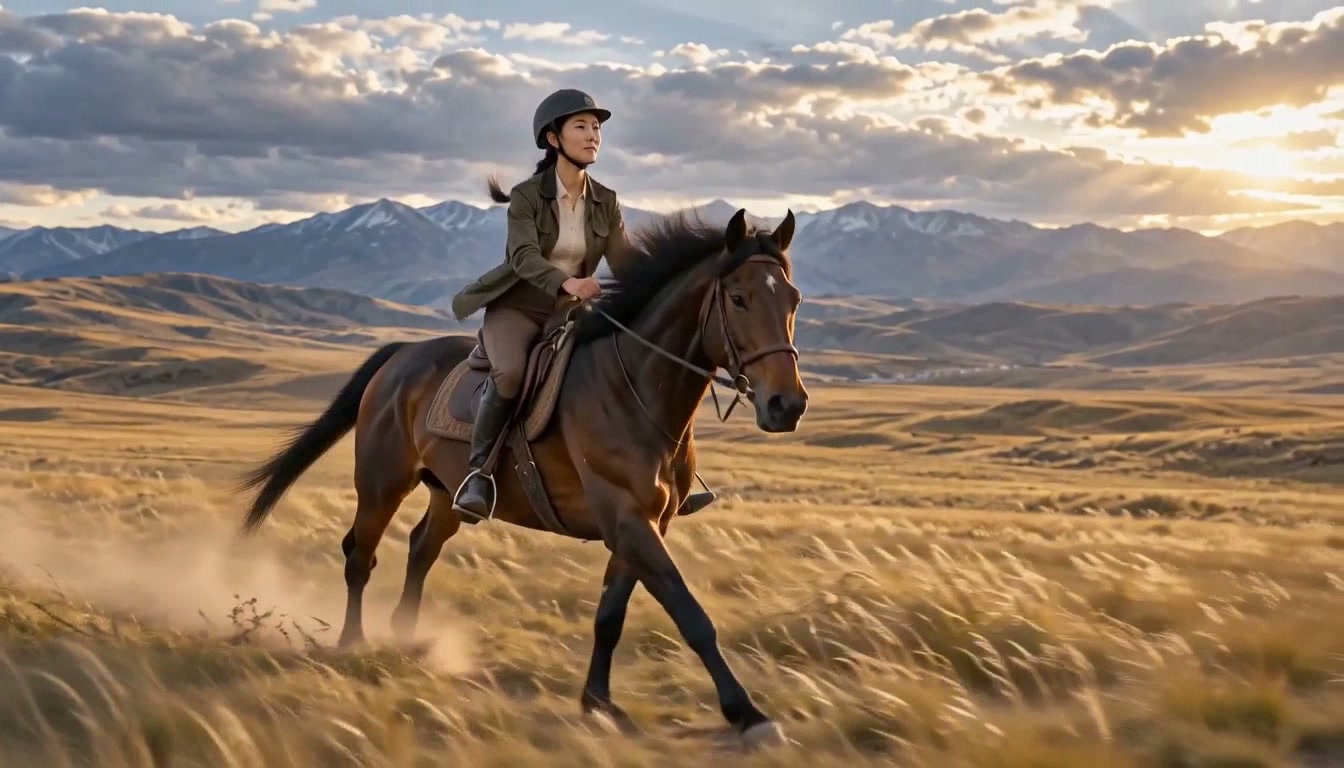
The realism adapter is already loaded, so you only need to choose an input mode and describe the shot you want.
Start from text, animate a first or final frame, add reference images, or combine image, video, and audio guidance.
Write the subject, expression, gesture, action, camera path, light, timing, and sound as one clear sequence.
Choose a 5–15 second clip and the resolution that fits the current draft or final output.
Review identity, anatomy, motion, camera continuity, and audio, then adjust one part of the prompt or references for the next version.
Use the realism adapter when faces, gestures, everyday movement, and natural cinematic texture are central to the shot.
Create close-ups with expressive faces, subtle gestures, natural light, and controlled camera movement.
Stage grounded interactions with clear speakers, believable reactions, room tone, and restrained camera coverage.
Show craftspeople, presenters, creators, and teams using objects with practical hand movement.
Build observational travel, culture, and everyday-life scenes with handheld texture and environmental sound.
Animate a supplied portrait while preserving its opening composition, clothing, and visible identity cues.
Use a video reference to guide movement and camera rhythm while images establish the person or visual style.
Understand which LoRA is active, what inputs it supports, and how to write prompts for consistent human-centered video.
It uses the Realism People LoRA at its intended strength. The adapter is designed to improve realistic people, facial detail, gestures, film-style lighting, and documentary camera movement.
No. The adapter is already loaded for this generator, so you can start with a prompt or supported visual and audio references.
It is the activation phrase associated with the selected adapter. Keep it at the beginning of the prompt, then describe the scene normally.
Yes. Use an opening frame to animate one image, add a final frame for a guided transition, or use reference images to guide a subject and visual style.
Yes. Multimodal Reference mode accepts supported image, video, and audio references. Name each asset by its order in the prompt so its role stays clear.
No. It guides the model toward stronger human realism, but identity, anatomy, and motion can still drift. Clear references, shorter shots, and focused prompts usually make results easier to control.
Choose a generation mode, describe a human-centered shot, and create a realistic video with synchronized sound.