
Source video
Golden-Hour Coastal Drive
This short clip supplies the driver's movement, vehicle motion, timing, composition, and recognizable coastal setting.
Reimagine one person in a short video with a new facial identity. Add a clear portrait, identify the subject in your prompt, and use the original clip to guide the performance, camera movement, and setting.
Add up to 12 references: 9 images, 3 videos, and 3 audio clips. Each video or audio clip must be 2–15 seconds; videos and audio each have a separate 15-second total limit. Refer to them as Image 1, Video 1, and Audio 1 in your prompt.
Preview video - Generate your own video above
Real workflow example
The source clip establishes the driving performance and camera path, while the portrait guides the new facial identity in the generated result.
Source video
This short clip supplies the driver's movement, vehicle motion, timing, composition, and recognizable coastal setting.
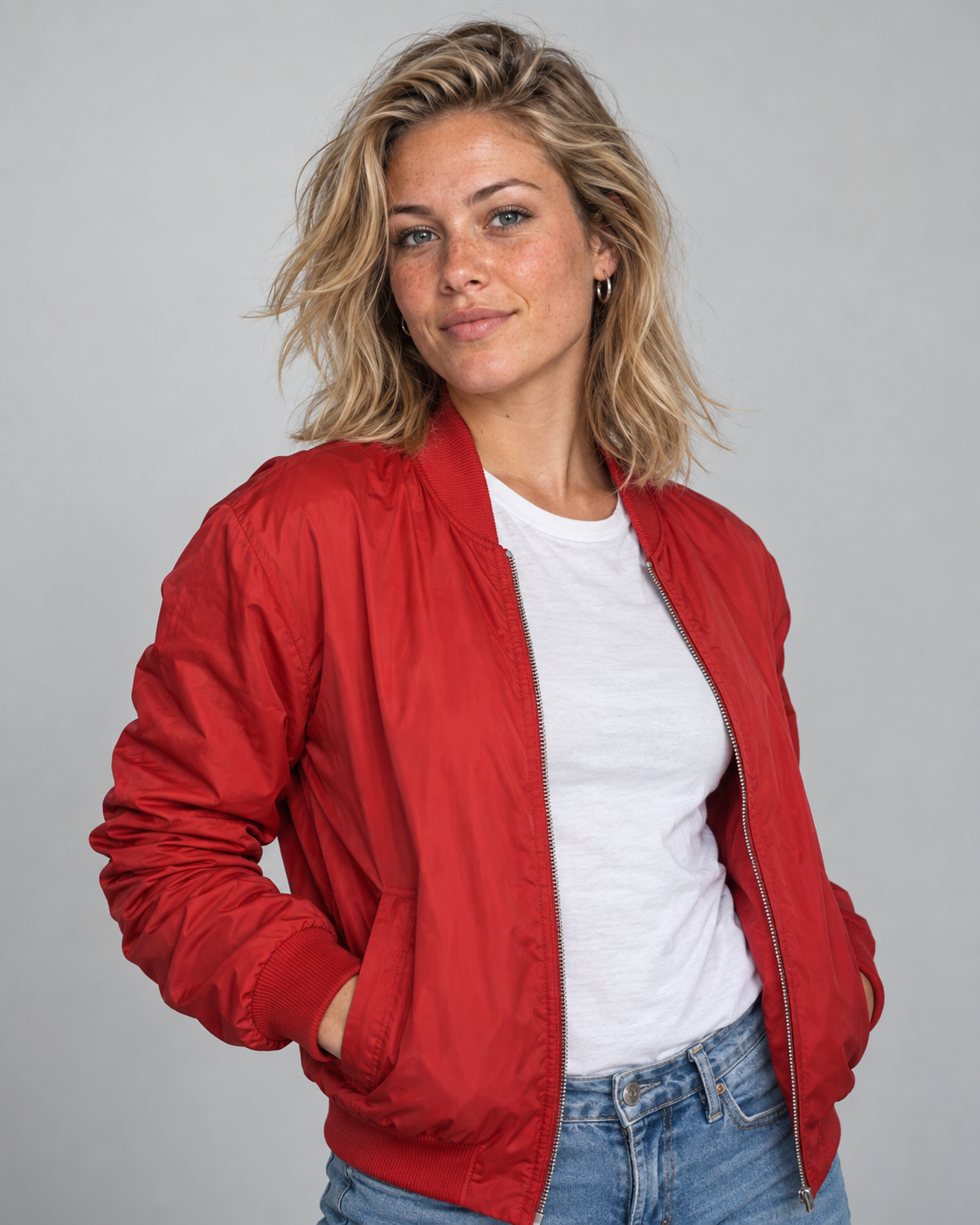
Face reference
A clean portrait provides visible identity cues such as facial structure, eyes, freckles, hair, and overall appearance.
Generated result
The generated driver reflects the portrait while following the action and scene direction established by the source video.
This is an unretouched MiniMax H3 multimodal reference result. It regenerates the shot rather than compositing a face onto every frame, so hair, clothing, expression, framing, and background details may also change.
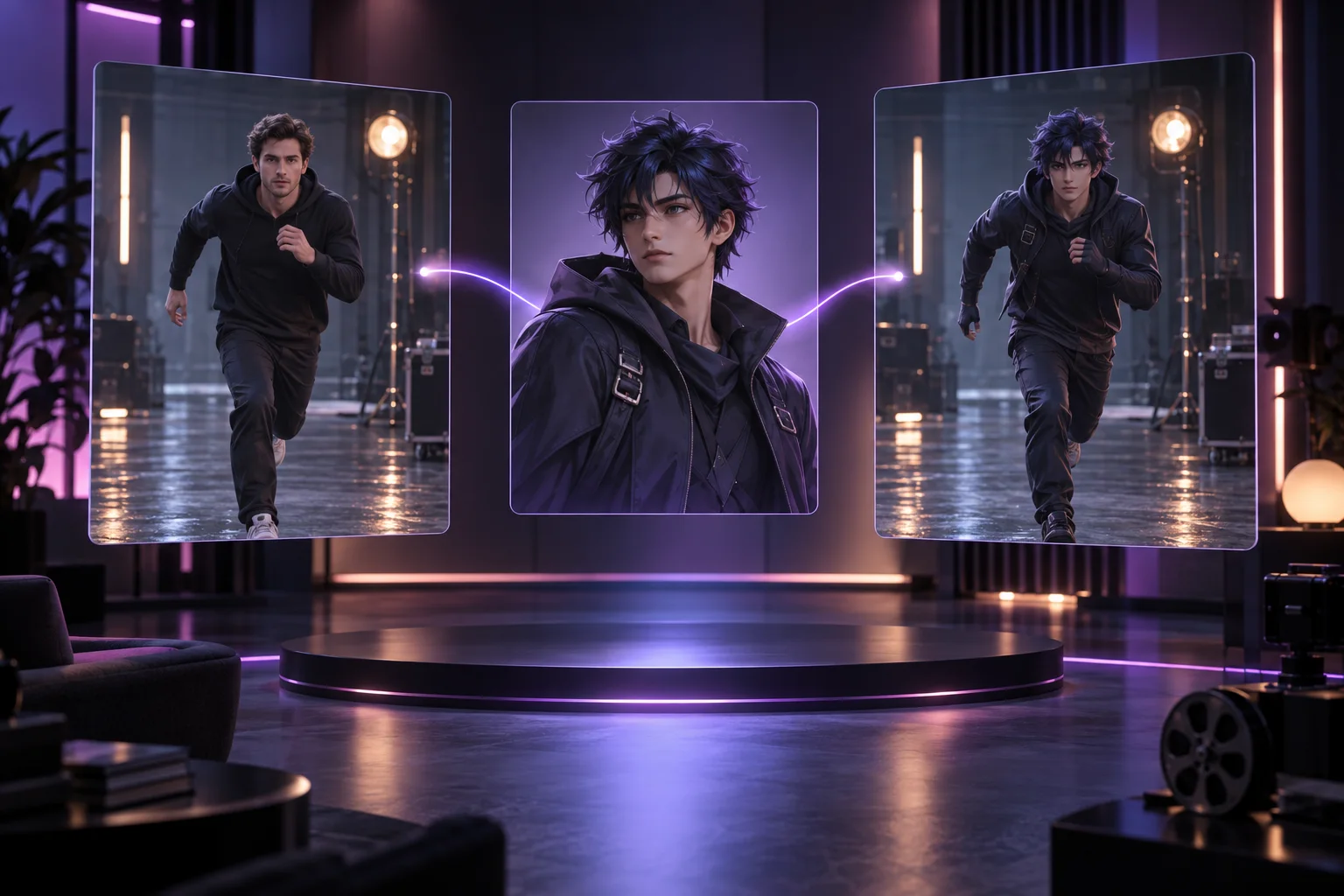
MiniMax H3 Face Swap is a reference-guided video generation workflow. A source video directs motion and scene structure, while a portrait introduces the target identity. Because MiniMax H3 generates a new clip, the result behaves more like a controlled reshoot than a traditional face overlay.
Separate the job of each input: use the video for motion, the portrait for identity, and the prompt to identify the subject and protect the details that matter most.
Choose a short shot where the target person's face is visible at a useful size. Stable lighting and limited occlusion make identity guidance easier to follow across the clip.
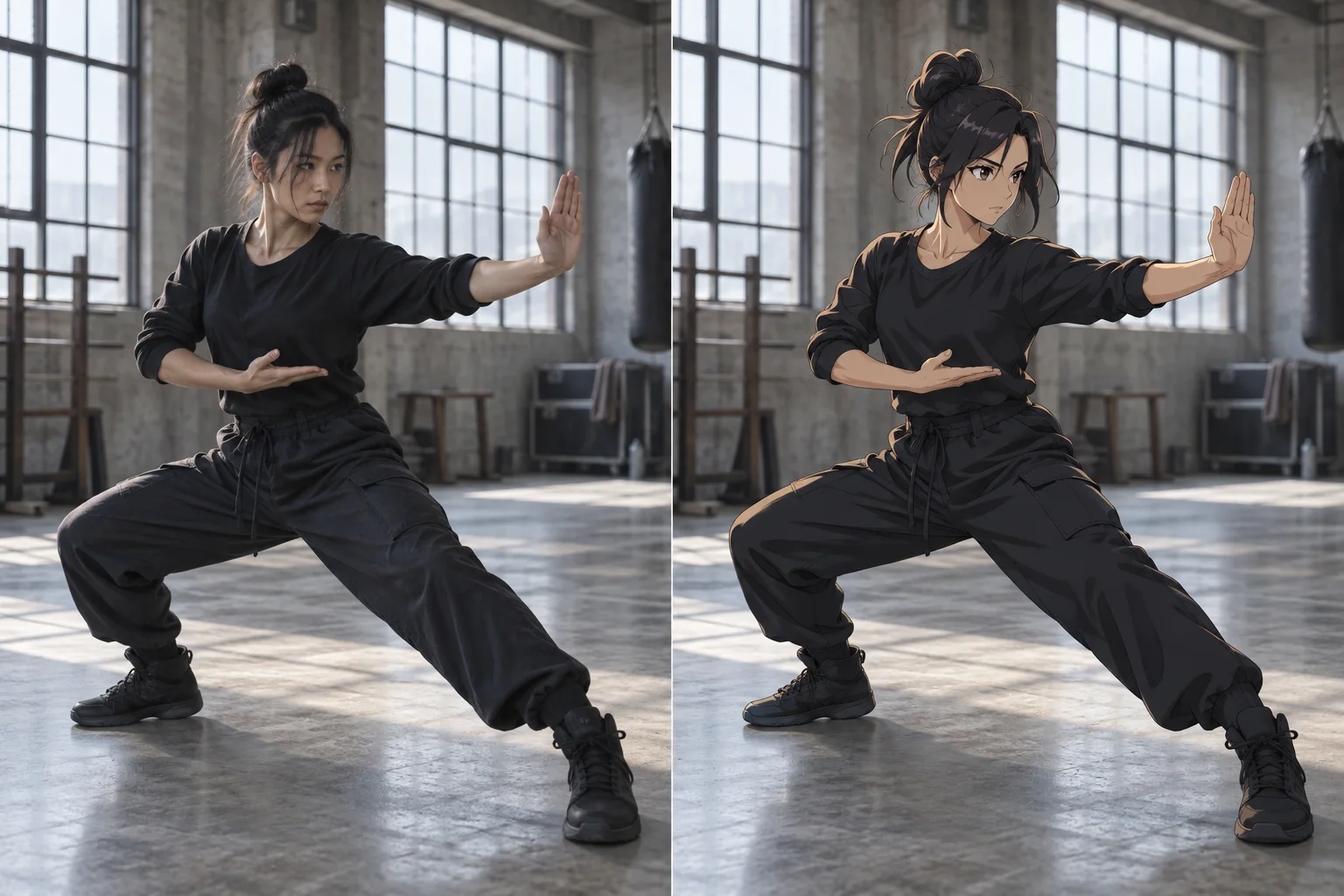
Use a well-lit image that shows the target identity without filters or covering accessories. A front or three-quarter view usually supplies the clearest facial cues.
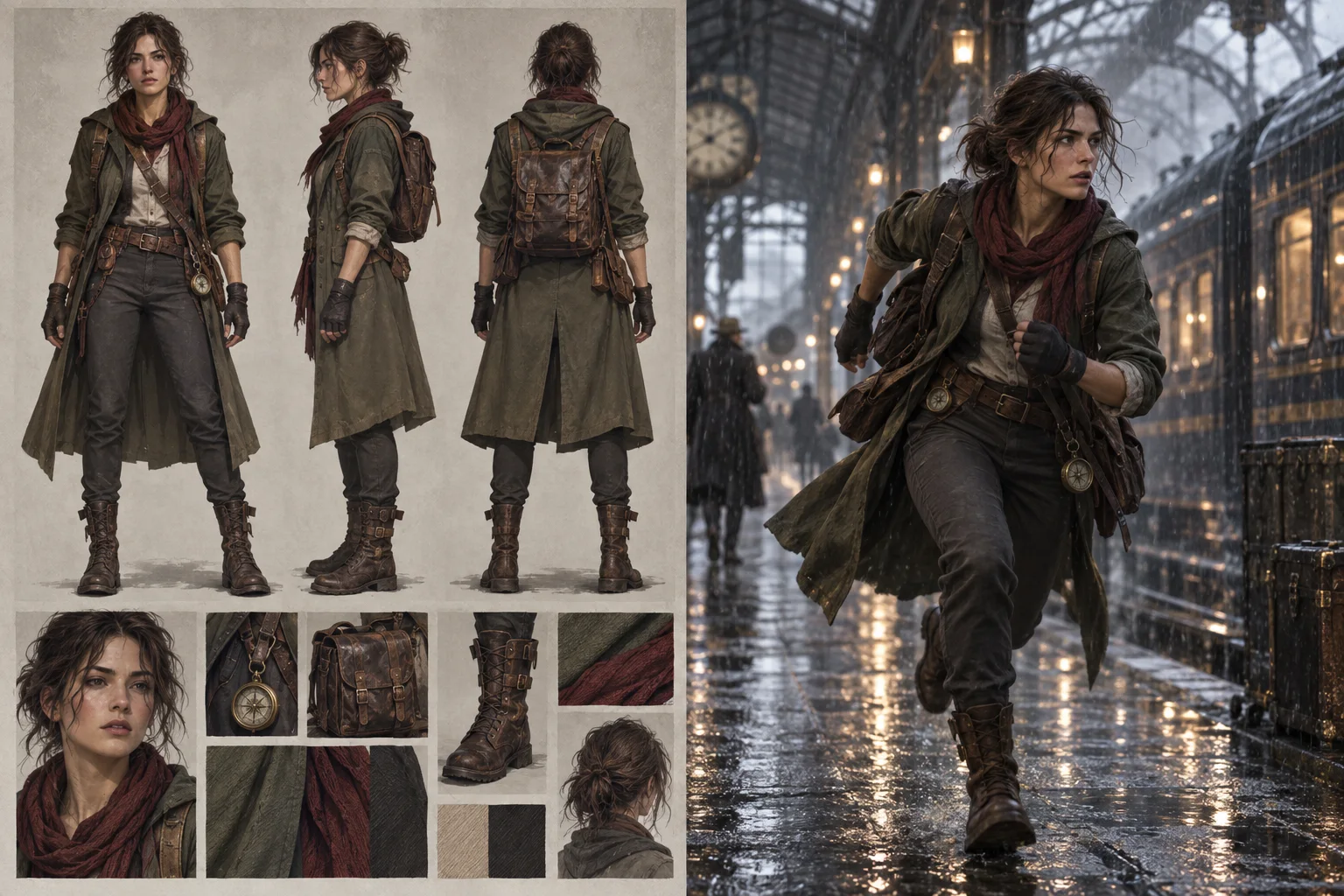
Identify the person by position or clothing, connect the new face to Image 1, and list the performance, camera, setting, props, and other people that should remain consistent.
A concise source clip, recognizable portrait, and precise subject instruction give the model a clearer identity-editing target.
Select a short continuous clip with one visible target face and a performance you want the generated video to follow.
Upload a sharp front or three-quarter portrait with even lighting, natural facial detail, and minimal obstruction.
Name the person to change, assign the new identity to Image 1, and state which motion, wardrobe, setting, and camera details should remain.
Review facial similarity, expressions, hair, motion continuity, and scene stability. Refine one input or instruction at a time.
Explore new on-screen identities when an existing clip already has the performance, pacing, and camera direction your concept needs.
Test how a different original character identity reads in a planned shot before committing to a new production.
Use a performance reference to explore short videos starring an avatar or identity you have permission to use.
Recast a brief story moment while retaining the broad action, setting, and emotional beat of the reference.
Compare approved spokesperson or fictional-character directions against the same motion and framing concept.
Create identity-led variations for social clips, visual tests, and personal creative projects.
Generate several permitted casting ideas from one concise performance reference without reshooting each take.
Learn what this reference-driven workflow changes, which inputs work best, and where generated results differ from conventional face compositing.
No. MiniMax H3 regenerates the video using the source clip and portrait as references. It does not track a face and composite it onto the original frames, so surrounding details may change.
Use one short source video, one clear target portrait, and a prompt that identifies the subject to change. The prompt should also name the motion and scene details you want retained.
Face swap centers on facial identity while aiming to retain the source person's broader role and scene. Character swap intentionally redefines the full performer, including hair, outfit, silhouette, or visual style. MiniMax H3 may still reinterpret those surrounding details in either workflow.
Start with a sharp, well-lit front or three-quarter portrait. Avoid strong filters, sunglasses, hands over the face, extreme crops, and tiny faces inside a wide image.
A single clearly identified subject is the most dependable setup. Crowded scenes make it harder to keep identities separated, especially when faces overlap or move out of frame.
Not exactly. They can remain recognizable references, but the output is newly generated. Clothing, hair, hands, expressions, framing, lighting, and background details can be reinterpreted.
Use portraits and videos you own or are authorized to transform. Make sure your result respects the depicted person's consent, privacy, publicity rights, and the rules that apply where you publish it.
Bring together a short source clip, a permitted portrait, and a focused identity prompt to generate a new take.