
What inputs can I use on H3Vid?
You can start from text, one opening image, a first-and-last-frame pair, or references. H3 Max accepts up to 12 references: 9 images, 3 videos, and 3 audio clips.
Direct complete shots from a prompt, frames, or up to 12 image, video, and audio references. MiniMax H3 builds picture, motion, and sound together.
Preview video - Generate your own video above
Created with MiniMax H3
Explore character-driven action, intimate moments, product film, stylized adventure, and expansive landscapes generated with MiniMax H3.
MiniMax H3 connects multimodal direction, contextual 2K detail, temporal control, and native stereo sound inside one generation system.
MiniMax H3 does more than collect media inputs. Its Context-IR system interprets how text, images, reference video, and audio relate to the target shot, turning a mixed creative brief into structured direction the generator can follow.

MiniMax H3 does not rely on a conventional super-resolution pass. It feeds the base result together with the original prompt and references back into the model, regenerating the shot at 2K with more informed visual detail.
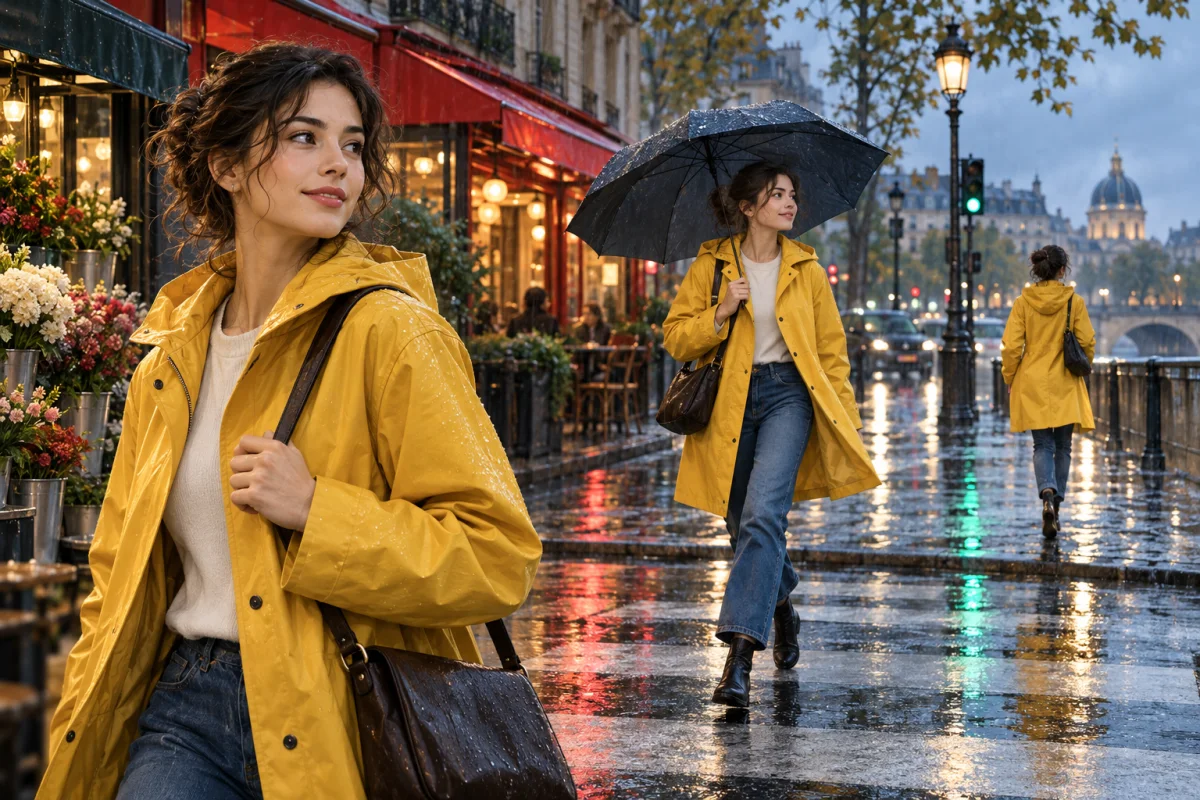
MiniMax H3 supports text-only generation plus first-frame, last-frame, and first-and-last-frame control. Combine visual endpoints with a time-ordered prompt to define how action, camera movement, and composition should evolve.

MiniMax H3 jointly predicts video and audio rather than attaching a separate soundtrack afterward. Dialogue, ambience, effects, and music can emerge with the action, timing, and spatial character of the scene already connected.
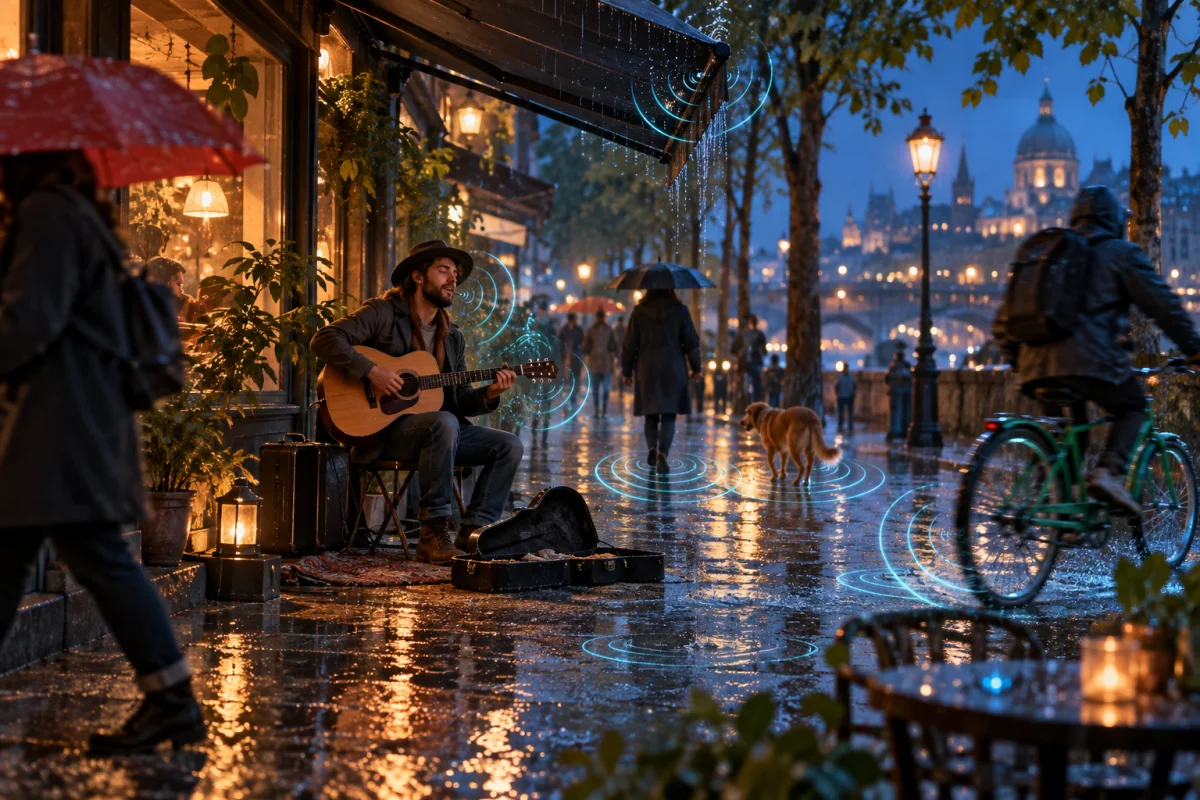
Build the shot around relationships and timing, then let MiniMax H3 generate the audiovisual result as one piece.
Use text for a fresh scene, one frame for a fixed opening, two frames for a directed transition, or references for consistency.
Upload the subject, product, setting, or style images you need and state what each one should control in the result.
Describe the action in order, including camera movement, dialogue, sound effects, ambience, and the intended final beat.
Choose a 5–15 second duration and a supported frame shape, generate at 2K, then review the full picture-and-sound result.
Use MiniMax H3 when the moving image, identity, direction, and sound need to feel like parts of the same creative decision.
Turn product views and brand references into material reveals, launch teasers, and social advertising with coordinated sound.
Carry a recognizable subject into a directed action, expression, or spoken moment using multiple visual references.
Test blocking, camera paths, transitions, dialogue, and atmosphere before committing a concept to a full production.
Bring posters, title cards, illustrations, interface concepts, and campaign artwork into motion without losing the core art direction.
Build short demonstrations and lifestyle moments from existing product imagery for storefronts, listings, and paid social.
Explore environments, characters, cinematic entrances, and mood-rich action as compact audiovisual concept pieces.
Practical answers about the model, the inputs available on H3Vid, output settings, and generation cost.
You can start from text, one opening image, a first-and-last-frame pair, or references. H3 Max accepts up to 12 references: 9 images, 3 videos, and 3 audio clips.
MiniMax H3 currently offers 5, 10, or 15 second generations. MiniMax's broader H3 specification covers integer durations from 4 to 15 seconds.
Yes. MiniMax H3 generates native stereo audio with the video, which can include dialogue, effects, ambience, and music when those elements are part of the direction.
MiniMax H3 supports 21:9, 16:9, 4:3, 1:1, 3:4, and 9:16. Frame-based generation follows the dimensions of the uploaded source image.
Write the shot in a clear sequence. Identify the subject and references, then describe action, camera movement, dialogue, effects, ambience, and how the clip should finish.
The generator calculates the current credit cost from your selected mode, duration, and settings before you submit the task.
Credits are deducted when you submit. If the task fails, is canceled, or the finished file cannot be saved, the recorded cost is automatically refunded.
Start from a prompt or visual references and generate a 2K video with motion and stereo sound working together.