
Boreal-H3 is Creatify's advertising-focused video model, built by post-training MiniMax H3. Its pitch is precision on campaign shots: recognizable packaging, a consistent creator, and actions that follow the brief. For someone making product ads, the useful question is whether that specialization solves the details that make a clip publishable.
Creatify describes the model's lineage and training approach in its Boreal-H3 technical report. This guide explains that positioning, the available workflows, and how to choose a starting point for your next ad.
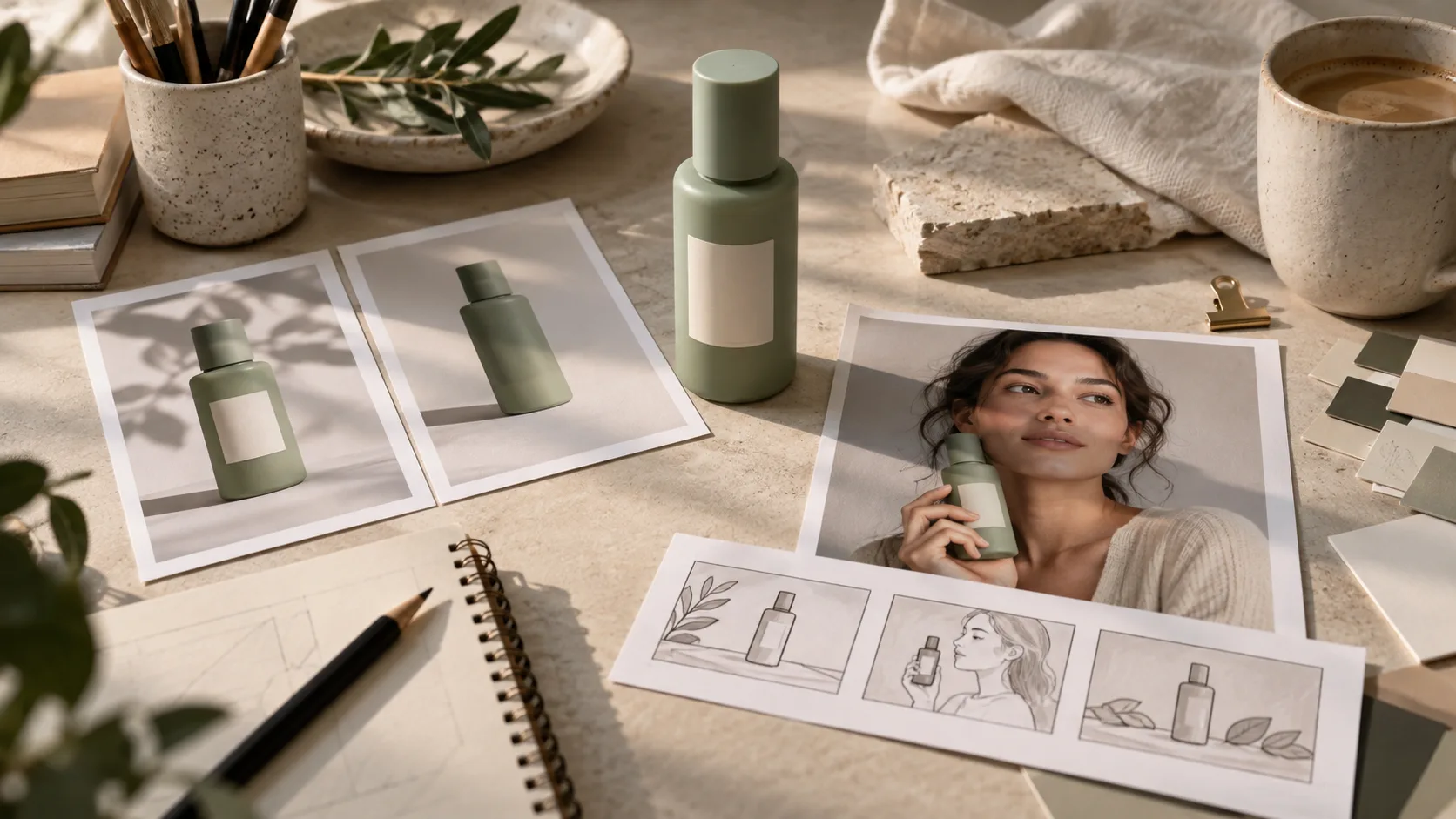
What is Boreal-H3, and how does it relate to MiniMax H3?
Post-training means refining an existing model for a more specific goal. Here, MiniMax H3 supplies the foundation, while Creatify directs the refinement toward advertising. That makes Boreal-H3 a distinct model choice built on H3, rather than a new name for every MiniMax H3 generator.
It also differs from the earlier Boreal model. Creatify positions Boreal around fast, inexpensive exploration and Boreal-H3 around more demanding shots. The names belong to the same family, but a Boreal price or example should not automatically be attributed to Boreal-H3.
The practical distinction is the acceptance criteria. A mood film can survive a small change in a background object. A product ad can become unusable when a bottle's cap, label, or proportions change, even if the lighting looks excellent. Advertising specialization aims at that gap.
Which advertising tasks make the specialization useful?
Consider these as creative planning scenarios, rather than results from a hands-on review.
Product reveals where packaging matters
A bottle turning toward the camera has to retain its silhouette and printed details. Prepare clear reference photographs and decide which view must appear at the end. For a branded product, inspect the label throughout the movement, including frames where glare or a hand obscures it. A convincing opening frame alone is insufficient.
Creator ads with a recurring presenter
A campaign may reuse one presenter across a hook, a demonstration, and a closing shot. Start with an approved portrait and a short script, then judge facial appearance, wardrobe, delivery, and product handling together. A consistent face helps continuity; an awkward handoff can still break the scene.
Demonstrations with a visible outcome
Write the outcome as an observable change: the cloth removes a mark, the lid opens, or the object rotates to show its reverse. A vague instruction such as “show the product working” leaves the result open to interpretation. For a cleaning demonstration, specify the surface before the action and the appearance after it.
What do Creatify's evaluation numbers show?
Creatify reports brief success increasing from 28% to 50% and identity match from 83% to 94% in its controlled evaluation. Its technical report compares the H3 base with the complete Boreal-H3 advertising workflow on matched production briefs. These are vendor-reported results, not an independent H3Vid benchmark or a guarantee for your assets.
The first result matters because it addresses execution, beyond attractive imagery. The second addresses whether the intended subject remains recognizable. Neither measures whether an ad will convert. A video can meet its creative brief and still have a weak offer or opening hook.
The reported 50% brief-success rate also leaves considerable room for failed attempts under that evaluation's criteria. Budget for review and retries rather than assuming that every first render is ready for a campaign.
Boreal-H3 vs MiniMax H3: how should you choose?
| Your immediate task | Suggested starting point | What to evaluate |
|---|---|---|
| A packaging-critical product ad | Boreal-H3 | Label legibility, shape, and handling across the clip |
| A recurring presenter in an ad campaign | Boreal-H3 | Identity continuity, delivery, and interaction with the product |
| A general creative scene or exploratory video | MiniMax H3 | Whether the available workflow delivers the composition and motion you need |
| A shot combining several reference assets | Compare the reference workflows | How clearly each input controls the intended subject, scene, or action |
These are starting recommendations based on positioning, not a universal quality ranking. If your existing H3 workflow already produces a usable shot, keep that result as a baseline before spending on another model.
How can you use Boreal-H3?
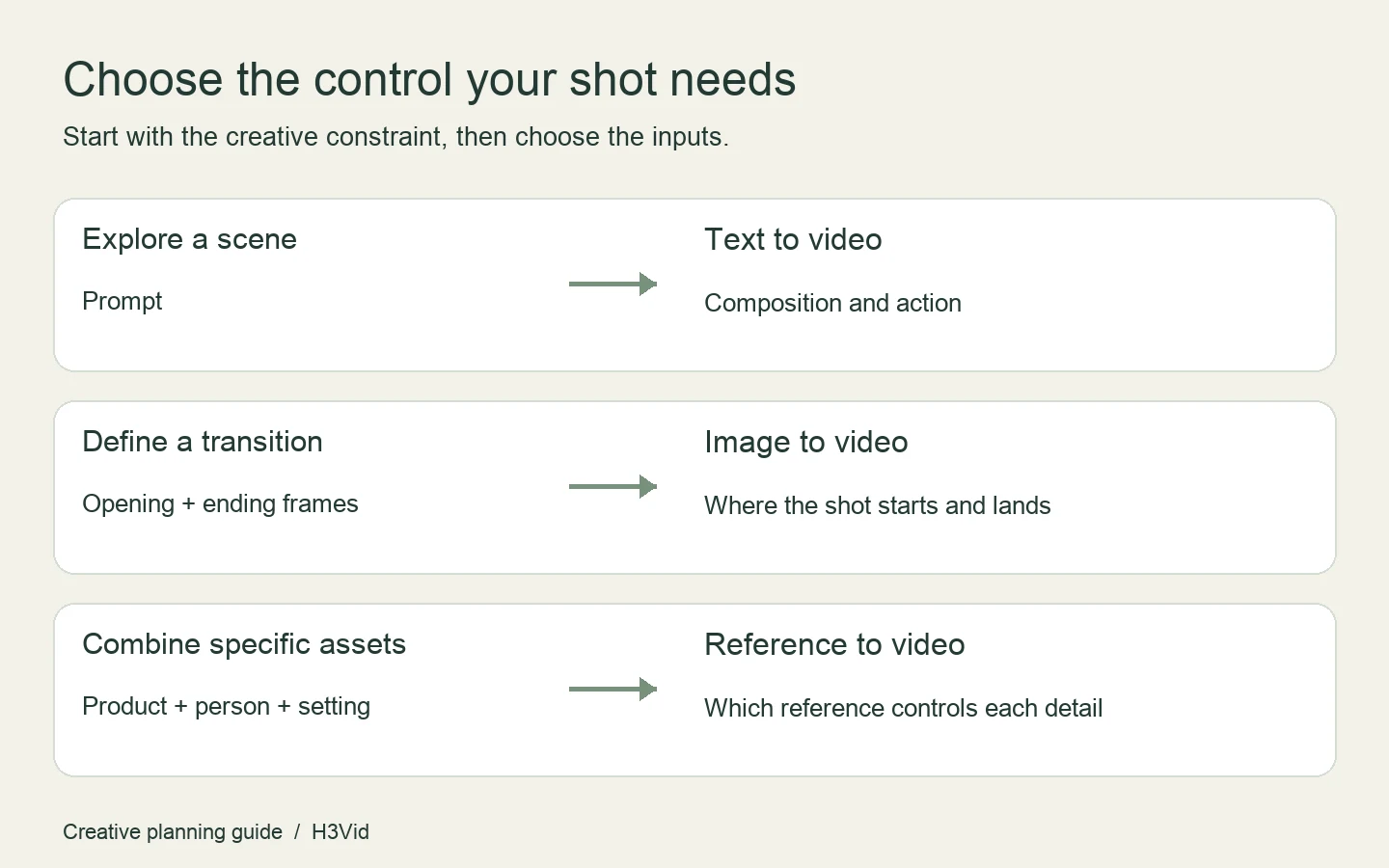
Creatify provides access through its Model Playground. Its official model page lists text-to-video, image-to-video with an optional ending frame, and reference-to-video supporting up to nine images, three videos, and three audio clips.
Choose your inputs by working backward from the shot:
- Prompt only: start here when you are exploring a scene without an approved visual.
- Opening and ending frames: use these when the transition has a defined starting composition and destination.
- Multiple references: use this route when the product, presenter, setting, or voice needs its own source material.
For a product-reference workflow, prepare clean views that reveal the details the camera will expose. Describe each reference's job and keep the first brief focused on one coherent action. Once that shot works, vary the hook, pacing, or framing while keeping the acceptance criteria stable.
H3Vid currently offers MiniMax H3 workflows and has not integrated Boreal-H3. If you want to explore the base model's reference controls, use the MiniMax H3 reference-to-video workflow.
How much does Boreal-H3 cost?
As checked on October 2, 2026, Creatify's model page displays these per-output-second rates across its listed generation modes:
| Resolution | Advertised rate | A 10-second generation |
|---|---|---|
| 768P | $0.04/second | $0.40 |
| 1088P | $0.12/second | $1.20 |
| 2K | $0.26/second | $2.60 |
The technical report describes the 768P rate as launch pricing. Check the current Playground and plan terms before purchasing; the advertised generation rate is not necessarily your full subscription or campaign cost.
For planning, three 10-second attempts at the displayed 768P rate total $1.20 in generation charges. If only one is usable, those retries belong in the cost of that accepted clip. This arithmetic excludes editing, other plan charges, and any changes to billing terms.
Begin with the least expensive setting that lets you judge the shot. Higher resolution is useful after the composition and action work; it cannot by itself repair an incorrect product or an incomplete demonstration.
Boreal-H3 FAQ
Is Boreal-H3 the same as MiniMax H3?
No. It is Creatify's advertising-focused derivative of MiniMax H3. The shared foundation explains the relationship; the post-training goal explains the separate model name.
Does Boreal-H3 guarantee accurate product labels?
No guarantee follows from the reported evaluations. For a packaging-sensitive ad, check text and geometry across the whole clip before approving it.
Can I use Boreal-H3 on H3Vid?
Boreal-H3 access is through Creatify. For a separate base-model workflow on this site, try MiniMax H3 online.
Is Boreal-H3 better for every kind of video?
The available evidence concerns advertising tasks. Choose it when the product, presenter, or brief execution is the deciding constraint; compare on your own creative task before treating that advantage as general.