
FastH3 Omni now has downloadable reference-conditioned weights, including files prepared for ComfyUI. The practical question is which package matches your runtime and GPU. A ComfyUI diffusion file, a FastVideo packed export, and a serving deployment are different installation choices. Downloading a small checkpoint alone does not supply its text encoder, vision tower, video decoder, or audio decoder.
This documentation-based guide follows the ComfyUI model card, FastVideo local inference guide, and October 20 release announcement, reviewed October 22, 2026. We have not installed or benchmarked these recipes. H3Vid's online generators do not execute FastH3 Omni.
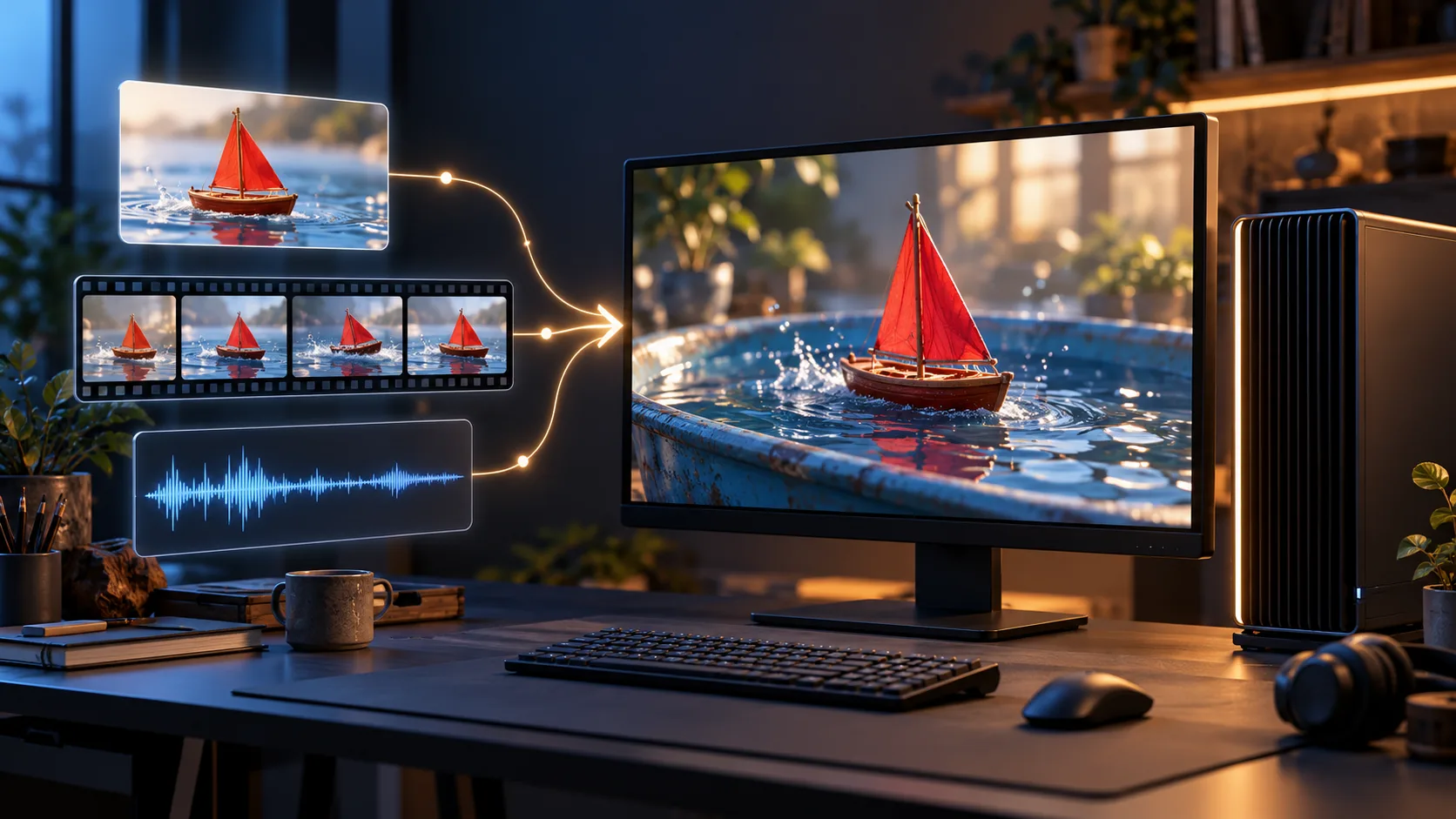
Choose the runtime before the precision
For an existing node graph, start with the ComfyUI-format release. Its main card lists BF16 and INT8 ConvRot diffusion files and links separate FP8 and NVFP4 QAD ComfyUI repositories. Use the current instructions for that particular format. A similarly named FastVideo checkpoint is not automatically a drop-in file for the same loader.
For the FastVideo command-line path, use its device recipe and matching export. The local guide documents Blackwell profiles for DGX Spark, RTX PRO 6000, and RTX 5090, plus an FP8 route for RTX 4090. UniServe is another serving path with its own deployment guide. For Reactor's hosted session access, see our API and cost explanation; those session fields are not the local sampler configuration.
Put the ComfyUI components in the right folders
Update to a current ComfyUI build with native MiniMax-H3 support. The release card specifies the MiniMax H3 Reference to Video conditioning node. Choose one diffusion model:
| Component | Destination and choice |
|---|---|
| Diffusion model | models/diffusion_models/: fasth3_omniref_8step_pruned_bf16.safetensors or fasth3_omniref_8step_pruned_int8_convrot.safetensors |
| Text encoder | models/text_encoders/: one matching Qwen3-VL MiniMax H3 encoder |
| Video VAE | models/vae/: one supported video VAE |
| Audio VAE | models/vae/: minimax_h3_audio_vae_fp32.safetensors |
The main repository provides BF16, INT8 ConvRot, and NVFP4 AWQ text encoders. Its encoders include the vision tower needed to condition references. Accelerated NVFP4 text encoding requires Blackwell; the card directs other devices to BF16 or INT8. Choosing an FP8 diffusion file does not make an incompatible NVFP4 encoder portable.
For video decoding, that card lists FP16 and INT8 ConvRot VAEs. Keep the audio VAE when you need synchronized sound. A graph that reaches the video decoder is not sufficient evidence that its audio branch is connected and saved correctly.
Start with the released sampling contract
The ComfyUI card specifies eight sampling steps, guidance 1.0, video shift 12.0, and audio shift 3.0. Establish a baseline with those values before adding unrelated acceleration patches or importing an old Turbo graph. This is already a distilled eight-step model; settings copied from a fifty-step base can change the intended execution.
Reference ordering matters. Use the card's numbered picture, video, and audio tags in the same order as the supplied assets. A useful first check is a short scene with one character image and one clearly described action. Add a voice reference afterward, checking that the saved result contains both picture and sound. This is a suggested debugging sequence, not a workflow we have run.
The FastVideo guide allows up to nine images, three videos, and three audio clips, with twelve references in total. Treat those as that runtime's documented limits; inspect the ComfyUI workflow's own inputs rather than assuming every frontend exposes the complete contract identically.
Try the official team's hosted reference demo
Update, October 23: FastVideo now links a FastH3 Omni Hugging Face Space, announced by a team member. It provides a browser route for exploring references before installing a local runtime. The application source accepts up to nine images, three videos, and three audio clips; an image or video is required, so audio alone is not a valid request.
The optional prompt rewriter has a smaller input contract: four images, one video, and one audio clip. A reference set fitting the generator can therefore exceed the rewriter's limits. Inspect the numbered tags after changing or removing an input. Its reference videos must be between two and fifteen seconds.
The source exposes five-to-fourteen-second duration controls and snaps output to H3's frame grid. A match-soundtrack option applies only to one eligible carried soundtrack; it is not a blanket promise of exact audio preservation. This ZeroGPU demonstration has its own scheduling and resource budget, rather than a documented commercial queue contract. We reviewed the source without generating, and do not infer a latency guarantee or unlimited free usage from the demo.
For a separate two-stage Windows recipe, see OmniRef Accel. That unofficial workflow changes generation sizes and finishing, so its reported speed does not characterize the hosted Space or ordinary full-resolution ComfyUI generation.
RTX 5090 and RTX 4090 need different recipes
FastVideo's RTX 5090 profile defaults to 480p, offloads the encoder, loads denoising modules sequentially, and uses a precomputed AdaLN table. The table removes large projection weights from the resident model. This is part of the memory recipe, not an optional filename cosmetic.
Its RTX 4090 profile also defaults to 480p but uses FP8 linears and layerwise streaming, keeping sixteen blocks resident. The guide says packed NVFP4 exports cannot simply load as FP8, and its NVFP4 decoder needs FP4 hardware. On this profile, the guide recommends one process per clip because repeated requests can exceed the measured GPU and host-memory budget after encoder reloads. That is a concrete operational constraint, not a universal crash diagnosis.
The larger Spark and PRO 6000 profiles use different residency and resolution policies. Do not extrapolate one card's recipe to every GPU with a similar VRAM figure. The local guide also says its example serving configurations have not yet been validated as servers on every device.
What about Mac and the speed claims?
Update, October 22: FastVideo now documents a native OmniRef Apple Silicon MLX route. This supersedes the earlier no-OmniRef status. It uses the BF16 OmniRef export as conversion input, a composed directory containing the model contract and base components, and a separately converted MLX transformer. Packed CUDA NVFP4 transformer weights cannot be used as that conversion input.
The guide lists INT6, INT8, INT4 and dense BF16 conversion options. Its approximate DiT-body sizes are 17 GB for INT6, 20 GB for INT8 and 38 GB for BF16, before encoders, VAEs and activations. These are not total-memory guarantees. The documented INT6 480p recipe was validated by its authors on an M4 Max 36 GB and an M5 Max 64 GB; they report about 27–31 GB peak memory on the latter.
Compose the export with the required base components using mlx_fasth3_omniref.py --compose-only, convert transformer_ref with convert_minimax_h3_mlx.py, and retain the composed directory for runtime. The recipe's --include-vsa keeps the learned gates; omitting them falls back to dense attention with a warning. Start from the full linked recipe, including its encoder and decoder downloads, rather than mixing arbitrary ComfyUI files into it.
References are ordered. An image or video is required, with audio accompanying it; the script rejects a step count that differs from the export's trained ladder. Reference-conditioned requests re-encode their vision inputs, so a text-only prompt-cache result cannot predict their latency. The same seed is also not a claim of identical CUDA and MLX output, because the runtimes use different random-number draws.
The guide can use standalone LightVAE encoding and converted decoder files. Its lack of a native FP4 DiT kernel on Apple Silicon does not mean every file with NVFP4 in its source name is unusable: the separate MLX conversion and decoder-loading paths have their own contracts. This differs from directly executing the CUDA kernels described in the QAD guide.
FL2VA keyframes through this MLX pipeline, two-pass refinement and the taeh3 decode backend for reference requests remain outside the documented port. We have not run the Mac recipe. Do not turn a working reference-conditioned path into a promise that every H3 mode is supported.
The release's 5.6–11.9× latency improvement comes from twenty-seven matched workloads on eight GB200 GPUs. It does not establish RTX 4090 latency, ComfyUI parity, or a twelvefold improvement for every clip. Compare your complete request, including conditioning, decoding, and file delivery, before using those numbers for capacity planning.
Finally, review the linked weight license. It defines excluded territories including the US, EU, UK, and South Korea and invites separate licensing discussions for deployment there. A code repository's license does not replace the weight terms. Start with the correct runtime, complete component set, and applicable access terms; then measure your own scene.