
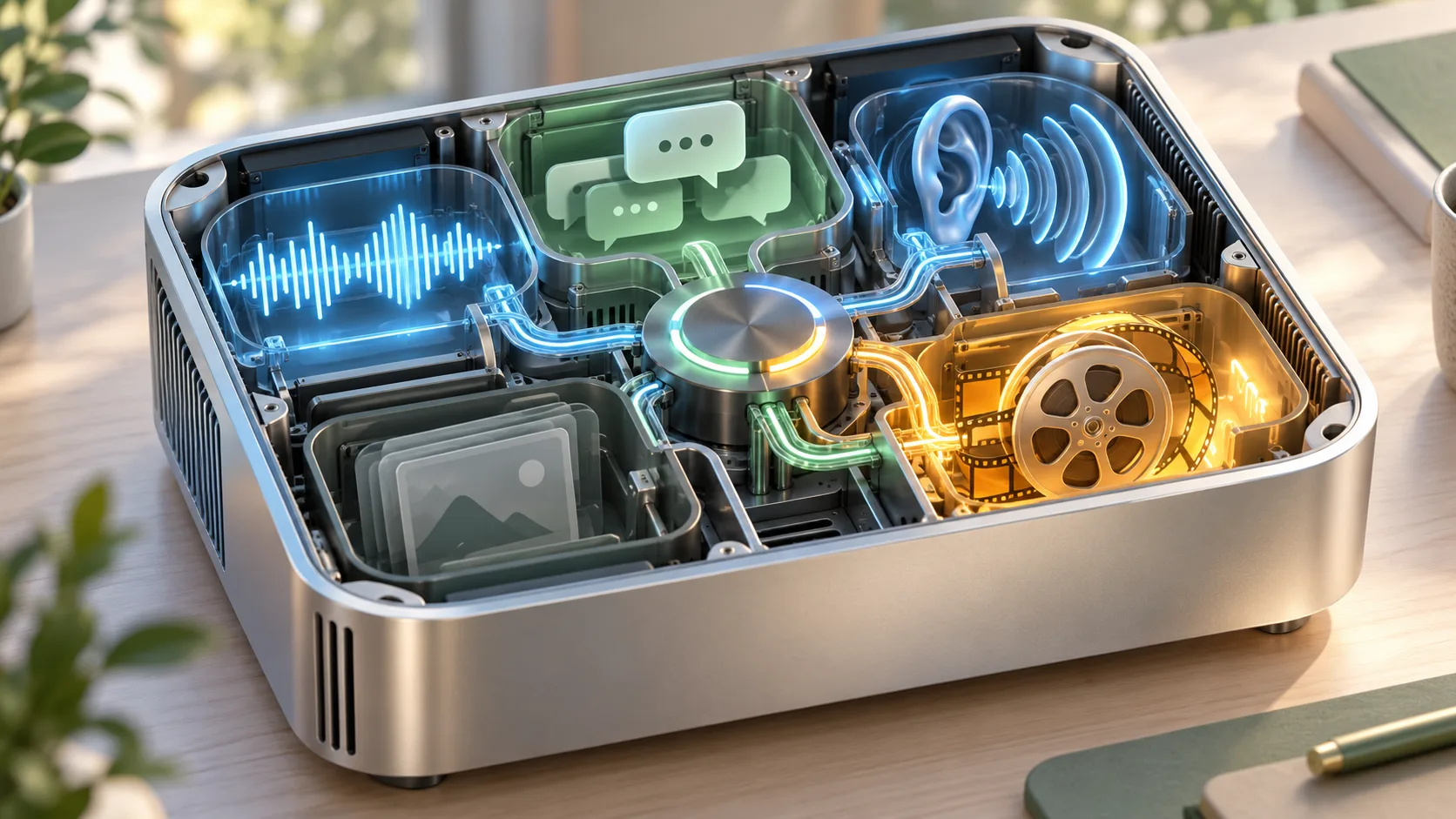
LocalRouter is an early-preview local orchestration system by JJ Eaton. It brings chat, speech, transcription, images and MiniMax H3 video behind a daemon with MCP and HTTP interfaces. Its October 22 demonstration describes a full-duplex assistant on one DGX Spark. For H3 users, the important questions are what video mode is available, how jobs finish and which models remain resident while generation runs.
We reviewed the current repository on October 24, 2026. The timings discussed here are the author's observations. H3Vid has not installed LocalRouter or generated through it. The cover is an explanatory AI-generated illustration.
Check the supported machine before installing
The current README identifies jarvis-gb10 as its tested full-assistant profile: NVIDIA DGX Spark, 128 GB unified memory, an aarch64 environment and at least 110 GiB visible to the operating system. It lists Ubuntu 24.04/DGX OS, driver 580+, CUDA 13, NVIDIA-enabled Docker and systemd user services.
Plan roughly 250 GiB of free disk for a fresh installation, then consult the installer's exact plan. The documentation does not establish an equivalent qualified Mac or ordinary RTX profile. A package compiling successfully on another machine would not prove its GPU model engines are qualified there.
There is also an image-and-video Docker route. Treat that as a separate scope from the complete chat-and-voice assistant. Choose which system you intend to operate before downloading all models or interpreting missing voice services as a failed video installation.
Review the installation plan first
The author's INSTALL.md gives the supported sequence. Its dry-run stage is useful for inspecting downloads, storage, memory and the individual model agreements before installation. Use the current profile and its pins rather than reconstructing a dependency list from a social post.
The installer is designed to resume and reuse existing models. If it stops, follow its diagnosis and run the relevant checks instead of repeatedly deleting the entire model cache. Keep installation completion, machine qualification and a successful generation as separate milestones.
Model weights retain their publishers' terms; the software's Apache license does not replace them. Read the exact agreements listed by the installer for your intended location and use. This is particularly relevant when considering a public service rather than a private assistant.
Discover capabilities before submitting an H3 request
The MCP documentation exposes model discovery and generate_video, alongside job-management tools. Its schema includes fields such as duration, size, seed and audio, but a field existing in a common tool does not establish that every engine accepts every input.
The reviewed README describes the current H3 engine as text-to-video and says image inputs are refused. Ask the running service for its capabilities and model state before building an image-to-video workflow. A future adapter may differ, so preserve the returned version and capability information with your client configuration.
For a first brief, describe one short scene with a clear sound request: waves reaching a stone pier, a locked camera, distant gulls and no speech. This is an untested editorial example. Keep the initial output within the running model's advertised size and duration limits; a longer creative plan can wait until one short job completes.
Follow the job rather than resubmitting
The harness contract separates a tool call's wait time from the lifetime of generation. Long operations can return a job ID. Continue with get_job or the HTTP job route, and use cancellation deliberately if the result is no longer wanted.
Save the ID in your project notes before issuing another request. Otherwise a client timeout can lead to two expensive local jobs for one intended clip. An accepted job is not a delivered video: wait for completion and verify the returned MP4 can be downloaded and played with sound.
Outputs are retained for a configurable period, defaulting to 24 hours. Copy accepted files into durable project storage before that window expires. Keep the prompt, seed, model identity and returned status beside the asset so later revisions do not depend on an expiring URL.
Separate conversational latency from rendering
The launch post reports roughly half a second to the assistant's first spoken word. That is a voice-response observation, not a half-second H3 video render. The current README reports a different measured voice-turn range and approximately 54 seconds for a warm five-second H3 clip at 768×448 with audio.
The current memory description also differs from the launch narration: it says a video job unloads the image model while chat, Drama 3 and Whisper remain loaded. The actual runtime and current documentation should guide capacity planning, rather than assuming the launch post describes every later revision.
When measuring your installation, record cold loading, queueing, generation and export separately. Include output dimensions and duration. A conversation continuing during a render is an orchestration result; it does not establish real-time video generation or quality parity with another runtime.
Decide whether this workflow fits the project
LocalRouter is useful to investigate when one supported local machine should serve several tools to an agent. Its early-preview status, qualification gates and retention policy matter as much as a demo's speed. Test interruption, job recovery and accepted output delivery before relying on it for a production workflow.
It is distinct from LM Studio's H3 plugin and from H3Vid's online H3 Max generator. Neither those pages nor this guide means LocalRouter is integrated into H3Vid. Begin with the author's installation plan, discover the actual service capabilities and complete one end-to-end local job before expanding the assistant.