
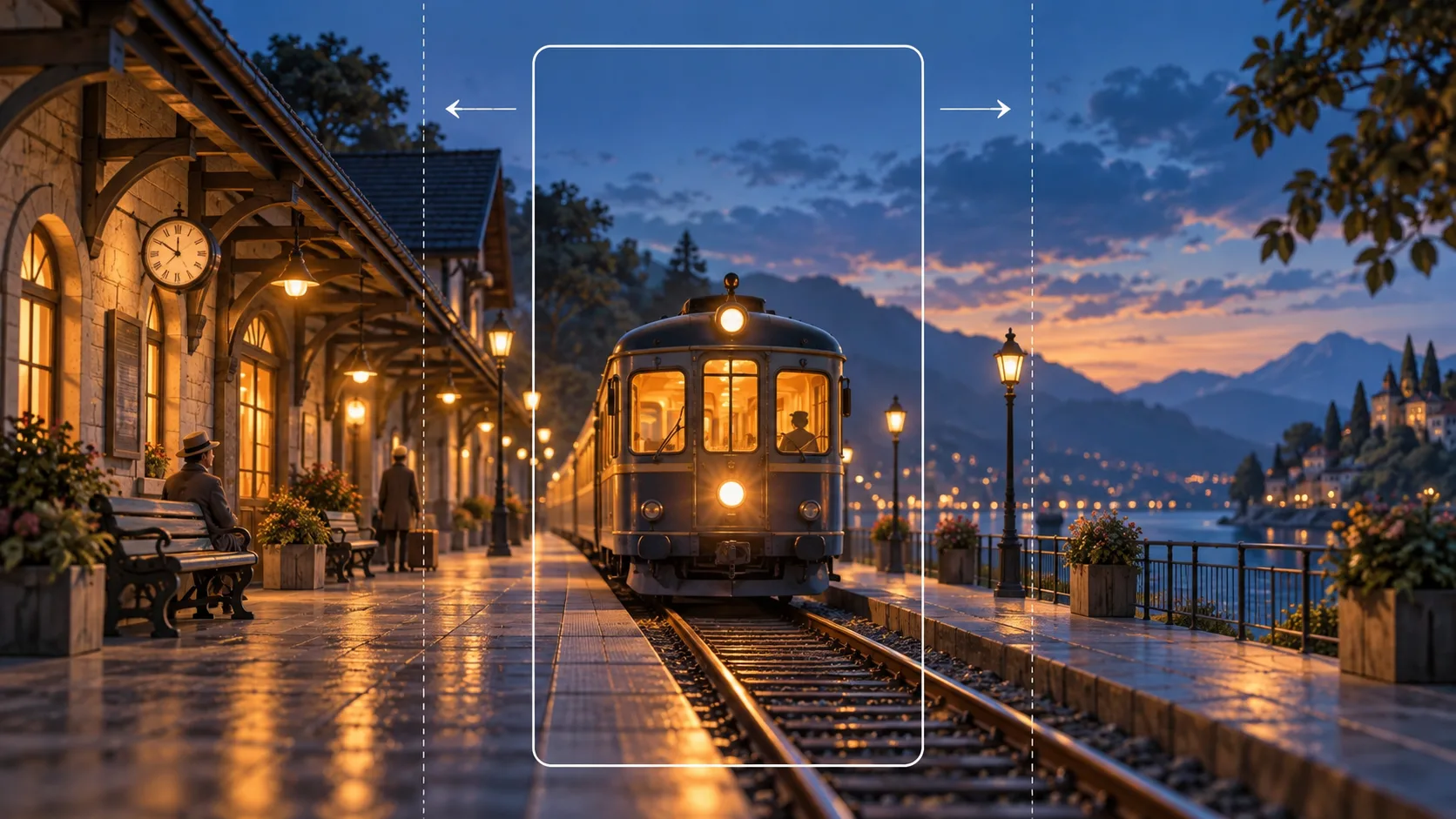
fal Reframe changes an existing video's aspect ratio by generating scenery outside its original frame. It uses H3 Max, fal's post-trained MiniMax H3 variant. A vertical clip can become widescreen without discarding its subject, while a landscape clip can fit a taller composition. This is generative video outpainting: the surrounding image is synthesized rather than recovered from the original camera.
This guide follows the October 13 announcement, endpoint documentation, and current API schema, checked October 14, 2026. We have not run a paid prediction. H3Vid has not integrated this endpoint; use fal's playground or API for the tool described here.
Reframe, crop, resize, or extend?
A crop removes part of the image. Resizing changes pixel dimensions without adding scene content. Letterboxing keeps the source visible but fills unused space with bars. Reframe fits the source within a new canvas and generates the uncovered region. These operations solve different production problems.
Reframe also differs from video extension. Extension adds time after a clip; reframing changes its spatial canvas while retaining the source timeline. A video upscaler changes output detail or resolution, while outpainting adds visible surroundings. Decide which problem you actually have before choosing an endpoint.
For example, adapting a square racetrack shot to 16:9 needs scenery at the sides. Converting a wide interview to 9:16 can instead fit the full wide image into a tall canvas, leaving substantial areas above and below for synthesis. Contain-fitting preserves the source composition's inclusion; it does not guarantee the subject becomes the ideal size for every destination.
What the API accepts
The execution identity is minimax/h3-max/reframe-video. Do not confuse it with fal's older image-editing Reframe endpoint.
| Input | Documented behavior |
|---|---|
video_url | Required source, 0.25–300 seconds |
aspect_ratio | 16:9, 9:16, 1:1, 4:3, 3:4, 21:9, or 9:21; default 16:9 |
prompt | Optional description of the new surroundings; source captioning is automatic |
resolution | Schema accepts 480p, 768p, and 1080p; default 768p |
seed | Optional integer from 0 to 4294967295 |
The overview and price copy currently describe 480p and 768p. The schema additionally exposes 1080p and describes learned latent upscaling from a native 768p reframe. This mismatch matters: schema acceptance alone does not establish a published 1080p rate. Confirm that rate before budgeting a 1080p workflow.
The output includes a video, seed, frame count, frame rate, source placement, and potentially the expanded prompt. Placement describes where the fitted source sits within the generated canvas. Retain that information alongside the source when comparing outputs; the returned video alone makes it harder to distinguish original framing from generated surroundings.
A documentation-based API request
After configuring the fal client on your server, the request can be as small as:
const result = await fal.subscribe("minimax/h3-max/reframe-video", {
  input: {
    video_url: sourceVideoUrl,
    aspect_ratio: "16:9",
    resolution: "768p",
    prompt: "Continue the station platform and evening sky naturally around the existing train.",
  },
});
This illustrates the documented contract; it is not a tested H3Vid recipe. For a production application, use the provider's queue submission, status, result, and webhook interfaces rather than keeping a browser request open until processing finishes. Save the completed video to permanent storage before presenting it as a durable result.
Begin with one short clip and one destination ratio. Leave the prompt empty when the visible setting already provides enough context. Add guidance when the new area should continue a particular environment, such as more platform rather than an unrelated landscape. Specify the surrounding scene, not a new action that conflicts with the source performance.
Pricing: overlap can exceed finished duration
The documented rates are $0.05 per generated second at 480p and $0.08 at 768p. fal gives a five-second 768p example costing $0.40. These are provider rates checked on October 14, not H3Vid credit prices.
Longer sources use overlapping processing windows. Generated overlap seconds are billable even when they do not appear as additional seconds in the assembled final video. A finished 60-second clip therefore cannot safely be budgeted as exactly 60 times the listed rate. The public copy does not supply a complete overlap-count formula, so we do not invent one.
For an application, obtain the window and rounding rules before promising a fixed estimate. Source duration, output duration, and billable generation duration need separate names and handling. When those quantities are collapsed into one field, the displayed price can understate actual provider cost.
What to inspect in the result
The endpoint says it retains source timing and audio, but does not guarantee exact source pixels. That is a narrower claim than lossless compositing. Check faces, typography, logos, hard edges, and small objects inside the source region as well as the new borders.
Inspect the first and last frames, moments where a subject crosses the original boundary, and transitions between shots. Watch the complete clip with sound. Added architecture should remain coherent through camera movement, and new edge content should not distract from the original subject. These are suggested review checks, not measured failure rates.
Keep the original file and a normal crop as alternatives. Outpainting is most useful when retaining the full scene is valuable and plausible surroundings are acceptable. If exact source pixels or precisely authored scenery are mandatory, conventional compositing gives you more direct control. Choose the final version by the destination's composition and the finished clip, rather than treating every larger canvas as an automatic improvement.