
Motion2Code is Lovis Odin's open-source skill for reconstructing motion-design video as editable SVG and GSAP animation. The creator's October 20 demonstration used MiniMax H3 Max on fal to propose the motion, then a coding agent to rebuild it. The result is a new code artifact, rather than an enlarged copy of the generated video.
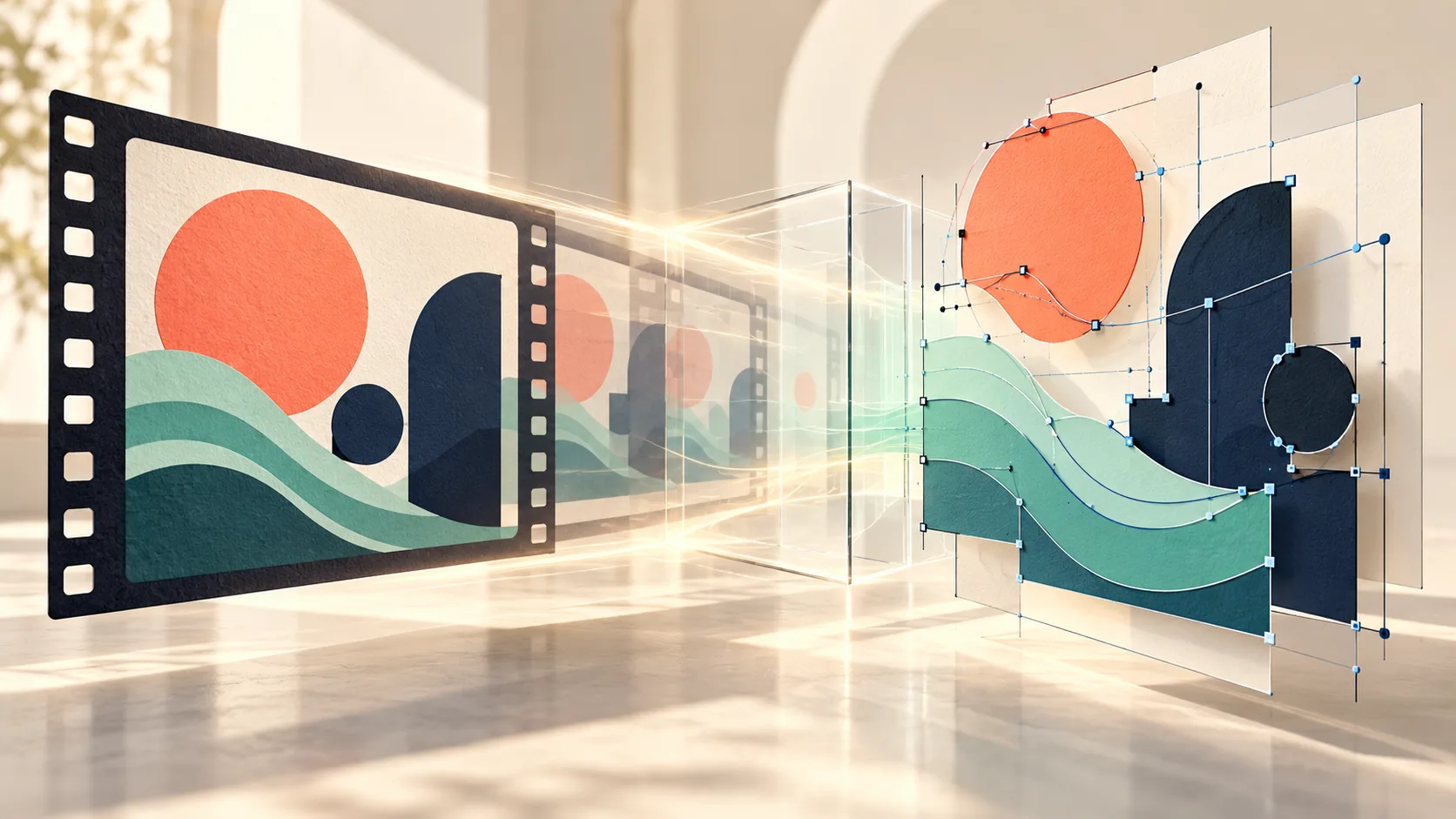
This guide follows the project's documentation reviewed October 24, 2026. We have not run its reconstruction or comparison scripts. The cover is generated concept art; the project's gallery results belong to its author.
Choose a clip that can become shapes
The repository targets flat motion graphics and interface recordings. These have identifiable shapes, colors, text and transitions that can be represented in code. Photographic footage, complex 3D materials and arbitrary live-action movement are outside the skill's stated scope.
Before generating a source, decide what the final artifact needs to do. An animated brand motif might need a deterministic loop and editable colors. An interface concept might need a faithful replay followed by a separate functional website. Those are different delivery goals, even if both begin with the same MP4.
Keep the source prompt beside the clip. If generated lettering is wrong, the intended words give the coding agent a better reference than asking it to preserve a misspelling. Use original artwork and text you can publish, and plan a short sequence whose major beats remain readable.
Install the skill and identify its working directory
Follow the author's current installation section for your agent. The package lives under skills/motion2code, which contains the scripts, references and templates. Its documented prerequisites are Python 3.9+, ffmpeg and Playwright for browser-dependent checks and rendering.
The command examples below assume that directory is the working directory. They illustrate the published procedure; they are not a record of execution in H3Vid. Avoid running a command from the repository root and interpreting a missing script as a video-analysis failure.
Begin by placing the accepted source clip and its prompt in a stable project location. Do not quietly regenerate a more convenient source halfway through reconstruction, because that breaks comparison with the original brief.
Measure the motion before coding
The skill's study stage uses:
python3 scripts/study_video.py source.mp4 -o study/
Review the contact sheet, cuts, palette and timestamps it produces. Write a shot list with start and end times, the object that moves and the transition it performs. A disk becoming a letter, for example, is a different instruction from one object fading out while another fades in.
For an illustrative ten-second sequence, the plan could allocate the opening to a disk growing into a title, the middle to three cards sliding into a grid and the ending to the grid folding back into the opening disk. This is an editorial planning example, not the author's tested timing recipe. Derive actual timing from the accepted clip.
Use one controllable timeline
The animation contract centers the reconstruction on one GSAP timeline with a public window.anim interface. A deterministic seek(t) lets tools render a chosen moment repeatedly. The page also declares readiness after fonts load and the first frame is drawn.
That design makes visual review practical: compare the source and reconstruction at the same timestamp instead of hoping two autoplaying videos stay aligned. Keep procedural effects on the same clock. Independent timers and unseeded randomness can make yesterday's passing frame differ from today's render.
Editable SVG does not guarantee a faithful reconstruction. Check spacing, the anchor point of each rotation, overlap order and the time an object settles. A geometrically correct shape can still feel wrong when its easing or pause length misses the source.
Check transitions and the loop separately
The documented comparison and runtime commands are:
python3 scripts/frame_diff.py source.mp4 index.html -o diff/
python3 scripts/check_anim.py index.html --runtime
Use the verification reference to inspect the worst moments and then examine transitions more closely. A difference score helps prioritize inspection; it does not replace looking at the pair images or deciding whether an intentional simplification is acceptable.
A faithful replay and a seamless loop are separate requirements. If the source ends on a different composition, the code needs a deliberate return to its opening state. Review the seam at normal speed and frame by frame. Also verify that the page actually starts, fonts resolve and seeking the same time produces the same result.
Deliver code, evidence and any functional site
Keep index.html and the synchronized comparison page together. If a rendered proof is needed, the project's render script uses the seek interface to produce frames consistently, followed by a side-by-side export. Record which times were checked and which differences remain.
For an interface recording, the site reconstruction guidance treats the interactive page as an additional artifact. Buttons, keyboard behavior and real scrolling need implementation; a beautiful animation of a button is not a working control.
H3Vid's H3 Max page can help create a source video through its separate hosted generator. Motion2Code's SVG reconstruction, browser checks and HTML delivery are not integrated into that form. Use the project when the intended final asset is editable motion code, and evaluate the resulting code on its own delivery requirements.