
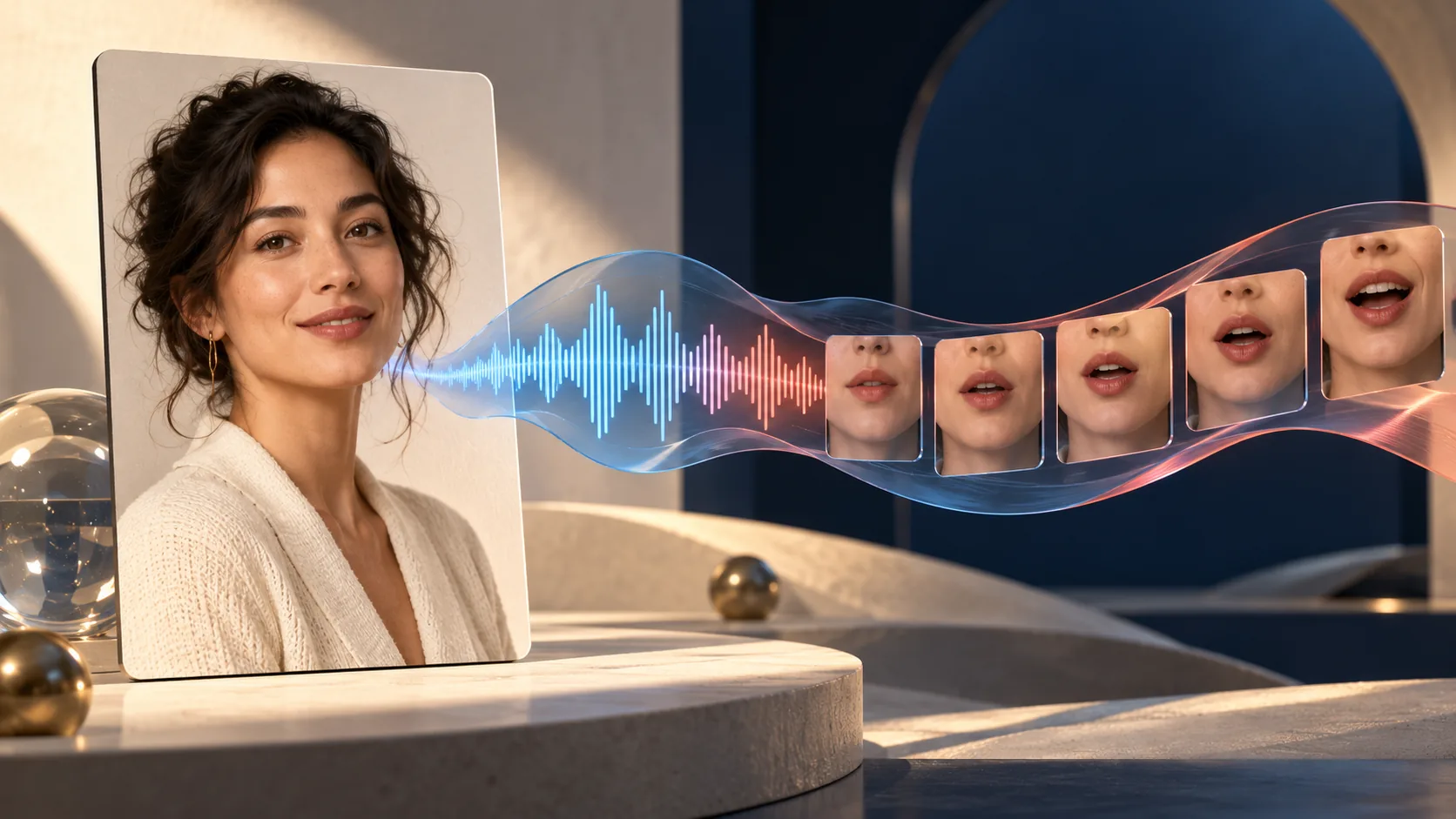
P-Video-2-Pro-Avatar turns a portrait and speech into a talking video. You can upload a recording or provide a script for text-to-speech. The soundtrack determines the video's length, making it a different product from asking a general video generator to invent dialogue within a fixed clip.
Pruna announced the H3-based model on October 22, 2026. This guide checks its developer documentation, product page, and Replicate input schema on October 23. These are documentation-based instructions; H3Vid has not generated an avatar with this model and does not currently offer it in its generator.
Choose the speech source first
Use uploaded audio when you already have the approved words, performance, and timing. The API's audio field accepts the recording; if voice_script is also present, audio takes precedence. Remove the unused script from your own request record so a later revision cannot accidentally compare different speech sources.
Use voice_script when the words are settled but the delivery still needs to be created. Select a voice and voice_language, then put pacing or emotion in voice_prompt. Those delivery instructions are not spoken. Keep scene instructions in the separate prompt field. For example, the script might introduce a ceramic mug, delivery might request a relaxed conversational pace, and the visual prompt might ask the presenter to remain seated with gentle head motion.
This separation helps diagnose mistakes. Wrong wording belongs to the script or recording. An unwanted background gesture belongs to the visual brief. A voice that rushes the final sentence belongs to the speech performance. Rewriting every field at once makes the cause harder to identify.
Understand length and resolution
The documented output is a 24 fps MP4 lasting from one second to three minutes. Audio shorter than one second is rejected. Uploaded speech can be up to 64 MiB; the portrait can be JPEG, PNG, or WebP up to 20 MiB. The image establishes the aspect ratio, with cropping when it falls outside the model's supported range.
The current Pruna API distinguishes 480p and 768p generation from larger delivery sizes. Its 1080p, 2K, and 4K choices upscale the 768p video with a separate finishing stage. They should not be interpreted as native high-resolution diffusion. The documented 4K audio limit is 125 seconds, shorter than the general three-minute maximum.
Provider interfaces can expose different subsets. The Replicate schema reviewed here lists 480p and 768p, while Pruna's own documentation includes the upscale choices. Select parameters from the interface you actually use rather than copying the full vendor capability list into every request.
Budget from the finished soundtrack
Pruna lists these output rates before any account-specific promotion:
| Delivery | Per output second | 60-second example |
|---|---|---|
| 480p | $0.02 | $1.20 |
| 768p | $0.04 | $2.40 |
| 1080p, upscaled | $0.06 | $3.60 |
| 2K, upscaled | $0.08 | $4.80 |
| 4K, upscaled | $0.12 | $7.20 |
These are arithmetic examples from the published rates, not invoices from our tests. A script has no fixed duration until speech exists. Word count alone therefore cannot produce an exact video quote; pauses, language, and delivery affect runtime.
The launch announcement offers a 50% discount until November 5 at 18:00 CET. Confirm the active rate in the chosen provider before rendering, because an announcement does not establish identical billing across every partner. Keep the normal list rate in your project budget and treat a confirmed discount as a separate adjustment.
Prepare a useful first take
Start with a clear portrait whose framing already fits the intended destination. Check that the mouth is visible and that the desired crop leaves room for the gestures in your brief. For a controlled trial, use a short approved recording or a brief script, one resolution, and a saved seed.
The default prompt_upsampling setting is enabled. Pruna describes a vision model that appends motion inferred from the portrait, while retaining your words first. Disable it when you want the submitted visual prompt used exactly. That does not guarantee the final performance; it removes one documented rewriting stage from the comparison.
Review the whole take with sound. Check consonants, sentence endings, pauses, eye motion, and whether hands or props change. Then inspect the exported MP4 in the destination layout. A good-looking still frame does not establish lip synchronization, and a successful API response does not establish that the performance is ready to publish.
Access and the next decision
Pruna's API uses its file upload service followed by an asynchronous prediction with model identity p-video-2-pro-avatar. The official announcement also links inference partners, and Replicate has a public model schema. No API call in this guide was executed, and the vendor's near-real-time speed figures remain vendor measurements rather than H3Vid benchmarks.
Use this model when a portrait must deliver a specific soundtrack. For broader reference-driven scenes, compare P-Video-2-Pro Reference; for H3Vid's separate hosted creative workflow, see MiniMax H3 Ref2VA. Neither page implies that the Avatar endpoint is already integrated here.