
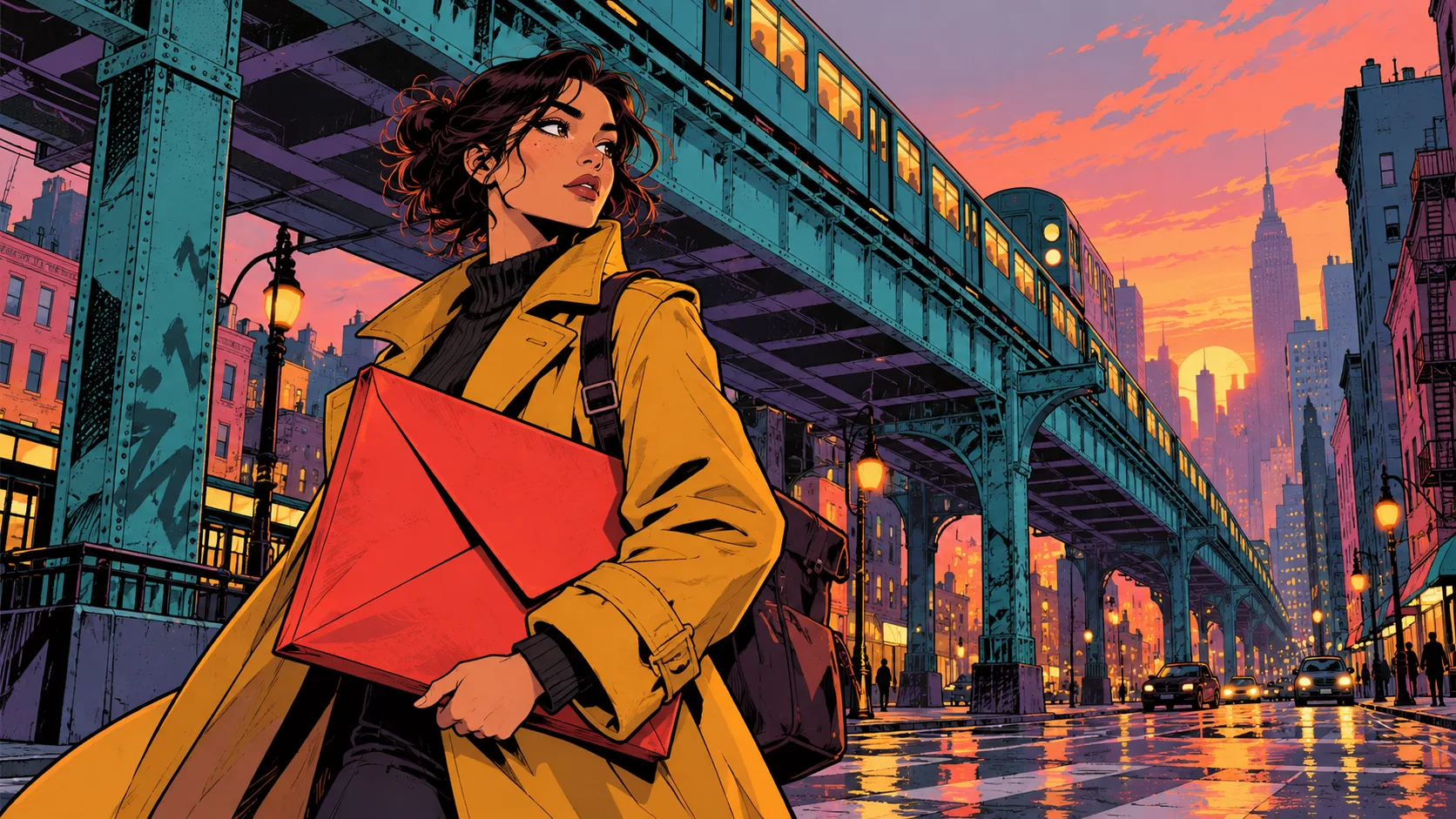
Digital Art Style is PinkPromptPrincess's MiniMax H3 style adapter for an indie-animation and graphic-novel appearance. Its author describes bold digital outlines, flat cel shading and expressive color. Someone searching for v3 needs the original file and its trigger words, but also a way to evaluate style separately from identity and motion.
This guide checks the original Civitai resource on October 24, 2026. Version 3 was published October 14; this is not a new official H3 base-model release. H3Vid has not generated with the adapter. The cover is an AI-generated concept illustration, not a Digital Art Style result.
Identify the original version
The author's resource is Minimax H3 Digital Art Style, model ID 2930448. Its public record identifies v3.0 as version 3404381, published October 14 at 07:04 UTC, with MiniMax H3 as the base-model label.
The primary download is minimax_digita_art_v3.safetensors, file ID 3295558. The spelling digita is part of the actual filename. It is BF16 safetensors, approximately 296 MiB by the listed size, and its SHA-256 begins 1A7DD2E2EFC8.
Version 2 remains in the same collection as a different file. Save the version and file IDs with your graph so a renamed local copy does not erase which release you tested. The v3 note says it received more training on a better dataset; it does not provide a measured improvement percentage or universal quality guarantee.
Keep style, motion and identity separate
A style adapter changes visual tendencies. It does not automatically choose the desired shot, preserve a face through every turn or make a sequence loop. Decide what you are evaluating before adding more components.
For a first test, use one subject, one setting and one continuous action. If character identity matters, use a clear compatible reference and describe the features to retain. If the objective is only the drawing style, begin with an uncomplicated original subject so a failed identity match does not obscure whether the style applied.
Our Modern PS2 Style guide covers a different named adapter and a different aesthetic. Neither sharing the H3 base nor appearing on the same resource platform makes the two files interchangeable.
Establish a working H3 baseline
Start with a compatible H3 installation that already exports video with sound. Save that graph before loading the Digital Art Style file through the runtime's supported LoRA path. Confirm the selected filename and check for loading warnings.
The public card does not establish a complete universal sampler, step-count and acceleration recipe. Keep the known-working base configuration explicit. Do not borrow an unrelated four-step adapter's schedule and describe the result as the Digital Art author's documented setup.
Record the base checkpoint, encoder, VAEs, dimensions, duration, seed, loaded adapters and strengths. If the result fails, that record lets you distinguish a style choice from an incompatible base or an incomplete audio-video graph. The general ComfyUI guide gives broader context for the local H3 components.
Use the published triggers deliberately
The listed trigger phrase is flat cel shading, bold outlines, multi colors. The author's recommended strength range is 0.8–1.5, with 1.0 as the baseline. Those are author recommendations, not measurements performed here.
Begin at the baseline while keeping the rest of the graph constant. If you compare strengths, save the settings and complete clips rather than selecting an attractive frame from each. A higher strength can be evaluated for the intended drawing style without assuming it improves faces, motion or audio.
Describe concrete visual requirements in addition to the style words: a limited palette, clean silhouette, readable foreground action and a restrained background. Avoid simultaneously asking for flat cel shading and intricate photographic material detail unless that tension is deliberate.
Build a short scene you can judge
Here is an original editorial prompt idea to adapt, not a tested best recipe:
Flat cel shading, bold outlines, multi colors. An adult courier in a mustard coat stands beneath a turquoise elevated railway at dusk, holding a red envelope. A fixed medium-wide shot shows the courier check the address, glance toward an approaching tram and step forward once. Violet shadows, simple graphic building shapes and a clear silhouette. Distant train rumble, one quiet bell and no dialogue.
For a reference workflow, replace the subject and environment descriptions with the appropriate numbered bindings. Keep their order consistent with the actual graph. A prompt's reference labels describe inputs; they are not filenames that the model discovers automatically.
Review the silhouette, coat color and line stability throughout the action. Check whether shadows flicker, outlines crawl or facial structure shifts during the glance. Then listen separately for the requested sound. A pleasing illustrated still does not establish temporal stability or correct audio.
Save accepted takes and report limitations
After the short scene works, extend the project one shot at a time. Reuse the accepted design and palette, but check every new camera angle and interaction. Keep rejected takes if they explain a recurring failure; they are useful evidence when deciding whether to simplify a scene.
The adapter and the H3 base retain their applicable terms. A permissive-looking field on a community platform is not a substitute for reviewing the full upstream agreement for your intended use. H3Vid's anime page offers a separate online generation route; it does not claim that Digital Art Style v3 is loaded. For this resource, start from the exact author file, preserve the baseline and judge the finished sequence against your specific visual requirements.