
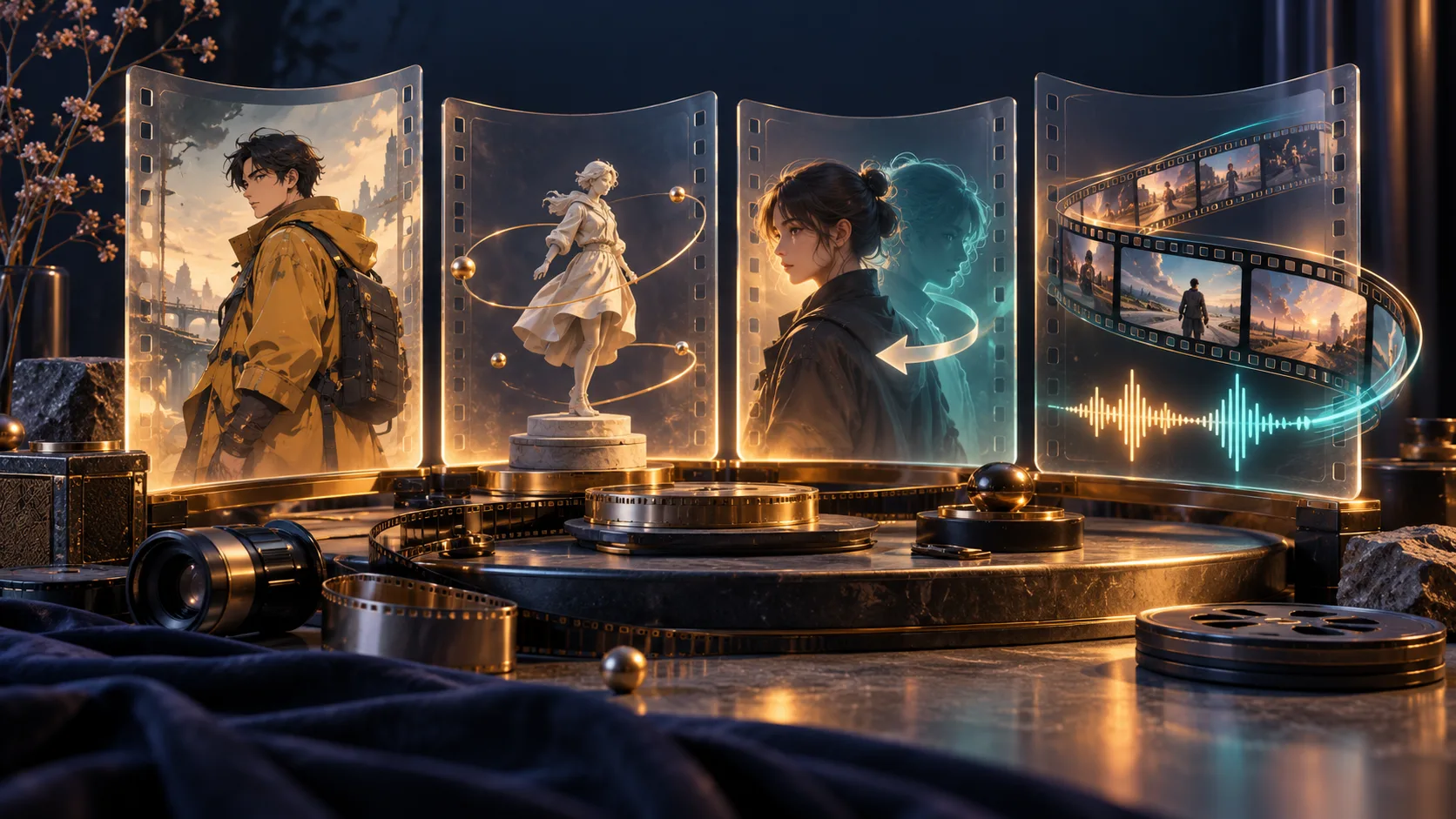
MiniMax H3 LoRAs adapt the video model for a particular look, camera move, editing task or sampling schedule. This collection brings the original downloads and the practical differences into one place: which file to choose, which base it needs, and which trigger or workflow goes with it.
For an online starting point, the MiniMax H3 LoRA generator offers the Realism People preset. The other entries below are external resources for their documented local or hosted workflows. Downloading a file here does not add it to that generator.
Find the LoRA for your shot
| Goal | Resources | What to match first |
|---|---|---|
| Realistic people | Realism People | The online preset, or the author's compatible H3 workflow |
| Illustrated, retro or analog footage | Digital Art v3, Modern PS2, 80s Horror | Exact model version, trigger and visual treatment |
| A frozen-time orbit or spinning photograph | 360 Orbit, ORB360 / CardSpin | FL2VA endpoint frames versus Ref2VA reference views |
| Limb speed or connected action | Action Speed, Fight Flow, Wushu | Signed strength, interaction trigger or action-file version |
| Replace or remove a person | Character Swap V1.5, BFS Swap, Person Remover | Guide alignment, masks, identity image or clean first frame |
| Few-step video with sound | DMAD, PTD, SMD, HyperFlow, TaoMate, Wuli | The complete base, loader and sampling schedule |
Two model paths to distinguish: FL2VA uses first/last-frame conditioning; Ref2VA uses references to guide subjects or scenes. An adapter for one partition is not automatically compatible with the other. Preserve the intended video and audio branches as well as the selected base.
The entries summarize the linked authors' documentation. Community quality and speed claims have not been reproduced by H3Vid. Each entry retains its documentation review date; consult the original card for later releases and the applicable weight terms. The individual concept illustrations below are reused from the original resource articles. They explain the intended task and are not evidence of adapter quality. The Realism People image is separately identified as an existing H3 Max video frame.
Style and realism LoRAs
Realism People

A realism adapter for people, facial detail, expressions and cinematic lighting. It is available on the separate LoRA generation page linked above.
Model and files. Text, first/last frames, image references and multimodal references with the configured MiniMax H3 workflow.
Trigger and settings. Begin the prompt with r34l1sm. The online generator applies its configured adapter strength automatically.
Workflow. Describe a subject and one continuous action, then add camera movement, light and sound. Upload references when identity or composition needs a stronger anchor.
The online form runs this preset; it does not load the other resources in this library. Results can still show identity or anatomy drift.
For a portrait, state the person's visible features, expression and one manageable gesture before adding camera movement. For an endpoint workflow, use the first frame to anchor the opening appearance and the last frame only when an ending constraint is needed. In multimodal reference mode, identify each image, video or audio input by its actual order and explain whether it supplies identity, movement or sound.
The hosted form owns the adapter configuration, so a strength copied from another entry is not an extra control for this preset. Check the complete shot for facial drift during turns, hand-object contact and the requested soundtrack. Realism treatment and reference identity are related goals, but one does not guarantee the other.
By fal. Documentation reviewed 2026-10-25.
Digital Art Style v3
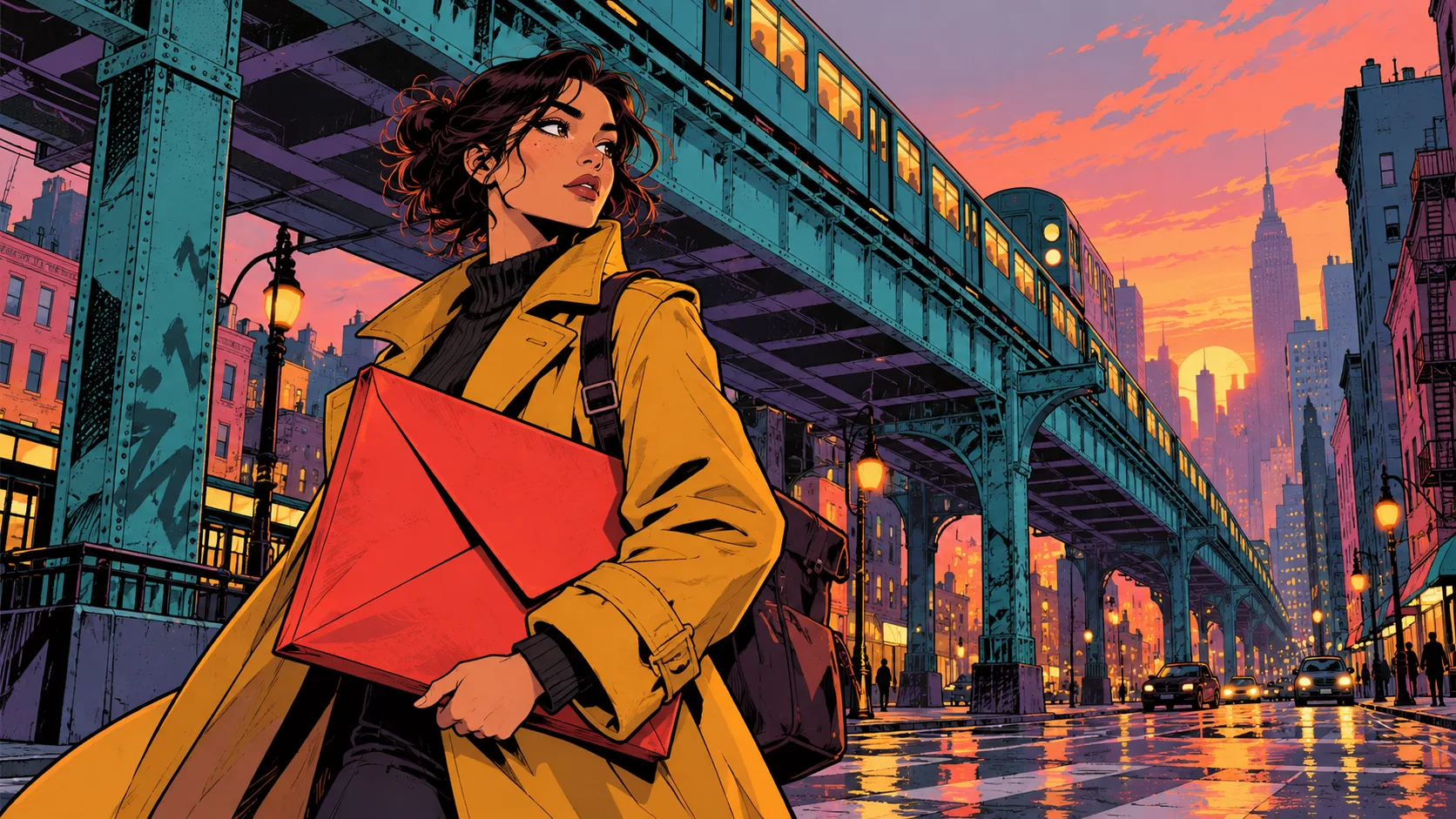
Bold outlines, flat cel shading and expressive color for illustrated video and graphic-novel scenes.
Model and files. Select the MiniMax H3 v3.0 release, version 3404381. Its BF16 file is minimax_digita_art_v3.safetensors; digita is the published spelling.
Trigger and settings. Trigger: flat cel shading, bold outlines, multi colors. The author suggests strength 0.8–1.5, starting at 1.0.
Workflow. Load the file through the LoRA path of an otherwise working H3 graph. Use a clear silhouette and a simple action so the drawing style stays readable.
The card does not supply a complete sampler or acceleration recipe. Preserve your working base settings instead of borrowing a four-step schedule.
The checked Civitai record identifies model ID 2930448, v3 file ID 3295558 and a download of approximately 296 MiB. Its SHA-256 begins 1A7DD2E2EFC8. Version 2 remains a different file in the same collection; save the version ID as well as a local filename. The v3 training note describes a better dataset and more training, rather than a measured quality improvement for every scene.
Start from an H3 graph that already exports video with sound, then add the adapter through that runtime's supported LoRA loader. Keep the base, encoder, VAEs and any accelerator explicit. A style change can work while identity, motion or audio still fails, so inspect these separately.
For a first scene, combine the published trigger with a concrete palette, a readable silhouette and one action. An untested editorial example is:
Flat cel shading, bold outlines, multi colors. An adult courier in a mustard coat waits beneath a turquoise railway at dusk, checks a red envelope and takes one step toward an approaching tram. Fixed medium-wide camera, violet shadows and simple graphic buildings. Distant train rumble, one quiet bell and no dialogue.
Use the same scene when comparing 0.8, 1.0 and a stronger setting. Watch for crawling outlines, flickering shadows and changes to facial structure during movement. An attractive illustrated still is insufficient to establish temporal stability.
By PinkPromptPrincess. Documentation reviewed 2026-10-24.
Modern PS2 Style

A PlayStation 2-era cutscene aesthetic for generated video. The same collection also contains adapters for image models.
Model and files. Choose MiniMax H3 version 3403481 and modern ps2 style h3.safetensors. The Krea 2 and Anima files target different models.
Trigger and settings. H3 trigger: modern ps2 style. The image-version phrases ps2 style and ps2 graphic are different. An H3 strength recommendation is not specified.
Workflow. Keep a compatible H3 baseline and describe the low-detail geometry, texture treatment and scene movement you want. Evaluate the complete clip for texture flicker.
The H3 card does not establish a universal sampler or step count. Settings from image-model screenshots are not an H3 recipe.
The H3 file is listed as BF16 safetensors, approximately 296 MiB, with SHA-256 prefix 8E055ED2480C. Confirm the H3 version rather than accepting whichever image-model release the shared collection opens first.
The author's release discussion recommends a 4:3 presentation and descriptions such as early-2000s CGI cutscenes. Define the properties you want: angular geometry, simple painted textures, restrained lighting, distance fog or a period camera treatment. The label PS2 alone does not specify all of these.
An untested editorial starting point is a courier beside a boxy tram, turning and waving in a fixed medium-wide shot, with angular character geometry, painted textures and a quiet street soundtrack. Review the motion separately from the appearance: a convincing retro frame can still have animation that feels unlike the intended era. Photorealistic references may also compete with the simplified look.
This resource generates video with a cutscene aesthetic. Meshes, rigs, interactive controls and a playable level remain separate game-development work.
By aziib. Documentation reviewed 2026-10-17.
80s Horror
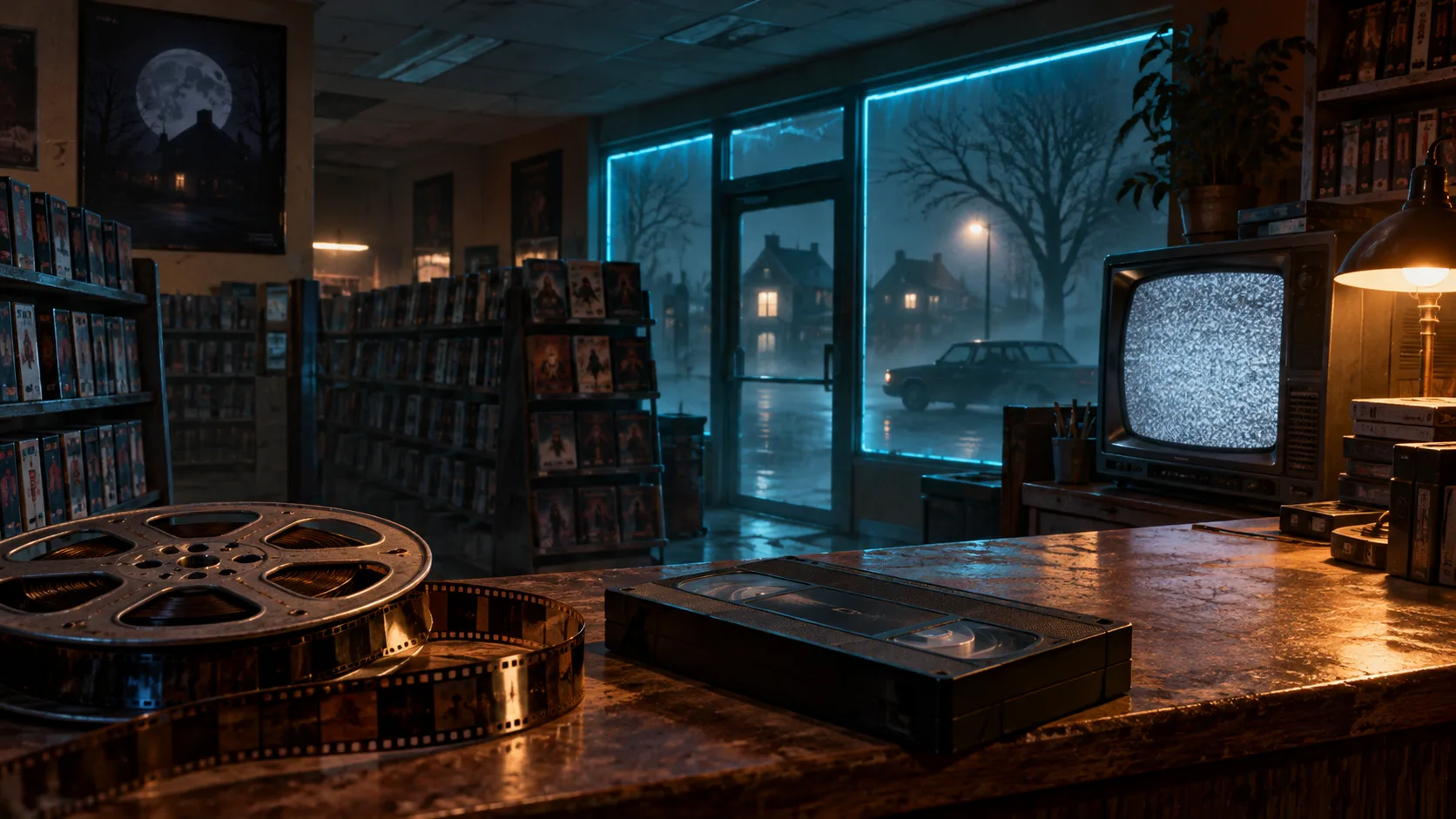
An analog horror treatment with separate videotape and 16mm film prompt directions.
Model and files. Download 80s_horror_wk.safetensors. The supplied graphs use a pruned FL2VA INT8-convrot base with matching Qwen3-VL encoder, video VAE and audio VAE.
Trigger and settings. Trigger: 80s_horror_wk, followed by shot on VHS or shot on 16mm film. Author baseline: strength 1.0, res_multistep, 20 steps, 124–192 frames at 24 fps.
Workflow. Place the adapter in models/loras and import workflows/80s_horror_t2v.json or workflows/80s_horror_i2v.json. Suggested canvases are 1280×704 or 1344×768.
The two workflows answer different starting-input needs. Keep the release notices and weight terms with the download; workflow code and weights have separate terms.
Match the supplied model files
The original workflow names the following dependencies. The LoRA does not include them:
| Component | Published filename | ComfyUI folder |
|---|---|---|
| Diffusion model | minimax_h3_fl2va_pruned_int8_convrot.safetensors | models/diffusion_models/ |
| Text encoder | qwen3vl_32b_minimax_h3_nvfp4_awq.safetensors | models/text_encoders/ |
| Video VAE | minimax_h3_video_vae_fp16.safetensors | models/vae/ |
| Audio VAE | minimax_h3_audio_vae_fp32.safetensors | models/vae/ |
Use the repository's linked Comfy-Org downloads and inspect each loader after importing the graph. The shell and PowerShell installers add the adapter and workflows and report missing base files; their optional model-download mode is roughly 42 GB. Existing installations can reuse their compatible components.
Begin with exactly one format phrase: 80s_horror_wk, shot on VHS. or 80s_horror_wk, shot on 16mm film. The author associates VHS with analog video and neon, and 16mm with warmer grindhouse grain. A controlled comparison changes that phrase while preserving the scene, seed and sampling settings.
The reported training set contains 48 eight-second shots with audio. That supports investigating environmental sound and dialogue, but does not establish voice cloning. Listen to the exported track and inspect whether the visual treatment survives movement. The repository separates Apache-licensed workflow/installer code from the weights' agreement, and its NOTICE includes credit to Sam Wasserman; preserve the applicable weight terms and notices.
Release and workflows · Prompt guide
By Sam Wasserman. Documentation reviewed 2026-10-16.
Action and camera LoRAs
360 Orbit
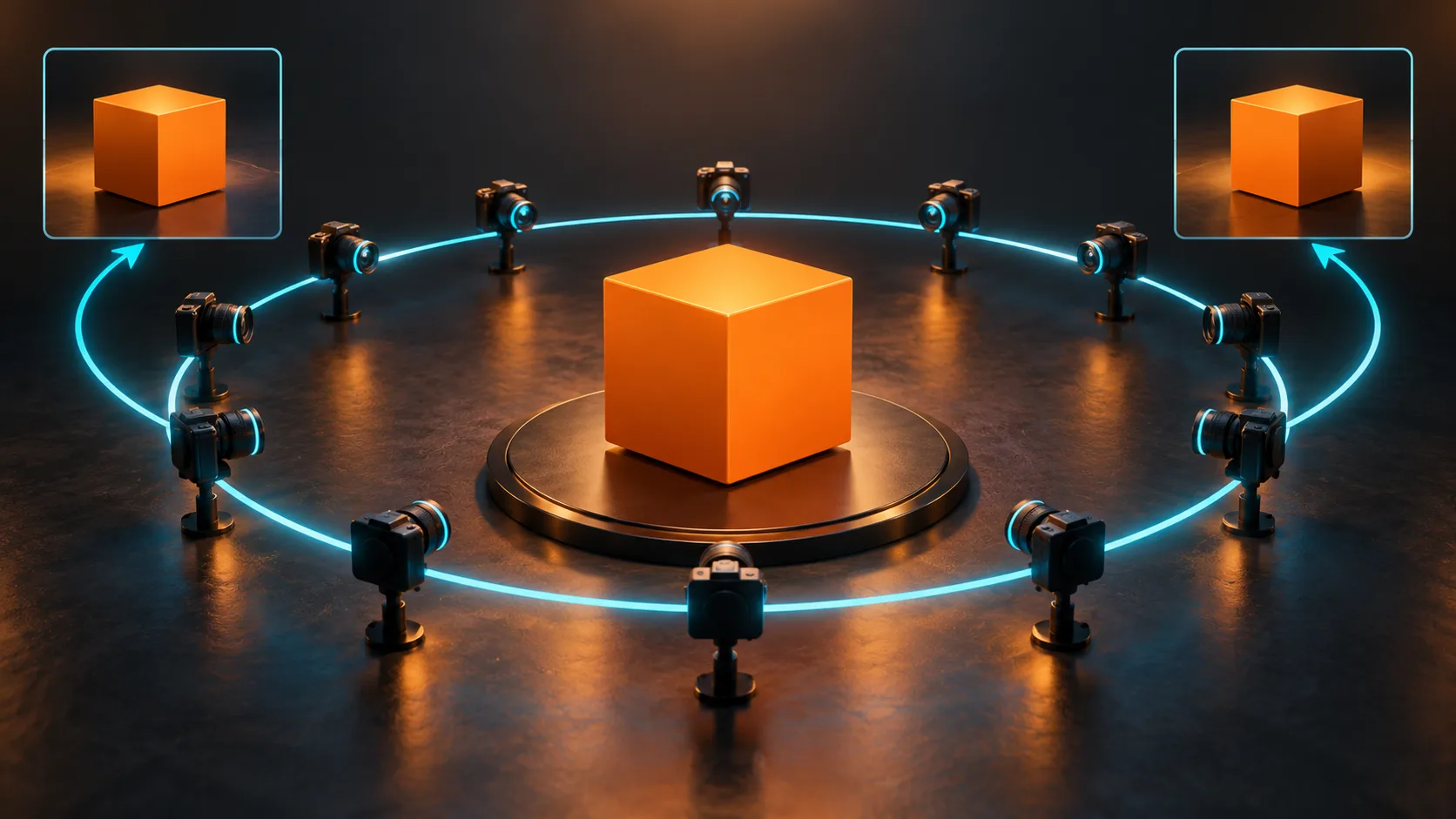
A camera orbit around a frozen subject that returns to the opening composition. It is not a turntable animation of the subject.
Model and files. MiniMax H3 FL2VA. Supply the same image to the first and last frame inputs. The documented baseline uses a pruned base.
Trigger and settings. Author baseline: 768×768, 73 frames at 24 fps, 28 steps, strength 1.0, audio off. Use the complete author prompt from the model card.
Workflow. Connect both endpoint images, keep the subject and environment still in the prompt, and let the viewpoint make the orbit. Check the middle of the shot as well as its closing seam.
The training set is small and human-centered. Other subjects, dimensions and lengths are not established by the published baseline; subtle subject motion can remain.
The author's baseline was trained from 28 human-centered square orbit clips. Choose the same prepared square crop for both endpoint inputs and inspect their graph connections: duplicating an image node is insufficient if the last-frame conditioning is disconnected. A return to that prepared crop should be evaluated against the crop that reached the model, rather than the uncropped original photograph.
Keep subject action out of the initial reproduction. Walking, blinking or changing expression competes with the frozen-moment instruction. The model card supplies the author prompt; an untested editorial brief for planning is:
One frozen studio moment. The camera makes one continuous full orbit and returns to the opening viewpoint. The person holds the same pose and position. Preserve wardrobe and surrounding objects, with no cuts or subject action.
Check quarter, half and three-quarter views for direction changes, hidden cuts or newly invented clothing and surfaces. Then replay two copies back to back to inspect the seam. A plausible hidden side is generated interpretation, not captured geometry.
Community reports describe a 16:9 orbit with an eight-step Turbo adapter and 64-view extraction for Unity. These are separate user experiments, outside the author's validated baseline. Preserve their different duration, adapter stack and post-processing when evaluating those use cases.
By Pablo Dawson. Documentation reviewed 2026-10-25.
ORB360 and CardSpin
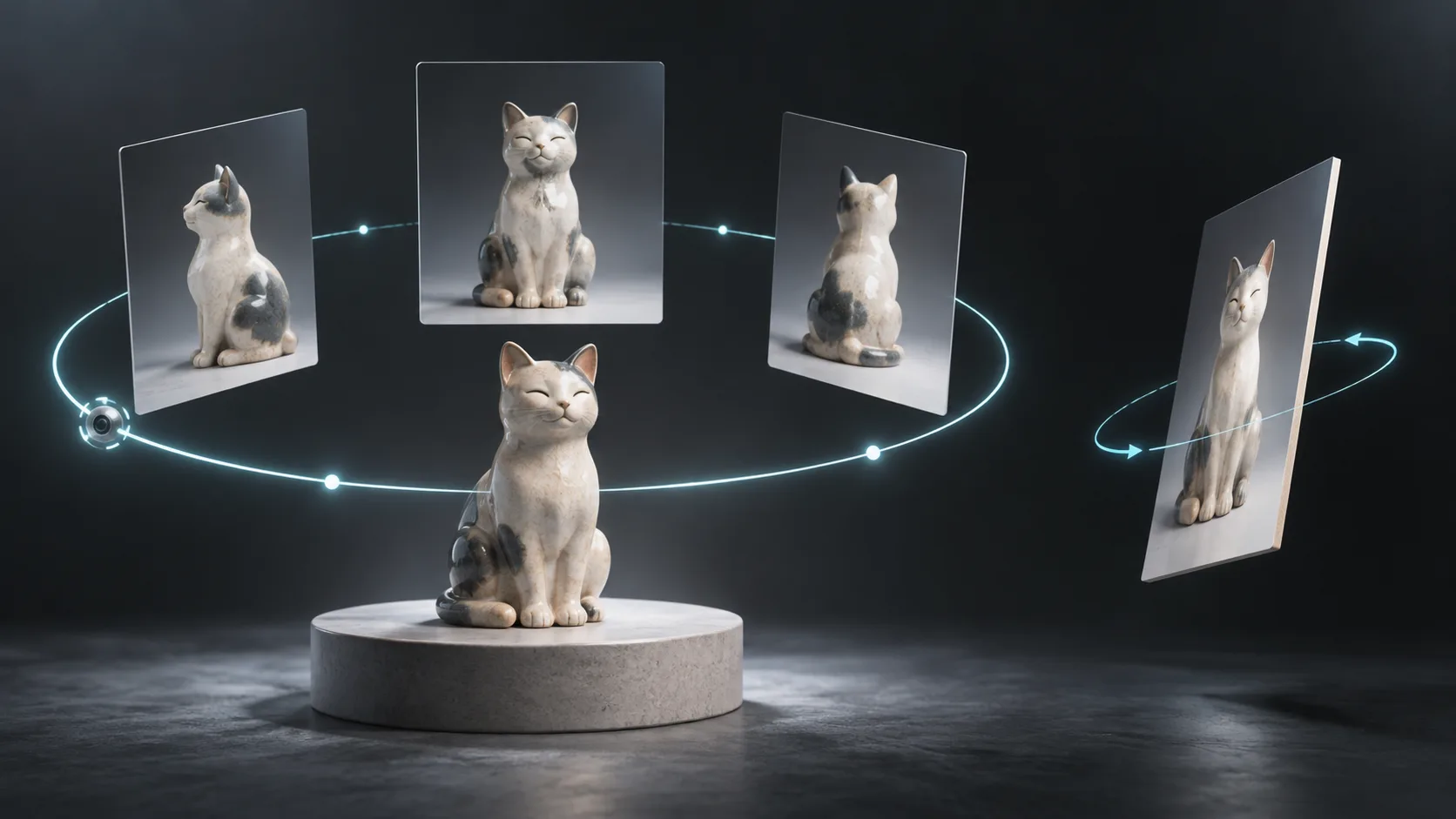
Two different effects: orbit a frozen subject, or rotate a photograph as a thin card. Choose the motion before choosing a file.
Model and files. Ref2VA with one image or ordered views. Orbit: minimax_h3_orb360_step1500.safetensors. CardSpin v2: minimax_h3_orb360_cardspin_v2_step50.safetensors.
Trigger and settings. Author baseline: model strength 1.0, 124 frames at 24 fps. The shown cat example uses 1024×768 and 20 inference steps. Use the matching caption in the prompts folder.
Workflow. Use the standard H3-compatible LoRA model branch and the relevant orbit or card-spin caption. With three views, preserve the reference order.
The older minimax_h3_orb360_cardspin_step50.safetensors derives from a different orbit checkpoint. Keep it distinct from v2. Camera height and unshown views have weaker validation.
Select the effect and its caption
| Desired motion | File | Selection detail |
|---|---|---|
| Clockwise camera travel around a frozen subject | minimax_h3_orb360_step1500.safetensors | Author's preferred orbit checkpoint |
| Rotate the photograph as a thin card | minimax_h3_orb360_cardspin_v2_step50.safetensors | Card training added to the step-1500 orbit checkpoint |
| Reproduce the older card effect | minimax_h3_orb360_cardspin_step50.safetensors | Based on an older orbit checkpoint |
The three rank-32 files are approximately 597 MB each and require Ref2VA base components. The author reports softer orbit results from CardSpin variants in a controlled cat-photo comparison; that is a narrow selection aid, rather than a universal quality ranking. The shown cat recipe also records seed 20260926.
One image is supported by the real-scene orbit caption. For three views, use the same rigid subject at the front, 120 degrees clockwise and 240 degrees clockwise, preserving their order. Unrelated portraits do not supply three camera positions around one frozen scene.
| Zero-based frame | Time at 24 fps | View assigned by the three-reference caption |
|---|---|---|
| 0 | 0 seconds | Picture 1, 0 degrees |
| 41 | 1.708333 seconds | Picture 2, 120 degrees |
| 82 | 3.416667 seconds | Picture 3, 240 degrees |
| 123 | 5.125 seconds | Picture 1 again, 360 degrees |
A 124-frame export lasts about 5.167 seconds; its last frame has an earlier timestamp. If you alter the frame count or playback rate, update the caption's time and angle milestones together. The original captions have separate subject, retention, shot and audio sections, with audio requesting silence. Keeping those sections is part of reproducing the recipe; requesting silence differs from disabling an audio branch.
For an orbit, check rigid pose, continuous background parallax and newly revealed surfaces. For CardSpin, check that the image remains on a thin rotating surface rather than becoming a volumetric scene. The author's height tests cover three rendered objects and one seed per case; large elevation changes failed, and real photographs tended to retain their original camera height. Start at the input's height before testing another angle.
Model, files and captions · Three-view orbit caption
By MATLOWAI. Documentation reviewed 2026-10-13.
Action Speed Slider
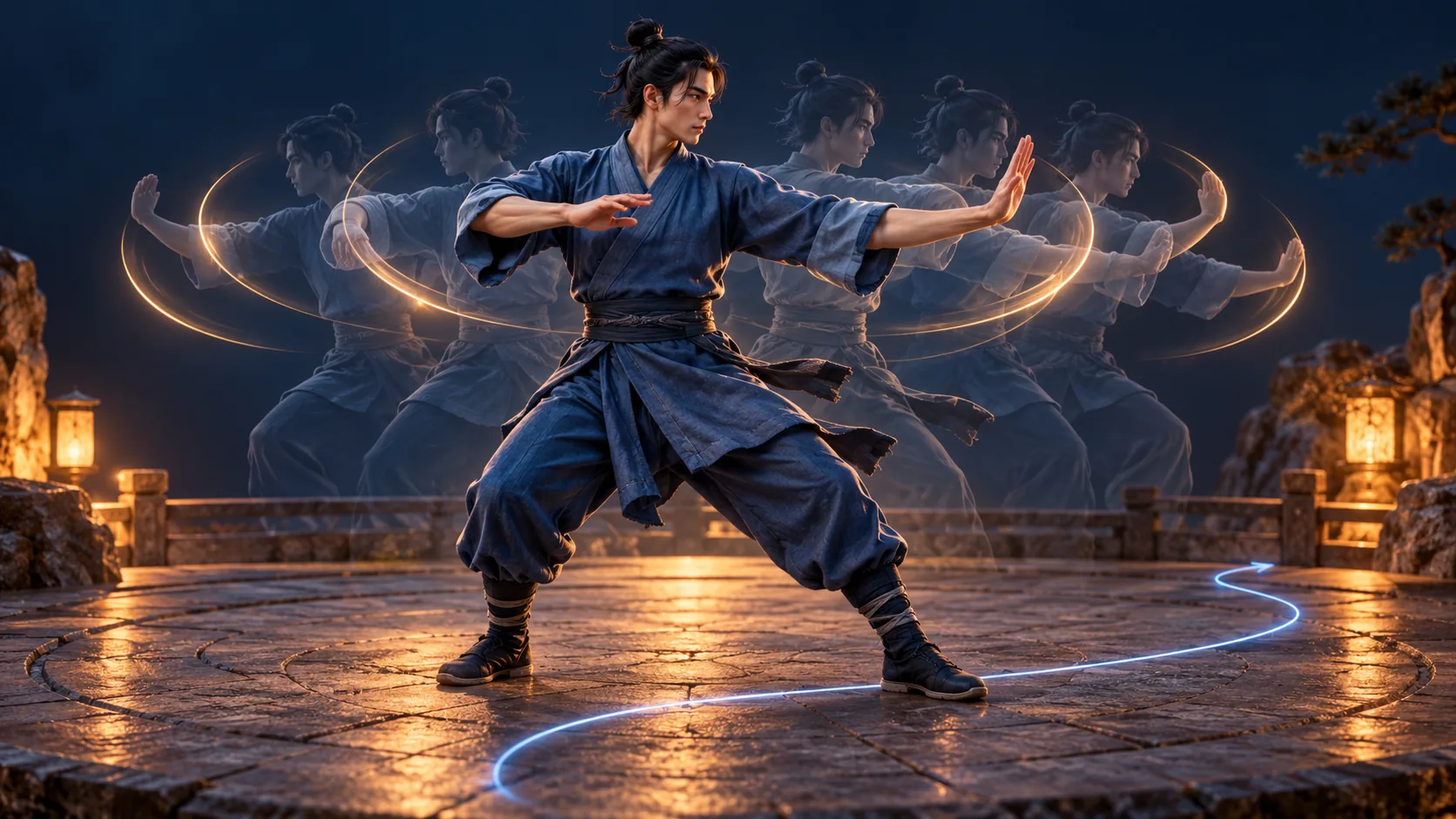
Changes limb cadence and strike frequency. Negative weights encourage slower actions; positive weights encourage faster actions, rather than changing playback speed.
Model and files. Select Action Speed version 3409409: action_speed_slider_mmh3_v1.safetensors. Motion Speed v1.1 in the same collection is a separate adapter for spatial movement.
Trigger and settings. No trigger. Author suggestions are small changes around ±1–2, a typical setting around ±4 and an outer range of −8 to +8. Your loader must support signed strengths.
Workflow. Load the selected file into a compatible H3 graph and vary its strength while preserving the prompt, seed and sampling settings. For externally hosted use, verify the worker supports negative values.
Sogni documents text, image and first/last-frame support for this adapter, excluding Ref2VA. The collection does not make Motion Speed thresholds applicable to Action Speed.
The adjacent Motion Speed v1.1 file is motion_speed_slider_mmh3_v1.1.safetensors. Use Action Speed for gestures or strikes performed in place, and distinguish that from running through a scene. Mixed actions may contain both kinds of movement. The creator suggests modest combinations of the two sliders, but their separate scaling instructions still belong to their respective files. The Action Speed SHA-256 begins C1EE6AF27CC7; its full identity is in the public version record.
Start with a no-adapter baseline and small positive and negative settings on one visible action. Check limb cadence, body displacement and identity separately. Changing strength while holding the seed does not guarantee identical composition, and a stronger result is not a measured playback-speed multiplier.
For Sogni integration, the documented catalog ID is h3-action-speed-slider, default +4. The reviewed compatibility list includes Standard, Balanced, LightX2V Turbo and FastH3 Turbo, including two-stage output in the supported non-reference modes. Consult GET /v1/loras/comfy for the selected backend. Its API pairs loras with corresponding loraStrengths; error 4111 identifies unavailable signed-strength worker support. A form accepting a negative number does not establish that a worker can execute it.
Exact model version · Hosted compatibility reference
By make676767. Documentation reviewed 2026-10-23.
Fight Flow V1
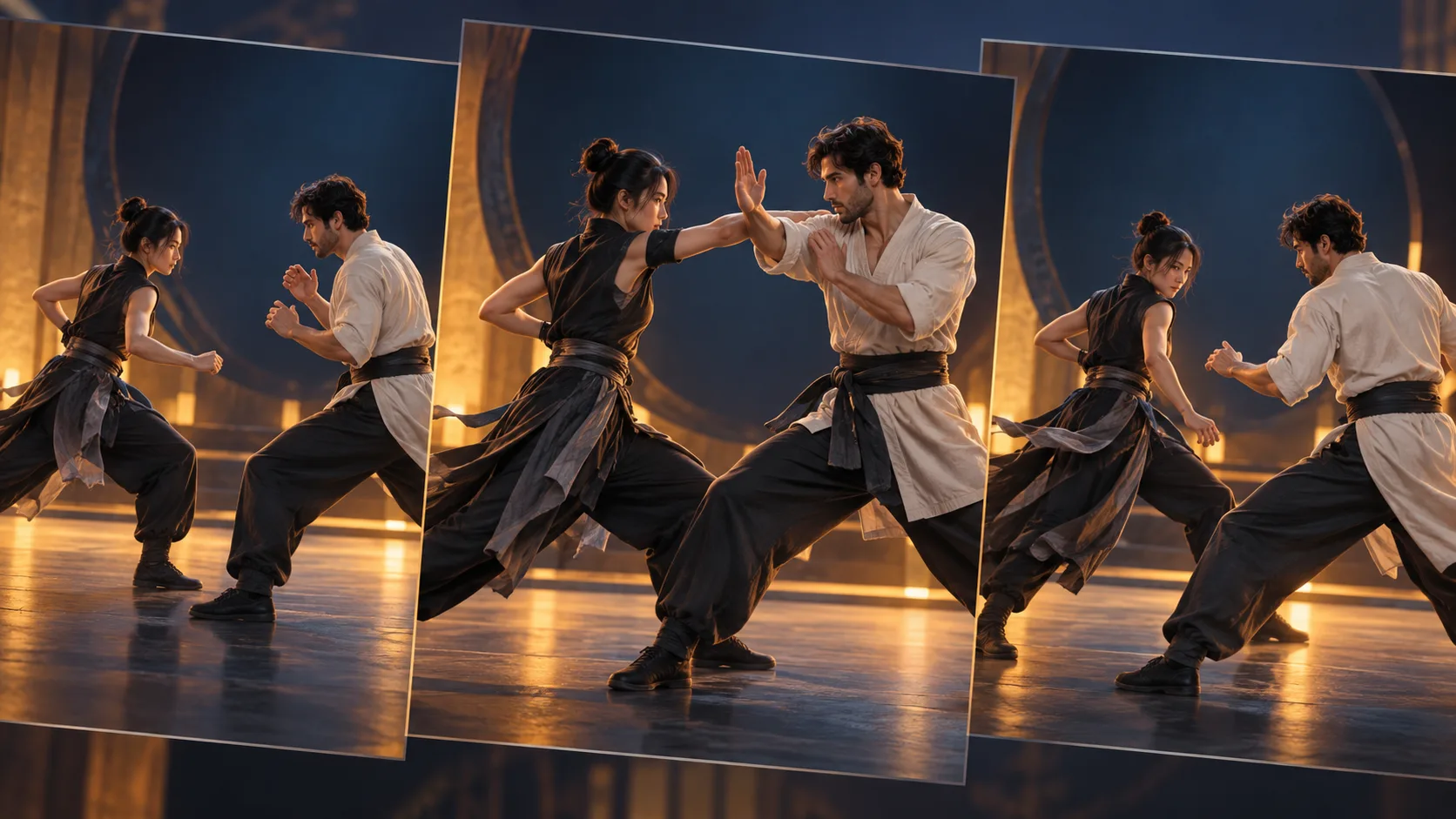
Focuses on connected exchanges: one action changes the other performer’s position, balance or response.
Model and files. Download H3_Fight_Flow_V1.safetensors and use a compatible H3 model and LoRA path. The card does not provide a complete ComfyUI graph.
Trigger and settings. Choose the dominant interaction trigger: Unarmed combat interaction., Melee weapon interaction., or Gun-fu interaction. Author two-pass weights: 0.65 first pass and 0.25 second pass.
Workflow. Describe a short preparation, exchange and recovery. Apply each weight to its actual sampling stage; two pass values do not mean loading two copies simultaneously.
A one-pass graph has no second-pass stage. The published card does not establish a universal sampler, base checkpoint or inference hardware requirement.
| Trigger | Interaction described by the author |
|---|---|
Unarmed combat interaction. | Punches, kicks, grappling, throws and body control |
Melee weapon interaction. | Close-combat weapon lines, blocks and contact |
Gun-fu interaction. | Firearm handling and close-range firearm interaction |
Choose the dominant interaction instead of naming an object that merely appears in the scene. A staff resting against a wall does not make an unarmed exchange a weapon interaction.
For a first test, use two adult stunt performers in contrasting rehearsal clothes, one short exchange and a fixed wide shot. Describe initiation, response, contact, consequence and recovery so that each move begins from the positions created by the previous one. An uninterrupted shot makes neutral-stance resets and false contact easier to see than a montage.
The author describes the adapter as an interaction layer that can accompany specialized action or motion-repair adapters. Compatibility still needs checking for the selected base and sampler. Judge connected action, anatomy, identity and image quality separately: better continuity can coexist with intersecting hands or distorted props. The reported RTX 6000D and approximately 60 GB training peak describe training, not inference memory requirements.
Model, triggers and demonstration
By JOKER141. Documentation reviewed 2026-10-10.
Wushu Action V7 and V8

V7 targets fighting footage; V8 emphasizes single-person motion-reference animation and can produce white figures against black backgrounds.
Model and files. The E3 FL2VA route names the full, unpruned minimax_h3_fl2va_int8_convrot.safetensors base. The collection also contains wushu_h3_r2v_v7_2000.safetensors and separate V8 files.
Trigger and settings. Trigger: wushu_action. Documented E3 baseline: Euler, simple, 25 steps, CFG 1.0, 832×480. V8 author strengths: 0.9–1.0 for motion references, 0.6–0.8 for ordinary scenes.
Workflow. Choose the exact V7 or V8 file and import the supplied matching workflow. Frame counts follow 17n + 5; 124 frames at 24 fps is about 5.17 seconds.
The card has conflicting V7 training-step descriptions. Preserve the exact filename and revision. An R2V filename alone does not make an FL2VA recipe valid for Ref2VA.
The original review pinned revision 4808de9b. Its file families need separate treatment:
| Family | What the reviewed material establishes |
|---|---|
| V7 FL2VA, 1000-step filename | Listed as the E3 main file with AdaLN calibration; training-step descriptions conflict |
| V7 FL2VA, 2000-step filename | A distinct artifact exists; this does not validate every E3 instruction for it |
wushu_h3_r2v_v7_2000.safetensors | A separate R2V-named artifact, without a complete recipe established by the FL2VA section |
| V8, 2000- and 5000-step filenames | Separate motion-focused files without a controlled checkpoint comparison |
The E3 training description names a BF16 text encoder, while its suggested loading table also offers an NVFP4 option. Keep those descriptions separate when choosing precision. The guide also mentions lower steps with Turbo bases while warning about blurry low-step output; establish the full-base baseline before adding an accelerator.
Put wushu_action at the beginning, then name one action with preparation, execution and recovery. A full-body view of a single practitioner making a low sweep is easier to assess than a multi-person montage. V8's training clips are short and single-person, so two-person fights have a weaker basis. For ordinary scenery, its lower suggested strength may reduce the white-figure/black-background tendency while weakening motion guidance.
If the adapter appears inactive, the author suggests comparing strength zero and one and checking whether key remapping is needed. A visible influence confirms loading, not correct anatomy. Inspect foot contact, center of mass and limb continuity before trying the card's additional Combat Base, Motion Continuity Repair or physics stacks.
Model and workflow · Version file list
By Jojocodex. Documentation reviewed 2026-10-18.
Character editing LoRAs
Character Swap V1.5
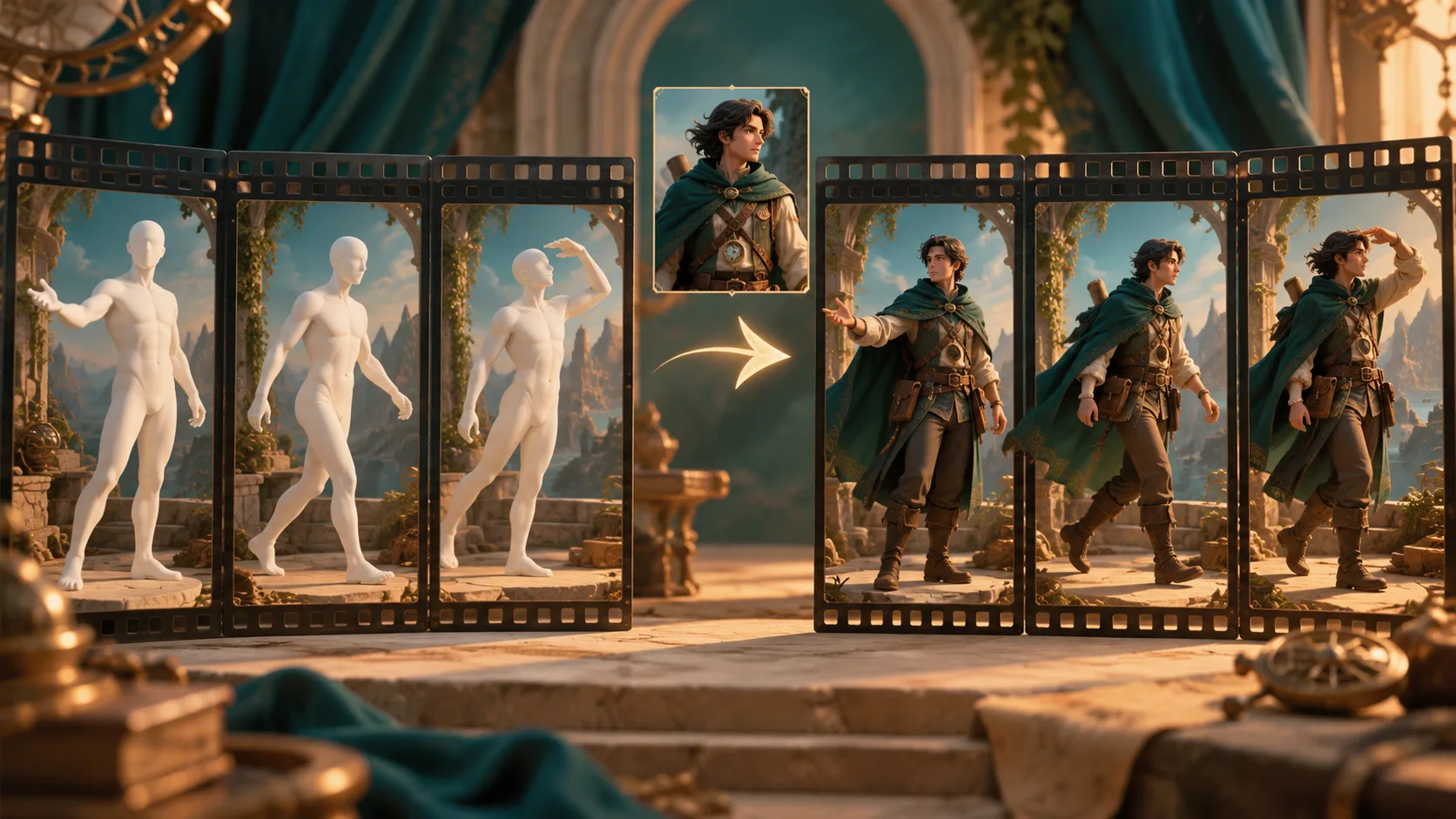
Replace the selected performer with a character from an image while retaining the source performance.
Model and files. h3_character_swap_v1.5.safetensors replaces V1 rather than stacking with it. The documented tool recipe uses a Ref2VA INT8 base plus a separate FL2V Turbo8 adapter.
Trigger and settings. Start character strength at 1.0. The documented recipe uses 8 steps, CFG 1, er_sde and normal. Preserve the matching masks, references and runtime.
Workflow. Use the source-installed local workbench or the standalone workflow. The standalone guide is labeled V1, so explicitly select the V1.5 character file. Inspect the subject mask before generating.
The October 24 qualification record marks a toolkit migration in progress; current GPU equivalence, full SAM and application generation remain pending. Historical successful renders validate the older runtime. Source-audio export does not establish exact generated lip sync.
Select the application and the actual adapter
The local workbench provides shot preparation, mask correction, segment prompts, takes and dependent continuation. Its source installation guide is the documented starting point. At the original review, Docker alpha images were still being prepared without a published digest; a local development tag was not a released installer. The qualified source target was Linux NVIDIA, with WSL2 treated separately.
New shots default to V1.5, but saved shots retain their selected adapter. Opening an old project does not automatically upgrade it. The standalone graph is documented around V1: inspect the adapter node, replace only the character file deliberately, and preserve the separate Turbo adapter and matching runtime recipe.
The release provenance explains an internal V2 metadata name and an original 2,250-update budget; the final V1.5 record reports 1,000 completed additional optimizer updates initialized from V1. Record the file and revision rather than treating that internal name as another public adapter to stack.
Prepare masks and refresh dependent takes
Choose a short continuous performance, split cuts in advance, and use a reference showing the face, hair and intended clothing. Select the detected performer and inspect the expanded green-mask preview at multiple positions, including a profile, occlusion and full-body frame. An optional scene anchor has its own reference slot and must not displace the character image.
For example, an untested editorial brief can request the explorer from Picture 1 in place of the selected performer in Video 1, retaining a green coat and brass shoulder clasp while following the original turn and hand gesture. Translate those labels to the graph's actual reference syntax.
Later segments can depend on an earlier selected take. Changing that take can mark continuations as needing refresh; inspect and regenerate those dependencies before assembling the shot. Otherwise a discontinuity can come from outdated segment state. The tool's preservation of the original soundtrack is also separate from audio conditioning and generated mouth motion.
Model and download · Standalone workflow · Current validation
By Akatz Labs. Documentation reviewed 2026-10-24.
BFS Character Swap
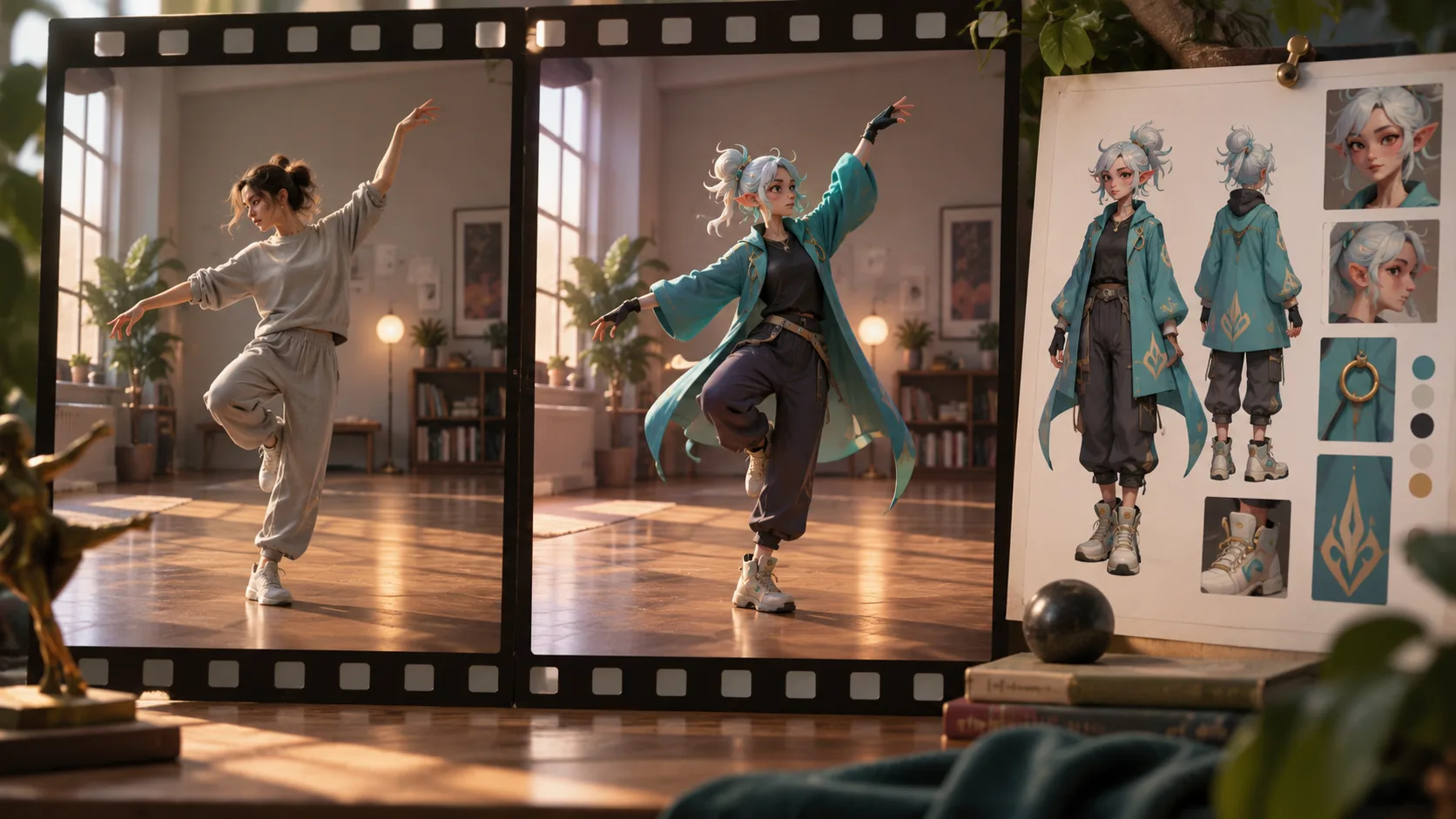
A guide-aligned character replacement adapter with a separate identity-image path.
Model and files. Start with minimax_h3_character_swap_v1.0_ref2va_r64_gl.safetensors. The similarly named WIP file is an experimental alternative. Use the supplied minimax_h3_character_swap_workflow.json.
Trigger and settings. Prompt prefix: body_swap:. Use the supplied graph’s strength and sampling settings; no universal strength is established here.
Workflow. Route the source video through MiniMaxH3AddGuide at frame_idx = 0, and the replacement character through the native image-reference path as Picture 1. Align output dimensions and frame count with the guide.
Selecting source audio for export differs from conditioning with it: BFS Shot H3 Conditioning additionally needs with_audio = true. The linked weight license restricts hosted API/SaaS serving.
The source guide carries scene layout, camera, pose, movement and performance; the identity image supplies appearance. This regenerates the scene under conditioning rather than pasting a face over unchanged source pixels. The author's separate Head Swap weight has a different replacement scope.
Guide alignment uses a shared spatial and temporal grid. A general Video 1 reference does not provide that alignment automatically. Supported frame counts follow 17n + 5, including 73, 90, 107 and 124; preserve the guide's aspect ratio, selected range and frame rate. The Planner is optional: the author also permits a native video loader connected directly to Add Guide. Missing optional Planner nodes do not establish that the adapter needs a different conditioning route.
An untested prompt example is:
body_swap: Replace the dancer in the gray outfit with the teal-coated character in <Picture 1>. Follow the guide dancer's pose, hand gestures, camera framing and timing. Keep the room and other people consistent with the guide.Use a full-character reference when clothing and silhouette matter, and explicitly identify the target if several people appear. Check small faces, occlusions, fast turns and costume edges; animal references are less tested. The primary and WIP files should be compared with otherwise matching inputs and sampling settings.
The reviewed weight-specific license permits commercial videos and films, specifies attribution for organizations above US $1 million annual gross revenue, and prohibits offering the LoRA as a hosted API, SaaS or other remote model service. These statements apply to the named Character Swap weights and derivatives, rather than every asset in the repository. Read the linked full agreement for its exact scope and later changes.
Author guide and workflow · Weight terms
By Alissonerdx. Documentation reviewed 2026-10-14.
Person Remover V1

Remove a selected person and reconstruct the background using a clean first frame, tracking and overlapping generation windows.
Model and files. H3 Ref2VA with SAM-capable ComfyUI and H3 Relay. Download the adapter and Person-Remover-Window-Reroll-V1.json; segmentation, base weights, encoder and VAEs are separate dependencies.
Trigger and settings. Author starting settings: 22-frame windows, 12 sampling steps and strength 1.0. Inputs use 24 fps and dimensions divisible by 32.
Workflow. Remove the target from the first frame in an image editor, keep its framing unchanged, then inspect the complete mask preview before generation. A rerolled window also rebuilds its continuation.
The default output is silent. Reattaching original audio also retains the removed person’s voice. The model card links territorial and use conditions; the LoRA alone neither supplies segmentation nor creates the clean frame.
Begin with roughly five seconds of continuous footage and one clearly identifiable person. Save the source dimensions, frame rate and frame count. If the clip needs resizing or cropping, do it before preparing the clean first frame so the video and reference retain the same image coordinates.
The approximately 155 MB adapter is only one dependency. Install the matching segmentation checkpoint, H3 base, encoder and both VAEs, then inspect the imported loader choices. H3 Relay supplies the window preview and reroll controls. The author's recorded RTX 4090 setup is a validation configuration, not a minimum-memory promise.
In the clean first frame, inspect floor joints, rails, door frames and lighting where the person used to stand. Compare nearby source frames to avoid supplying an attractive but inconsistent invented background. For the mask preview, describe the target through visible clothing and review the entire selection for missed hands, hair, reflections and shadows, or a jump to another person.
A window reroll preserves an earlier prefix and rebuilds the selected window and its suffix. Review the continuation after every reroll, especially repeated textures, camera direction and other performers. A locally better frame can still introduce a later boundary error. Visual removal also leaves voice removal as a separate editing task if original audio is restored.
At the original review, the model card's standard territorial grant excluded the US, EU, UK and Republic of Korea and described separate authorization. Keep the weight agreement with the model; the Relay code license does not replace it.
Model and download · Workflow instructions · H3 Relay
By Akatz Labs. Documentation reviewed 2026-10-09.
Acceleration and few-step LoRAs
DMAD 4-Step
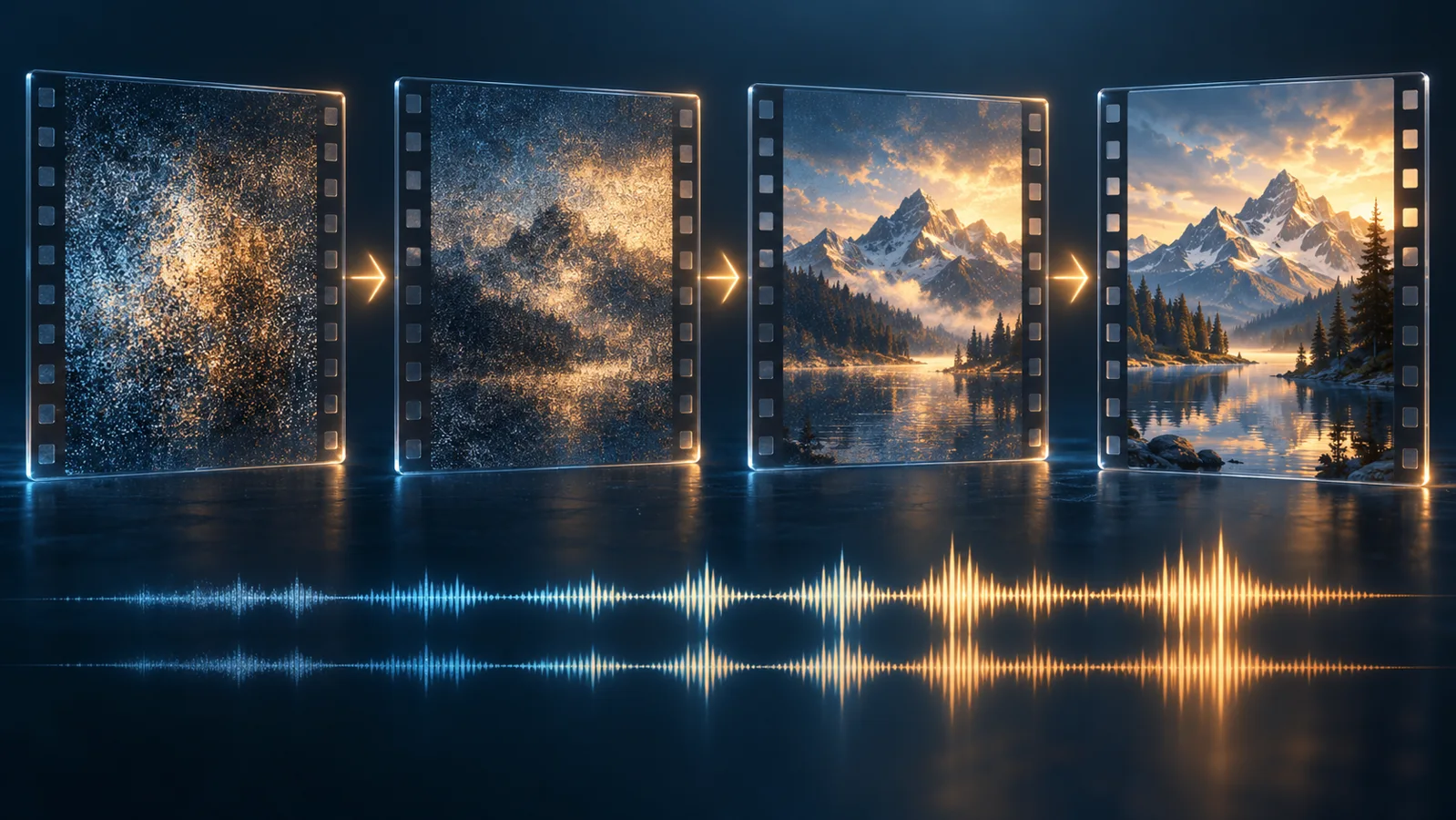
A few-step audio-video adapter whose execution differs between the reference sampler, Diffusers and community ComfyUI conversions.
Model and files. Original files include 4step_lora_critic.safetensors and 4step_full_critic.safetensors. Kijai’s separate conversion is minimax_h3_DMAD_4step_full_lora_avg_rank_39_bf16.safetensors.
Trigger and settings. Reference defaults: 4 evaluations, video shift 12, audio shift 2, 124 frames at 1344×768. Its default re-noise rollout differs from Euler.
Workflow. Follow the chosen implementation’s graph. The Diffusers runner passes steps + 1 to its pipeline; that convention is not a generic five-step setting for other samplers.
A successful LoRA load does not reproduce the reference algorithm. An 8GB workflow is a particular recipe with its own offloading and components, not a universal minimum.
Choose a checkpoint and execution path
DMAD stands for Distribution Matching as Adversarial Distillation. The release describes four model evaluations instead of the teacher's 50-step generation, producing video and stereo sound together. The model-evaluation ratio does not establish the same ratio for download, loading, decoding and export time.
| Download | Role in the original release |
|---|---|
4step_lora_critic.safetensors | Paper checkpoint with exponential moving average weights; associated reference example |
4step_full_critic.safetensors | Full-critic variant; authors report a higher AVGen-Bench score |
minimax_h3_DMAD_4step_full_lora_avg_rank_39_bf16.safetensors | Separate Kijai conversion for a community execution route |
The two original rank-128 adapters are approximately 1.4 GB each; the named conversion is about 367 MB. Start a reference reproduction with the paper checkpoint, then evaluate the full-critic variant separately. A smaller converted file is not proof of identical sampling or output.
The reference inference code uses re-noise rollout by default unless its Euler option is enabled. The Diffusers example uses its own Euler rule and passes steps + 1. Preserve the runner, shifts and schedule alongside the selected checkpoint instead of changing a widget to match another interface's number.
Consumer-GPU configurations and host requirements
The release documents a streamed consumer-GPU route with roughly 170 GB of base-component downloads. Its presets were described as follows:
| Preset | Documented clip boundary | Memory policy |
|---|---|---|
--low-vram 8 | 5 seconds, 124 frames | 8192-row chunks and video VAE offloading |
--low-vram 12 | 15 seconds, 362 frames | Same chunk and decode strategy |
--low-vram 16 | 15 seconds | 16384-row chunks; resident VAE when memory permits |
These are the authors' configurations, not H3Vid-tested minimums. Their peak-memory observations used memory-constrained H200 hardware, rather than every physical consumer card named by the presets. Pre-Ampere cards were not measured, and emulated BF16 may be much slower.
The low-memory route streams encoder and transformer layers. --weights-in-ram retains a 36 GB pinned transformer copy and is recommended with at least 48 GB of host memory. --weights-int8 halves that traffic and copy size but changes samples; it does not belong to the same bit-identical streaming/offload claim. The authors measured about 1–1.5 extra minutes for VAE offloading on their H200, rather than a universal decode overhead.
The consumer-GPU instructions also link a five-second ComfyUI graph for 8 GB GPUs. Use that graph's checkpoint and sampler together, keeping it distinct from older conversion advice. Record cold loading and warm complete-job time separately, and compare full scenes with sound before deciding whether its speed-quality tradeoff serves your work.
Reference code · Original model · Kijai conversion
By Zhengming Yu and collaborators. Documentation reviewed 2026-10-13.
PTD LoRAs

Trajectory distillation that uses hop-dependent adapters. Choose the distribution before selecting a base or schedule.
Model and files. VITA original: 4/6 steps with original H3. Taobao community release: 4/8-step Ref2VA. nynxz: compact conversion of VITA weights with its own loader.
Trigger and settings. VITA uses PTD Sampler and PTD Sigmas with Basic Guider, a converted unpruned base and separately converted PTD weights under models/ptd.
Workflow. For VITA, install the release/comfyui-inference branch as custom_nodes/ComfyUI-PTD, install it in ComfyUI’s Python environment and open examples/comfyui/ptd_h3_t2v.json. Keep all AV latent split, decoding and 24 fps save connections.
The official four-step T2V route has full-model validation; six-step and image paths are not equally validated. Compact INT8 needs its dedicated loader and has no end-to-end generation validation. Do not mix 4/6-step FL2VA and 4/8-step Ref2VA packages.
Keep the three distributions separate
| Distribution | Evaluations | Base and loading contract |
|---|---|---|
| EPFL VITA original | 4 or 6 | Original H3 and dedicated standalone or native ComfyUI integration |
| Taobao Content AI | 4 or 8 | Ref2VA modular Diffusers pipeline with the supplied apply_ptd_lora route |
| nynxz compact conversion | 4 or 6 | Converted VITA adapters and a compact loader; FL2VA, rejecting Ref2VA |
Parametric Trajectory Distillation uses hop-dependent adapters. Merging one conventional LoRA and shortening an arbitrary schedule does not reproduce that behavior. Taobao's example reads checkpoint metadata, applies the adapter to transformer_ref and calls its pipeline with num_inference_steps = nfe + 1; this does not instruct the official fixed-schedule ComfyUI graph to add a step.
Install and convert for the official ComfyUI route
The reviewed release requires Python 3.10 or later and native H3 support in ComfyUI. Its qualified ComfyUI baseline is commit 5cc4b870; later builds were not all qualified. Run installation in the interpreter that starts ComfyUI:
git clone --branch release/comfyui-inference --single-branch \
  https://github.com/vita-epfl/PTD-inference.git custom_nodes/ComfyUI-PTD
python -m pip install -e ./custom_nodes/ComfyUI-PTD
The validated launch uses --disable-dynamic-vram. A standalone wheel alone does not register the custom-node checkout. Convert an original, unpruned transformer with scripts/convert_comfy_base.py, then separately convert the PTD checkpoint into models/ptd/. Keep DCP metadata and shards together and use the upstream guide's pinned revisions and conversion commands. An example output name such as minimax_h3_original.safetensors is a local conversion result, not an upstream file to find by that name.
Preserve the entire sampler and audio-video graph
The ptd_h3_t2v.json route joins the diffusion loader, PTD adapter loader, Basic Guider, PTD Sampler and PTD Sigmas through SamplerCustomAdvanced. Connect the same adapted model to the guider, sampler and sigma nodes. Split the output AV latent, decode each branch through its matching VAE, and combine at 24 fps for saving.
Basic Guider adds no classifier-free guidance. The release expects an empty generated latent and its complete checkpoint schedule. Generic schedulers, truncated schedules, denoise masks and prefilled generated latents are outside the documented contract. These restrictions help distinguish execution problems from prompt problems.
The compact loader has different support for pruned bases, INT8 adapters and DynamicVRAM. Its table marks some quantized bases as loading but untested, and its measured adapter error is a weight-level calculation without end-to-end generation validation. The research timing uses eight H100s and excludes VAE decoding; it does not establish desktop clip time.
Official ComfyUI instructions · Ref2VA 4/8-step release · Compact conversion
By EPFL VITA and community conversion authors. Documentation reviewed 2026-10-25.
SMD Ref2VA 4-Step and 8-Step

Reference-conditioned video and audio with separate four-step and eight-step student adapters.
Model and files. Choose the matching original checkpoint or native ComfyUI conversion. Compact and BF16 profiles have different storage and memory requirements.
Trigger and settings. Converted recipe: strength 1, Euler, BasicGuider without CFG and supplied ManualSigmas; video/audio shifts 12/3 and final-interval scale 0.5.
Workflow. Use the matching conversion repository’s download_models.py installer and its H3-Ref2VA-4step-Compact or eight-step workflow. Keep the student, base and schedule together; the documented native graph needs no SMD custom-node checkout.
The original Python route uses two GPUs; it is separate from ComfyUI. A measured 24.3 GiB peak on an A100 with a software memory budget does not validate a physical 24GB consumer card. The browser Space is an external demo.
Choose the route before downloading
The original four-step checkpoint and eight-step checkpoint each include a student adapter and standalone example. The documented Python route uses Linux, Python 3.12 and FSDP2 across two CUDA GPUs; its recorded test used two A100 80 GB cards.
The converted native ComfyUI packages have a different installation and storage arrangement:
| Profile | Approximate downloads | Component distinction |
|---|---|---|
| Compact | 42.0 GB | Pruned INT8 transformer, NVFP4-AWQ encoder and INT8 video VAE |
| BF16-transformer | 101.2 GB | Unpruned BF16 transformer; text encoder is still quantized |
Shared components can be reused. Do not combine the standalone file inventory with the native profile's memory observation as though they describe one installation. The cited Compact test was 1344×768, 124 frames at 24 fps on an A100 80 GB with a reduced memory budget.
Open the native workflow and keep its schedule
The converted repository's installer downloads and verifies models, copies example inputs and installs the workflow in the user library. Open Workflows → SMD → the matching student/profile, or drag its workflow.json onto the canvas. Confirm both LoRA loading and video saving. The documented graph uses native H3 nodes and does not require a separate SMD custom-node checkout.
An audio_scale error can indicate an incomplete audio-video graph. Resolve the component identities and connections before tuning the prompt. Switch the student, workflow and schedule together, including the supplied ManualSigmas. The original sampling contract is part of the recipe; do not stack Lightning or Turbo onto the baseline merely to match a short step count.
References provide appearance rather than exact motion. Replace the supplied images in order and describe one interaction, for example an explorer from Picture 1 unfolding the telescope from Picture 2 on a table, with wind and a small metallic click. This is an untested editorial exercise. Check both identity and object binding before adding speech.
At review, the Space's application source exposed one to three pictures, selectable students and two-to-ten-second choices snapped to a frame grid on ZeroGPU. Availability, placement delay and complete export time are separate from sampling speed. It does not imply SMD is installed in H3Vid's hosted Ref2VA generator.
Four-step ComfyUI package · Eight-step ComfyUI package · External browser demo
By zjwfufu. Documentation reviewed 2026-10-25.
HyperFlow 8-Step

Data-free flow self-distillation with additional time-conditioning structure and a learned eight-step schedule.
Model and files. Default file: minimax_h3_hyperflow_8step_v1.0.safetensors plus hyperflow.json. Original H3 components remain required.
Trigger and settings. Use load_hyperflow_lora and the release’s own schedule. A standard LoRA loader does not install its extra time-conditioning structure.
Workflow. Install the hyperflow-h3 examples package in its supported Python environment. Choose the FL2VA launcher for text or endpoint frames, or the separate reference launcher for ordered media.
Do not force an arbitrary step count into a generic pipeline. Published timings use H200 hardware and exclude startup/loading; they are not desktop latency guarantees. Weight terms differ from code terms.
The default adapter is approximately 2.8 GB. A bare repository ID follows the hyperflow.json manifest's default, whereas an exact file and revision can pin a reproduction. A small adapter still requires the original model, encoder and audio/video components.
Install the implementation that owns the schedule
The package requires Python 3.10 or later and a recent Diffusers release with MiniMax H3 Modular Pipeline support. Its package metadata documents the examples installation:
pip install "hyperflow-h3[examples] @ git+https://github.com/Video-Rebirth/hyperflow.git"
A documentation-based single-GPU entry point is:
hyperflow-h3-fl2va --prompt "A paper boat drifts across a quiet pond, with gentle water sounds." --gpus 1 --seed 42
H3Vid has not executed that command. The FL2VA launcher is text-only without a first image, image-conditioned with one, and endpoint-conditioned when a last image is also supplied. The example launchers include a separate ordered-reference route. Preserve media order and numbered prompt bindings when comparing them.
The special loader installs additional time-conditioning structure along with the learned schedule. Missing keys, absent extra structure or an altered grid are execution issues. First establish the dense, documented baseline before testing sparse attention or another accelerator.
The authors' 124-frame, 1344×768 dense-attention comparison reports approximately 175→60 seconds on four H200s and 395→130 seconds on one H200 with CPU offload. These pipeline timings exclude startup/loading. The 49-to-eight forward-count reduction is not the same as end-to-end speedup. Compile overhead, encoding, decoding and failed attempts still affect throughput.
The original weight agreement includes territorial restrictions and separate authorization, including relevance to readers in the US, UK, EU and South Korea. Consult the weight license independently of the runtime code's license.
Weights and manifest · Runtime and installation
By Video Rebirth. Documentation reviewed 2026-10-17.
TaoMate FL2VA 3-Step
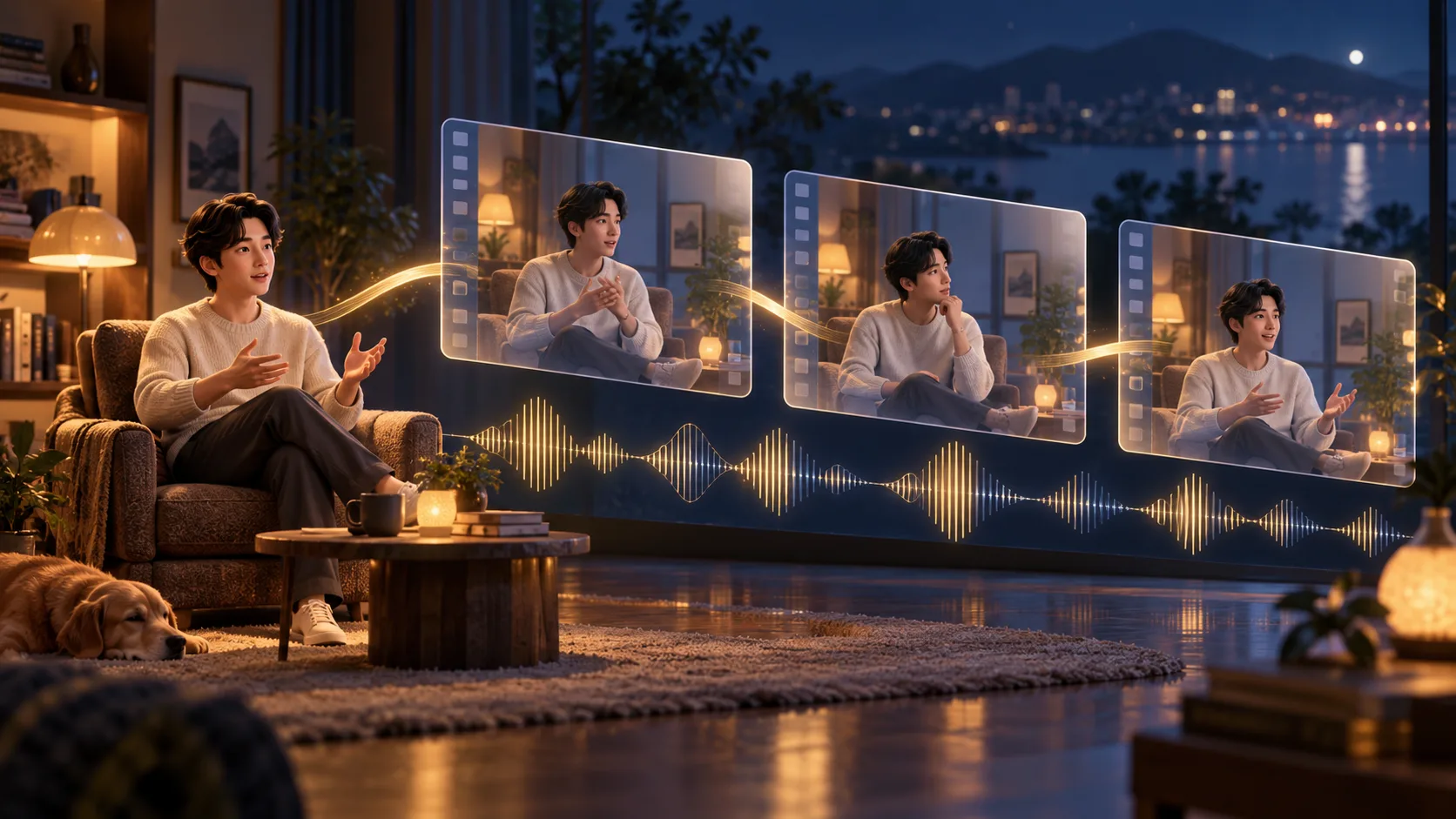
A first/last-frame adapter with a separate streaming implementation. A three-step graph alone does not provide the streaming runtime.
Model and files. Choose the FL2VA release. Robert1212star’s BF16 conversion is TaoMate-H3-FL2VA-3Step-ComfyUI-BF16.safetensors; taomate_h3_3step_comfy.safetensors belongs to the older release.
Trigger and settings. Use the release-specific guidance and scheduler. The converted file preserves rank-128 layout and token-refiner tensors; three steps alone is not a complete recipe.
Workflow. Load the conversion through an H3-compatible LoRA path and a matching endpoint-conditioning graph. The official streaming route additionally manages clean AV-KV state, blockwise denoising and endpoint guidance.
The conversion author checked tensor names/shapes, not independently verified full-checkpoint generation. The official FL2VA example is a multi-GPU configuration, not evidence that the streaming runtime fits a desktop GPU.
The BF16 conversion is approximately 1.24 GB and derives from the newer FL2VA adapter. Converting FP32 to BF16 changes stored values; it is not lossless compression. Select the source release before comparing file size, and inspect unused-key or shape-error messages after loading through the compatible LoRA node.
Distinguish local loading from the distributed runtime
The official FL2VA subproject is src/taomate-fl2av. Its example uses eight GPUs with TP2/SP4, 24 fps, 768×1376, recent-seven clean AV-KV and whole-clip decoding. The broader T2AV requirements describe Hopper/SM90, Linux, CUDA 12.8, PyTorch 2.8 and an eight-H20 validation configuration. A generic four-GPU option elsewhere does not qualify every FL2VA path.
An ordinary ComfyUI LoRA load does not install the blockwise denoising or persistent AV-KV policy. Similarly, available chunk latents do not establish playable low-latency streaming when the example still decodes the whole clip. Earlier T2AV benchmark numbers in the card belong to their original runtime and hardware, rather than a new FL2VA desktop benchmark.
The example's duration options also describe a native frame grid:
| CLI option | Frames | Playback at 24 fps |
|---|---|---|
--time 5 | 124 | 5.166667 seconds |
--time 10 | 260 | 10.833333 seconds |
--time 30 | 770 | 32.083333 seconds |
Inspect and trim picture and sound together if delivery needs an exact timeline. The published infer.py seated-presentation command is an example entry point; it does not document a universal two-picture interface. Inspect the subproject's accepted inputs before replacing assets. Choose the conversion to investigate local loading, or the official subproject when you can reproduce its distributed execution contract.
Original FL2VA model · ComfyUI conversion · Streaming runtime
By TaoLive AIGC. Documentation reviewed 2026-10-16.
Wuli Turbo 4-Step Adapter and Related Models
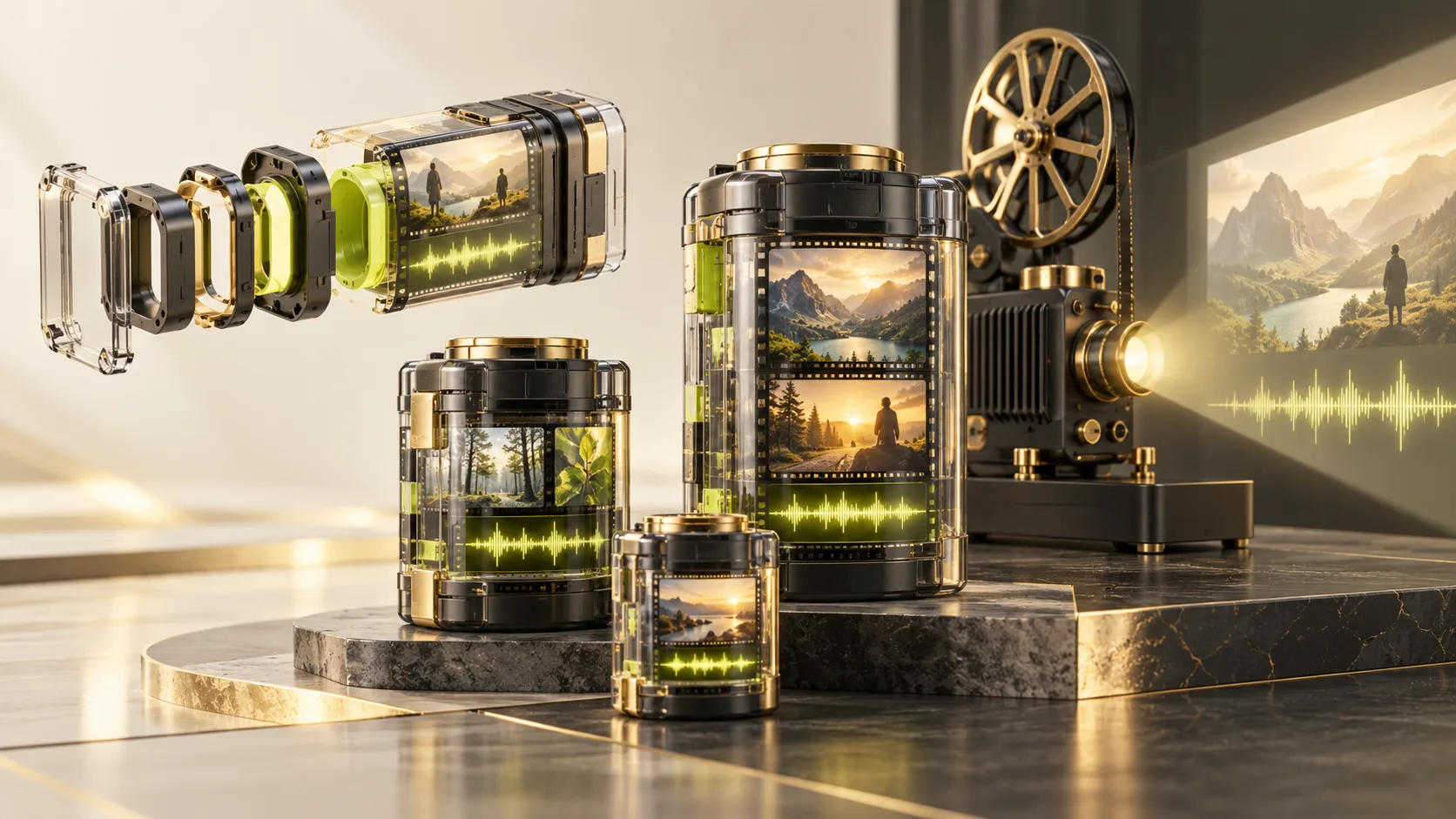
Fixed-step H3 packages with different loading contracts. Only the four-step frame-generation package is a compact adapter; six/eight-step packages are complete transformers.
Model and files. turbo-4step includes adapter deltas plus fused video/audio output projections and needs the official transformer. ref2va-turbo-8step is a separate complete reference transformer.
Trigger and settings. Use the dedicated Wuli node pack and selected variant’s supplied schedule. Generic LoRA loading omits the four-step package’s step-dependent projections.
Workflow. Import the matching example_workflows graph and connect Turbo Generate to Turbo Save MP4. Add first_frame/last_frame for endpoints. The Ref2VA graph instead uses Reference → Ref2VA Generate → Save MP4.
The example defaults are 1344×768, 124 frames at 24 fps. Preserve the selected model_root and shared components_root. Ref2VA image-reference smoke validation does not establish full video/audio-reference equivalence.
Install the nodes and select the frame-generation package
| Folder | Package type | Workflow selection |
|---|---|---|
turbo-4step | Compact adapter with fused output projections | Supplied four-step graph and official transformer components |
turbo-6step | Complete Diffusers-format transformer | Eight-step example changed to six, with the matching model source |
turbo-8step | Complete Diffusers-format transformer | Supplied eight-step graph |
ref2va-turbo-8step | Separate complete reference transformer | Dedicated Ref2VA graph and reference input nodes |
The node pack expects CUDA-enabled PyTorch in the Python environment that starts ComfyUI. Its documented installation is:
cd /path/to/ComfyUI/custom_nodes
git clone https://github.com/wuli-art/MiniMax-H3-Turbo-ComfyUI.git
cd MiniMax-H3-Turbo-ComfyUI
python -m pip install -r requirements.txt
For Windows Portable, use its embedded interpreter. Restart the ComfyUI server after installing or updating dependencies; refreshing the browser does not reload Python nodes. Missing PEFT or Qwen3-VL support should be resolved against the requirements file.
For automatic frame-model downloads, the documented default leaves model_root empty and uses MiniMaxAI/MiniMax-H3 as components_root. With local storage, point to the selected variant and retain the shared official components. Changing a visible step selector while retaining an eight-step local model directory does not complete a switch to four steps.
Leave both endpoint sockets disconnected for text-to-video; attach first_frame and optionally last_frame for image conditioning. Connect frames and audio to the MP4 save node. The default 124-frame export lasts about 5.17 seconds and produces H.264/AAC together, rather than a separate WAV deliverable.
Connect Ref2VA references in their intended order
Use MiniMax H3 Turbo Reference → MiniMax H3 Turbo Ref2VA Generate → MiniMax H3 Turbo Save MP4. Chain multiple Reference nodes through previous, preserving order. Each accepts a file path or the matching IMAGE/AUDIO socket, with kind set to the appropriate media type.
The reviewed guide allows up to nine pictures, three videos and three audio references, with at least one picture or video required. Set model_root empty for automatic reference-model downloads or point to the local Ref directory containing transformer/; keep official shared components under components_root. The standalone entry point is run_ref2va.py.
Switching between the frame and reference generators replaces a shared pipeline cache, so record that transition when measuring warm latency. The author's full-weight L20C image-reference smoke test produced a non-black 1344×768, 124-frame MP4 with non-silent stereo audio. Full-weight video/audio-reference coverage and numerical equivalence to the reference environment remained unverified in the validation statement.
The interactive comparison contains selected prompts and configurations, rather than a universal quality guarantee. Community F2 fusion references still need an actual released file and supported graph. Wuli's local packages also have a different execution identity from hosted H3 Max Turbo or LightX2V products.
Model packages · Nodes and examples · Ref2VA workflow
By Wuli-Art. Documentation reviewed 2026-10-24.
Load a LoRA without mixing incompatible recipes
- Choose the exact base and mode. Check FL2VA versus Ref2VA, the original versus pruned transformer, and the required precision. A small adapter still depends on the encoder, video VAE and audio VAE.
- Start from the matching graph. Ordinary adapters generally go in
ComfyUI/models/loras. PTD, HyperFlow and Wuli need their documented loaders or additional components; a standard LoRA node alone is insufficient. - Keep the recipe together. Use the selected release's trigger, strength, sampler and schedule where provided. Get that baseline working before adding another accelerator. Keep video/audio latent separation, decoding and saving intact.
- Save a reproducible take. Keep the workflow, exact files, seed and reference inputs with the finished clip. Compare the full motion and sound while changing one setting at a time.
The MiniMax H3 ComfyUI setup guide explains the shared model folders and basic workflows. Use the individual source links above for adapter-specific dependencies and hardware conditions.
Common questions when choosing a LoRA
Can a style LoRA be combined with an accelerator?
Use a combination supported by the chosen base, loader and schedule. A style adapter's compatibility with H3 does not validate every distilled checkpoint. Two speed adapters can impose conflicting sampling assumptions; reducing the steps in an arbitrary graph does not reproduce either method.
Are Remix, Singularity, LightVAE and Veda LoRAs?
Remix and Singularity are complete checkpoints. LightVAE changes video autoencoder components; Veda changes attention computation. They belong in model and runtime selection rather than an interchangeable LoRA stack. Wuli's full transformers are listed alongside its four-step adapter above so those downloads remain distinguishable.
Does a smaller file mean it runs on a smaller GPU?
File size measures the download, not total generation memory. The base model, text encoder, reference media, audio/video decoding and offloading policy still matter. A software memory limit on a large GPU does not demonstrate that the recipe runs on a smaller physical card.
Which LoRA can I try online here?
The LoRA generation page runs Realism People with text, keyframes or supported references. Its purpose is to generate a clip. This collection helps you choose resources, download the correct files and find their matching workflows.
New resources and versions will be maintained in this collection. Keep the original model card and exact workflow revision with any download you use.