
Wasserman's 80s Horror LoRA adds an analog horror aesthetic to MiniMax H3 video generation. Its named trigger is 80s_horror_wk, with separate prompt phrases for videotape and 16mm film. It is a style adapter with supplied ComfyUI workflows, rather than a standalone video model or a filter that guarantees the original scene stays unchanged.
Sam Wasserman announced the release on October 9. This guide checks the author's repository and prompt guide on October 16, 2026. We reviewed documentation rather than running the adapter. The settings are the author's starting points; H3Vid does not currently provide this named LoRA in its generator.
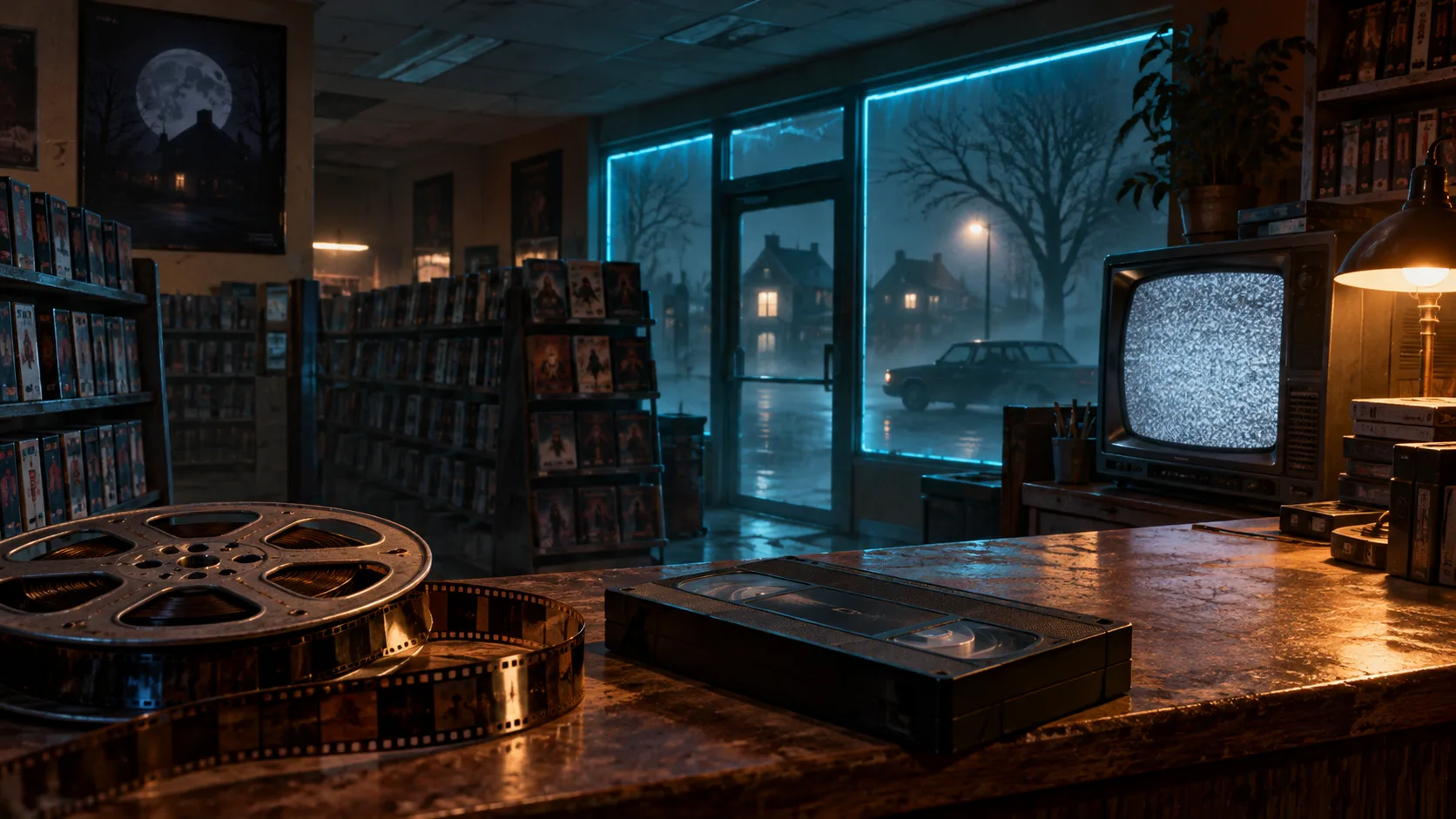
VHS and film are different choices
Begin the prompt with 80s_horror_wk, shot on VHS. for the tape-oriented look, or 80s_horror_wk, shot on 16mm film. for the film-oriented look. The author's examples associate the former with neon and analog video, and the latter with warmer grindhouse grain. Choose one initial direction so you can tell whether the adapter is responding to the format you intended.
Then describe the actual shot: place, subject, a clear action, camera movement, lighting, and sound. A style trigger is not a replacement for staging. For example, an original test brief could be: “80s_horror_wk, shot on VHS. An empty roller rink after closing. A disco ball slowly turns above still rental skates. The camera inches toward the dark doorway. Fluorescent hum and distant rain. No dialogue.” This is an untested example written for the structure, not a promised result.
For a second test, keep the scene and seed fixed and change only the format phrase. That makes the difference easier to interpret than simultaneously changing camera movement, duration, strength, and lighting. A later production prompt can be more elaborate after the basic look is understood.
Install the adapter and its matching workflows
The release page supplies 80s_horror_wk.safetensors. Place it in ComfyUI/models/loras/, then import either workflows/80s_horror_t2v.json or workflows/80s_horror_i2v.json from the repository. The text-to-video graph creates a scene; the image-to-video graph starts from your picture.
The supplied graph also requires H3's diffusion model, text encoder, video VAE, and audio VAE. The README names these files and folders:
| File | ComfyUI folder |
|---|---|
minimax_h3_fl2va_pruned_int8_convrot.safetensors | models/diffusion_models/ |
qwen3vl_32b_minimax_h3_nvfp4_awq.safetensors | models/text_encoders/ |
minimax_h3_video_vae_fp16.safetensors | models/vae/ |
minimax_h3_audio_vae_fp32.safetensors | models/vae/ |
Use the linked Comfy-Org source for those dependencies rather than assuming the small LoRA includes them. Open the graph and verify every loader selection, particularly if your local files use different names. A model appearing in a dropdown proves discovery, not complete compatibility.
The author also provides shell and PowerShell installers. They add the LoRA and workflows and report missing base files; the optional model-download mode is roughly 42 GB. For an existing H3 installation, manual placement makes it easy to reuse your current files and see exactly which graph is being loaded.
Start with the documented sampling recipe
The recommended baseline is strength 1.0, res_multistep, twenty steps, and either 1280×704 or 1344×768. The suggested clip range is 124–192 frames at 24 fps. Those are useful controlled starting settings, not measured quality guarantees for every subject or hardware configuration.
Lower strength can make the visual treatment subtler; stronger treatment can compete with the composition or appearance you want to preserve. Evaluate one change at a time. Do not start by stacking another acceleration adapter and then attribute every artifact to the horror LoRA. An interaction between adapters is a separate experiment.
The author reports training on forty-eight eight-second shots, split between VHS and 16mm, with audio included. That supports trying dialogue and environmental sound, but does not establish a dedicated voice-cloning feature. Describe sound explicitly and listen for timing, intelligibility, and abrupt transitions. No project audio comparison has been performed here.
Review a complete shot, not one attractive frame
Check whether the chosen era holds during movement, whether clothing and objects remain coherent, and whether the camera completes the requested action. For image-to-video, compare the starting subject with later frames; an appealing period look can still change details that matter to the shot. Keep the source image and the exact graph alongside the chosen take.
The repository separates Apache-licensed workflow and installer code from weights governed by the MiniMax H3 Community License. Its NOTICE requires credit to Sam Wasserman when applicable to use, forks, or redistribution. Review the repository's weight terms and preserve the relevant notices. The free download does not erase upstream conditions.
For general adapter concepts, see MiniMax H3 LoRA; for base setup, see the ComfyUI guide. Use those to prepare the environment, then return to the author's exact files when testing this specific analog style.